
blueprints discovery ai-powered
Discovering Custom Blueprints
Lattice Lab •
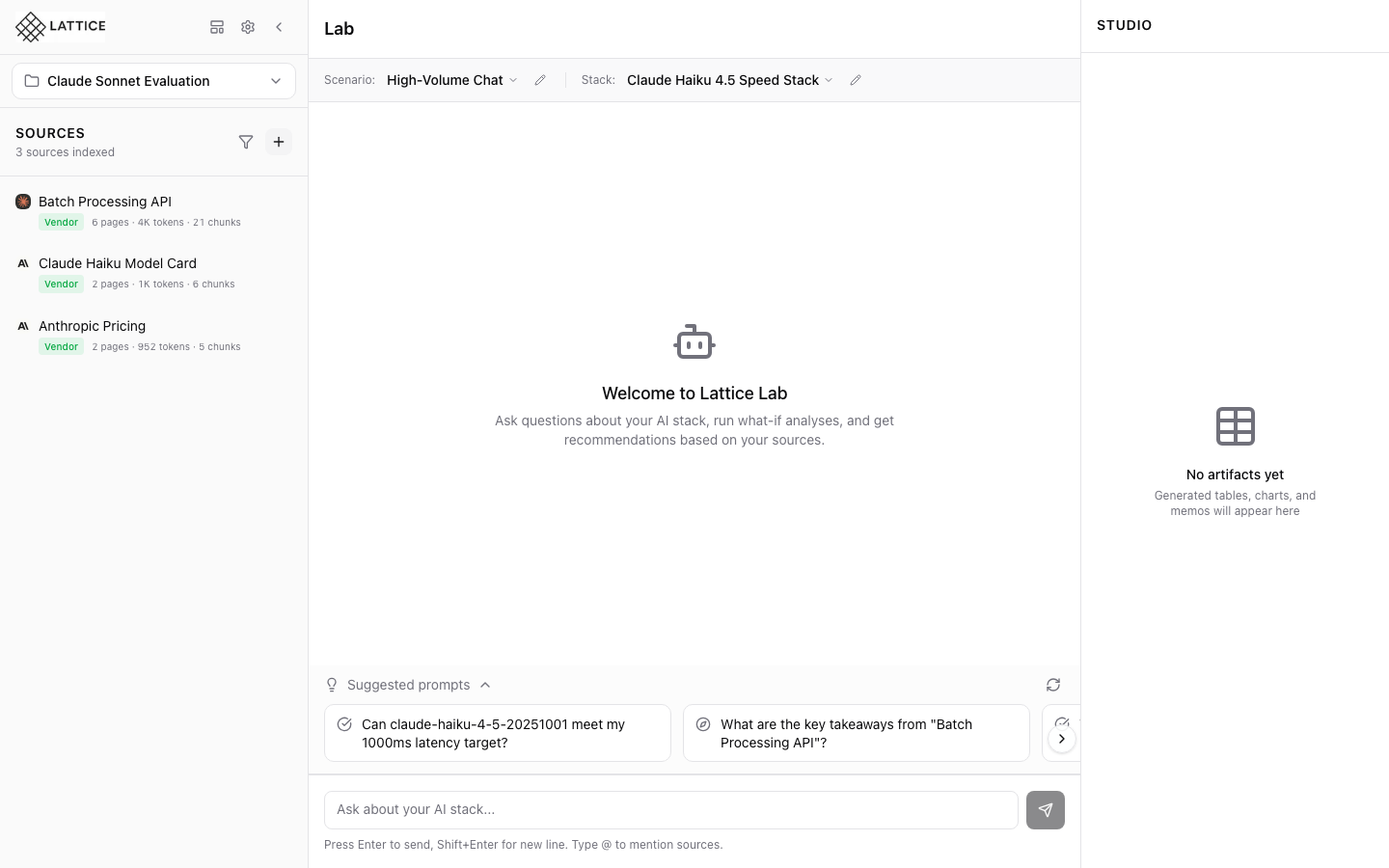
When I need a blueprint for a topic not in the gallery, I want to use AI discovery, so I can generate a custom knowledge bundle.
Introduction
The 36 curated blueprints cover common use cases, but what if you need something specific? Blueprint Discovery uses AI to generate custom blueprints for any topic—finding relevant sources, suggesting scenarios, and recommending stacks.
Starting Discovery
- Open the Blueprint Gallery
- Click the Discover button (sparkles icon)
- Describe your topic or use case
- Let AI generate a custom blueprint
What Gets Generated
Discovery creates a complete blueprint:
- Relevant Sources — URLs to official documentation
- Appropriate Scenarios — Workload configurations
- Recommended Stacks — Model and infrastructure options
Example Prompts
- “Create a blueprint for fine-tuning Llama models on AWS”
- “Build a RAG blueprint for legal document analysis”
- “Generate a comparison blueprint for code generation models”
Reviewing and Applying
Review the generated blueprint before applying:
- Check that sources are relevant
- Verify scenarios match your needs
- Adjust stack recommendations
Click Apply to add to your workspace, or Save to the gallery for later use.
Next steps: Customize the generated blueprint for your specific needs.
Ready to Try Lattice?
Get lifetime access to Lattice for confident AI infrastructure decisions.
Get Lattice for $99