
Decisions. Documented.
Save Artifacts
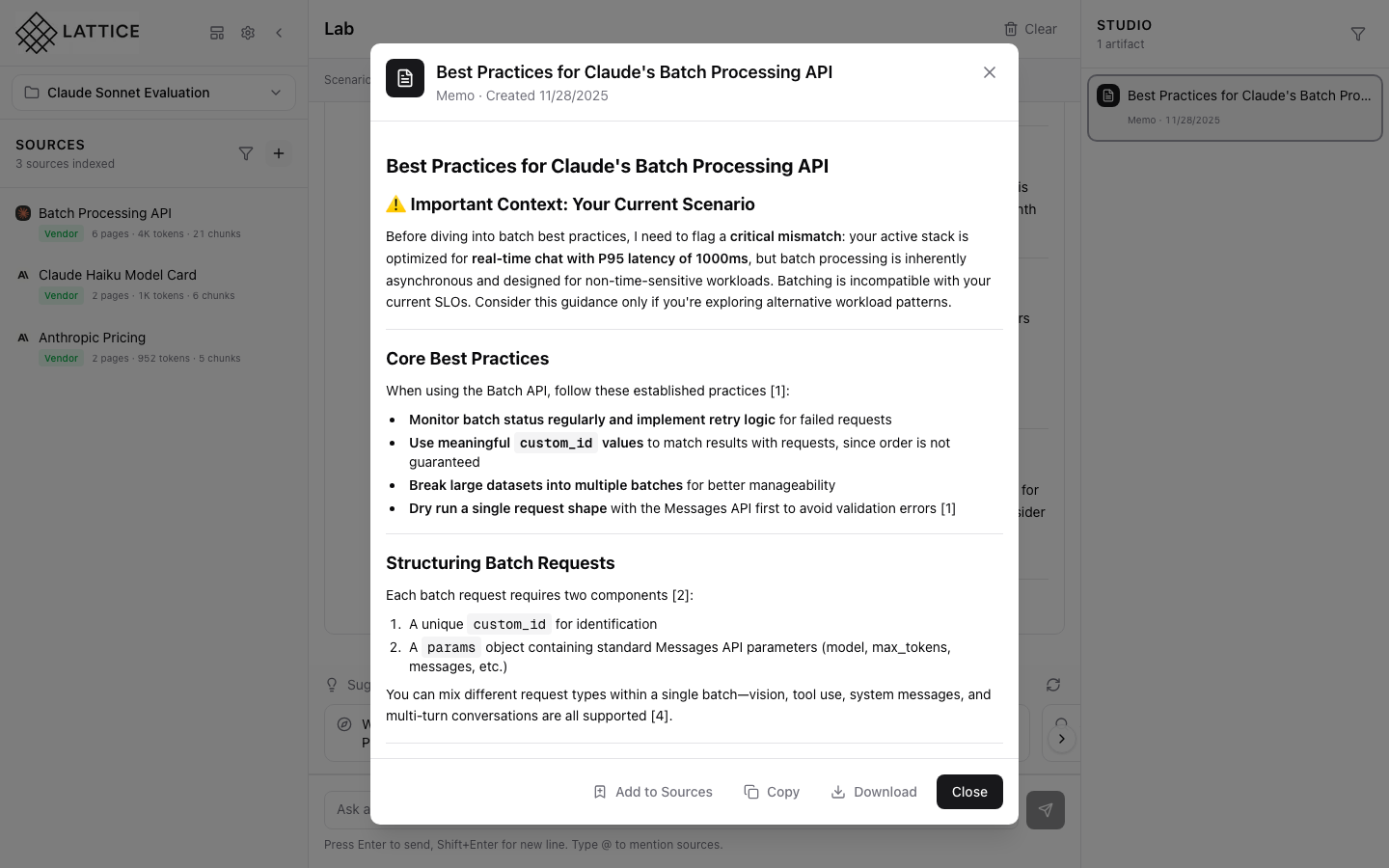
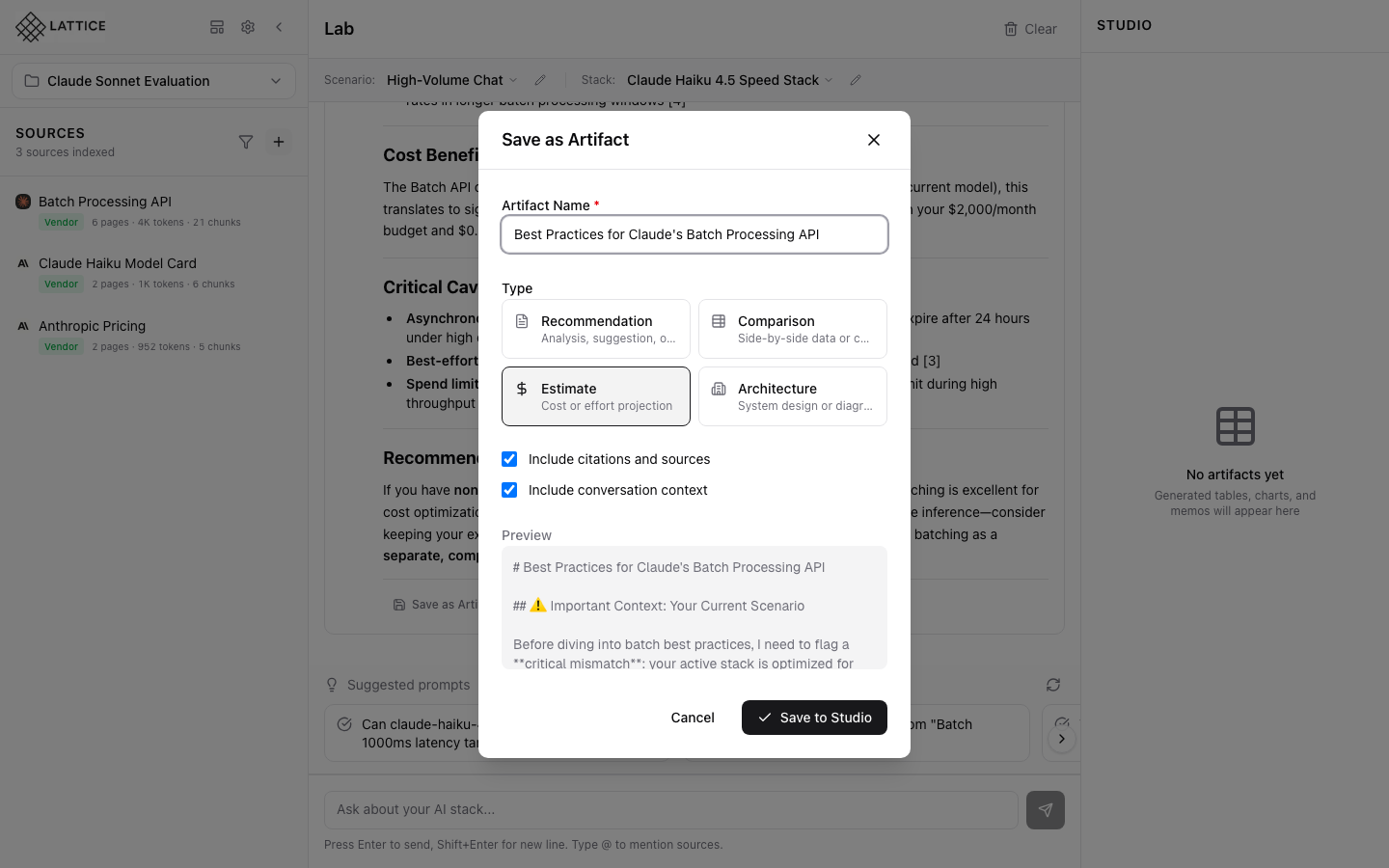
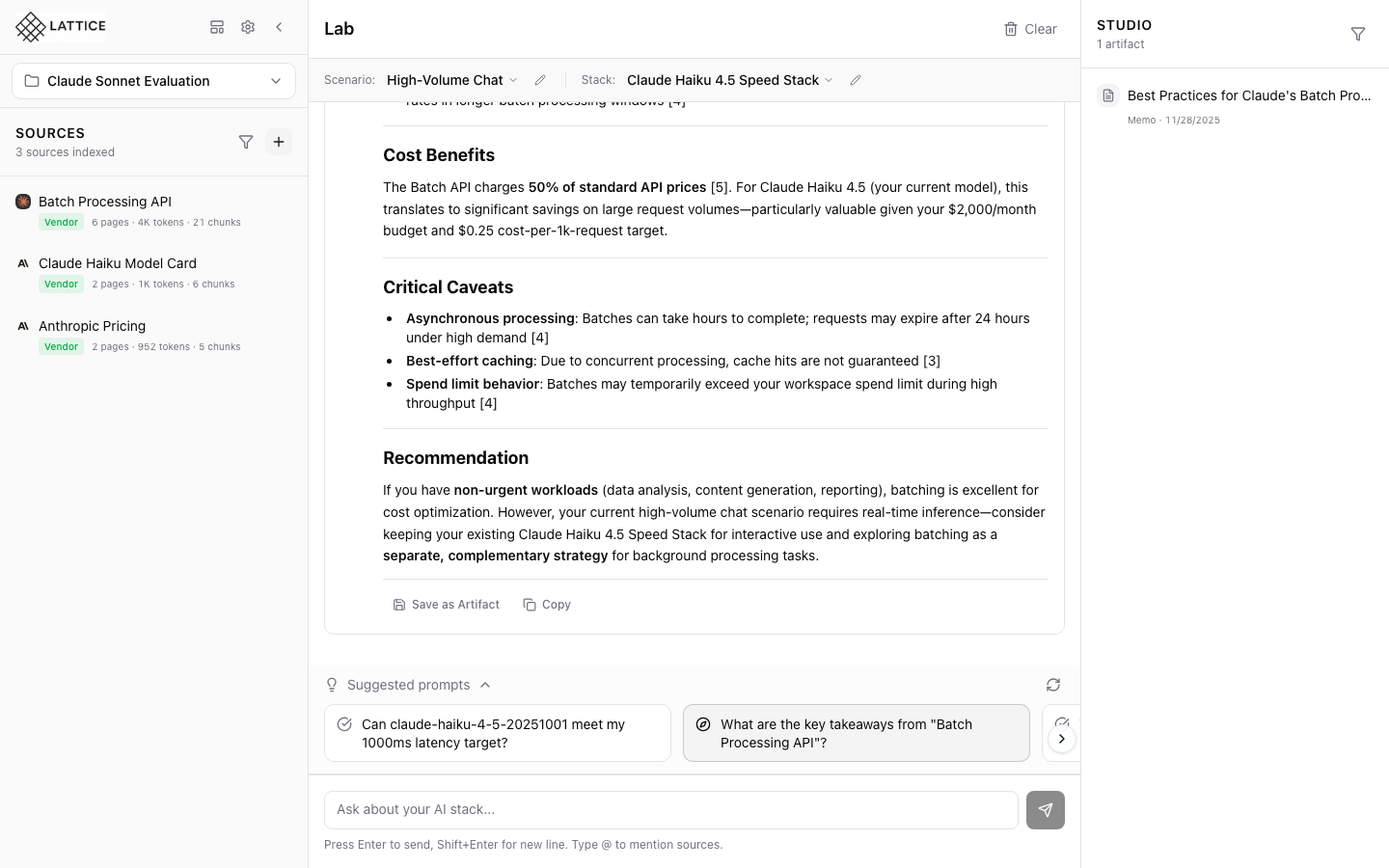
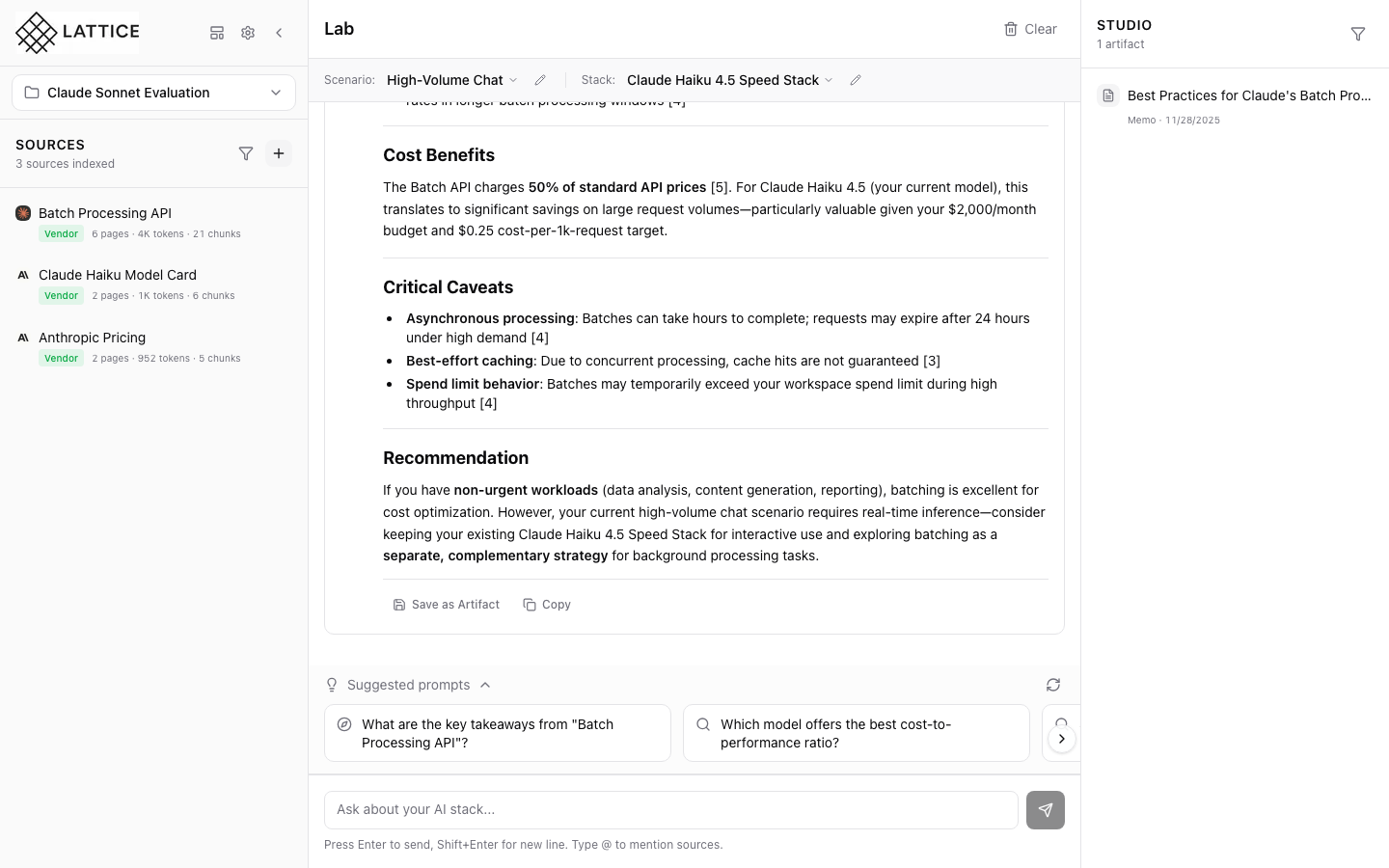
Save any AI response as a named artifact for future reference. Build a library of research findings, comparisons, and recommendations.
- One-click save from any chat response
- Custom naming for organization
- Preserved citations and formatting
- Automatic metadata capture
- Tag and categorize artifacts
Artifact Types
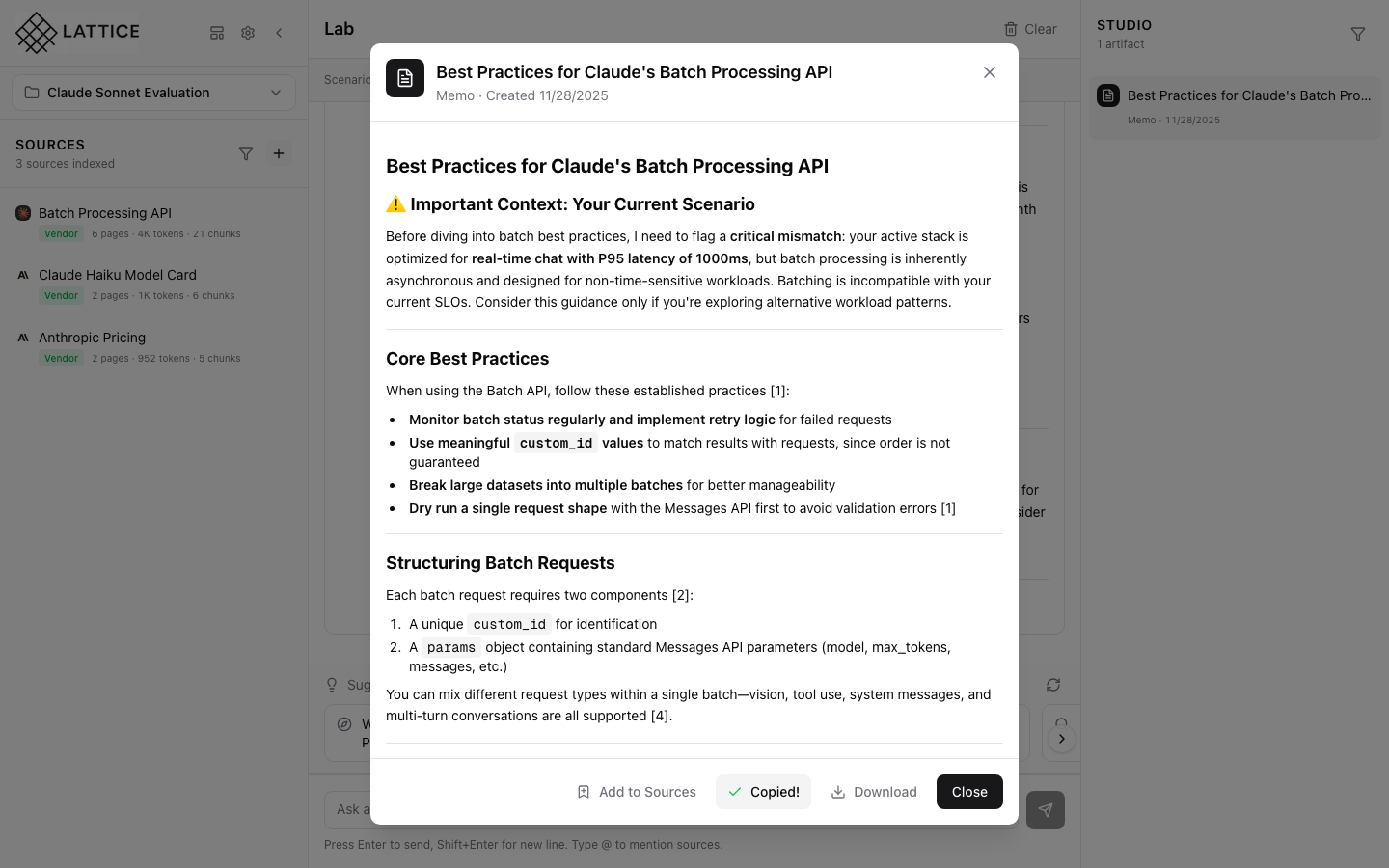
Create structured artifacts directly from your research. Generate comparison tables, cost analyses, and decision memos with full citations.
- Comparison tables with source citations
- Cost analysis breakdowns
- Executive decision memos
- Technical summaries and recommendations
Export Options
Export artifacts in multiple formats for different use cases. Share with stakeholders, import into other tools, or archive for future reference.
- CSV: For spreadsheet analysis
- JSON: For programmatic access
- Markdown: For documentation
- PDF: For executive sharing
Version History
Track your artifact history with versioning. Browse past artifacts, compare changes, and maintain a complete audit trail for decisions.
- Complete artifact timeline
- Version tracking and comparison
- Decision provenance audit trail
- Restore previous versions
Technical Specifications
Everything you need to know about the Studio panel's artifact capabilities and export formats.
Artifact Types
- Tables - Comparison matrices
- Memos - Decision documents
- Reports - Technical summaries
- Lists - Ranked recommendations
Export Formats
- CSV - Spreadsheet compatible
- JSON - Structured data
- Markdown - Documentation
- PDF - Print-ready
Organization
- Tags - Custom categorization
- Search - Full-text search
- Filters - By type, date, scenario
- History - Version tracking
Learn More About Studio
Explore guides and documentation to get the most out of artifact management.
Journey Guides
Turn Research into Action
Generate executive-ready artifacts with full citations and export options.
Get Lattice for $99