
Smart AI System Decisions
Step-by-step guides to master AI infrastructure research.
All Guides
53 guides
 Featured
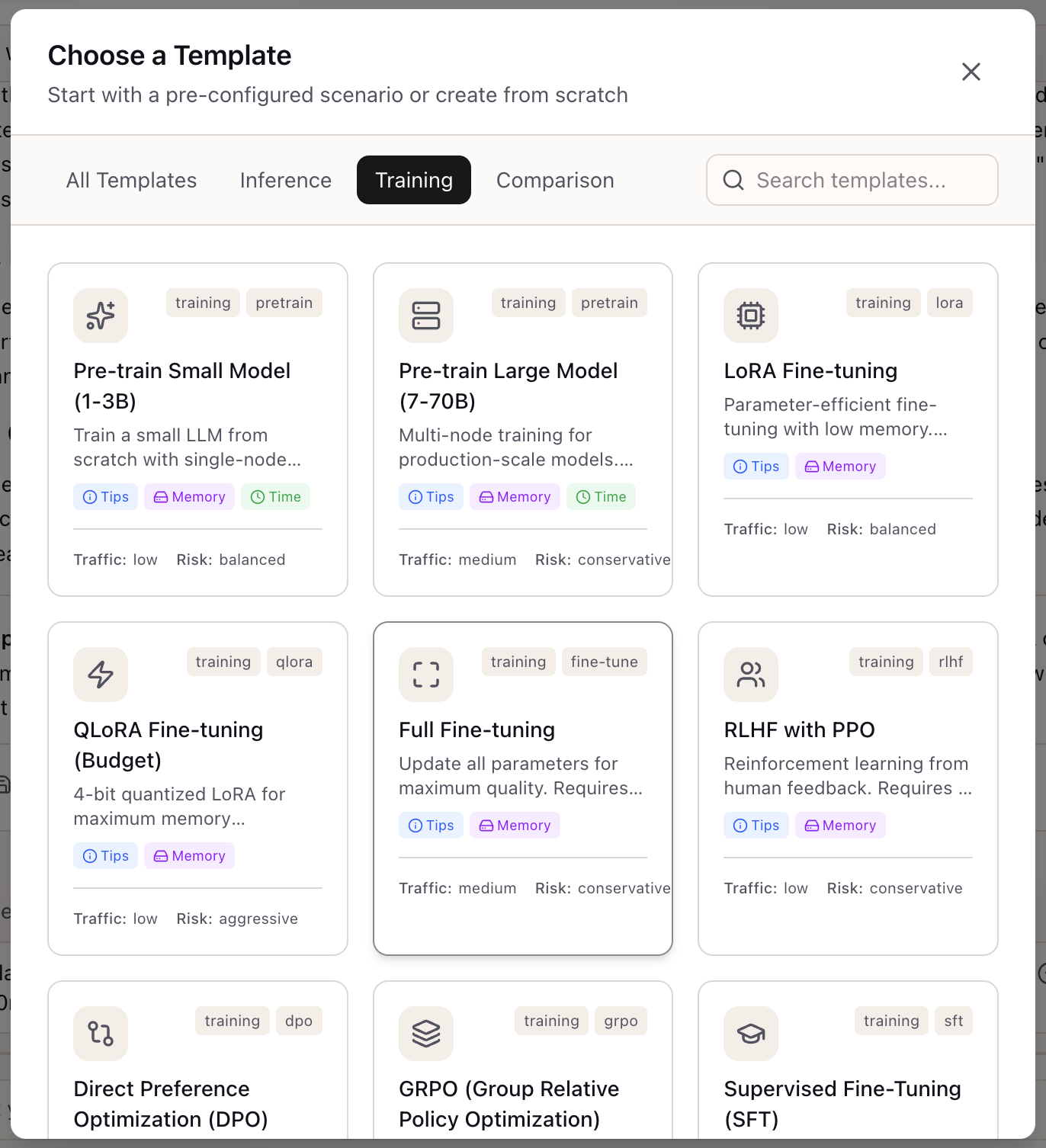
 Beyond Basic Inference: Workflow Templates for Self-Hosting, Distillation, Quantization, and Edge
13 pre-built templates for advanced AI workflows with specialized configuration schemas for production deployment.
Comparing Claude, GPT-4, and Gemini: A Guide to Model Selection
Use the Model Registry to compare capabilities, pricing, and features across AI providers in one unified interface.
The Compare-Scenarios Journey: From Alternatives to Decision Artifacts
Systematically evaluate infrastructure options and produce stakeholder-ready comparison data with export capabilities.
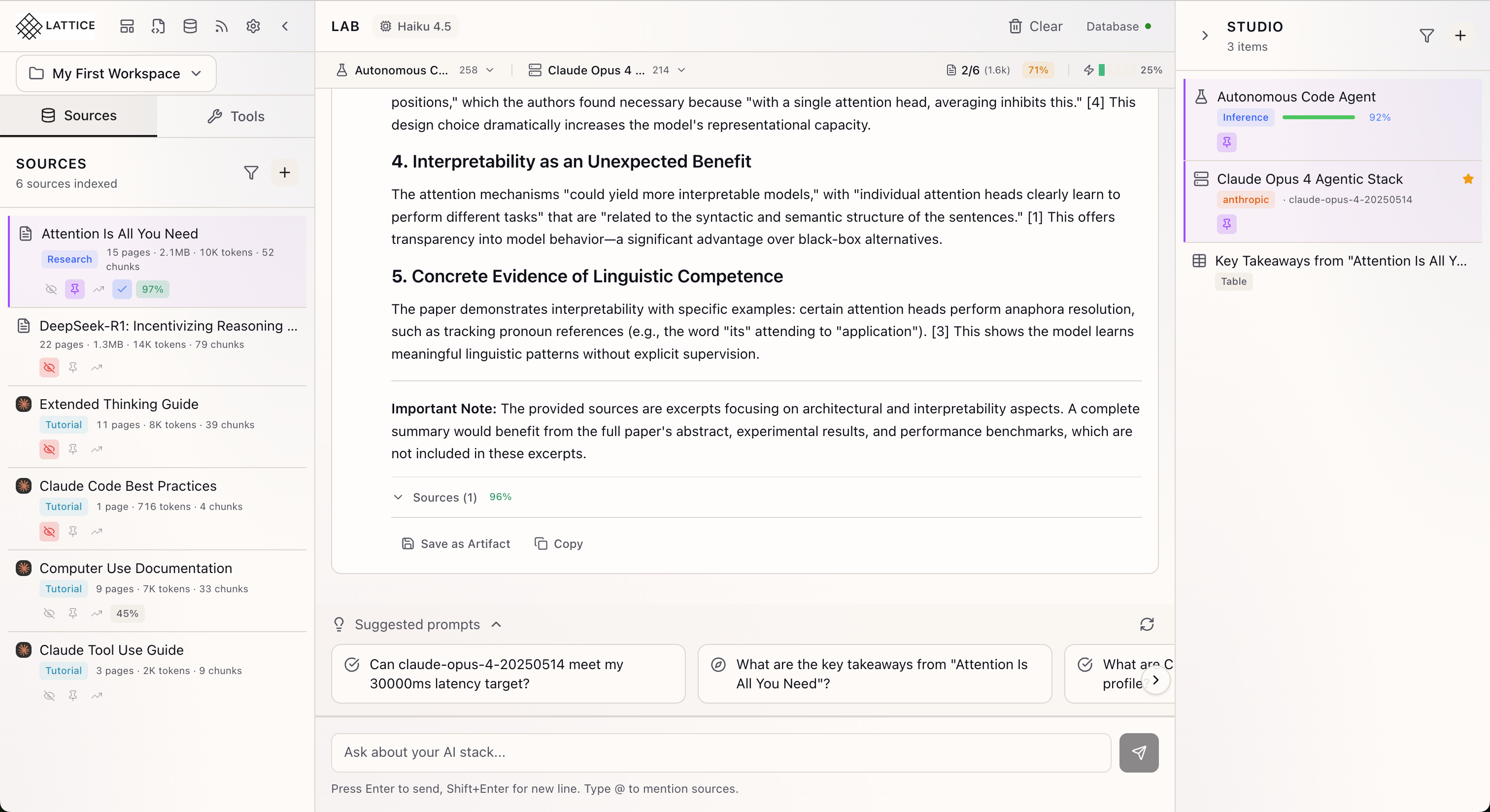
Stop Flying Blind: See Exactly What Context Your AI Is Using
Complete transparency into the tokens that shape your AI's responses with Lattice's unified context bar system.
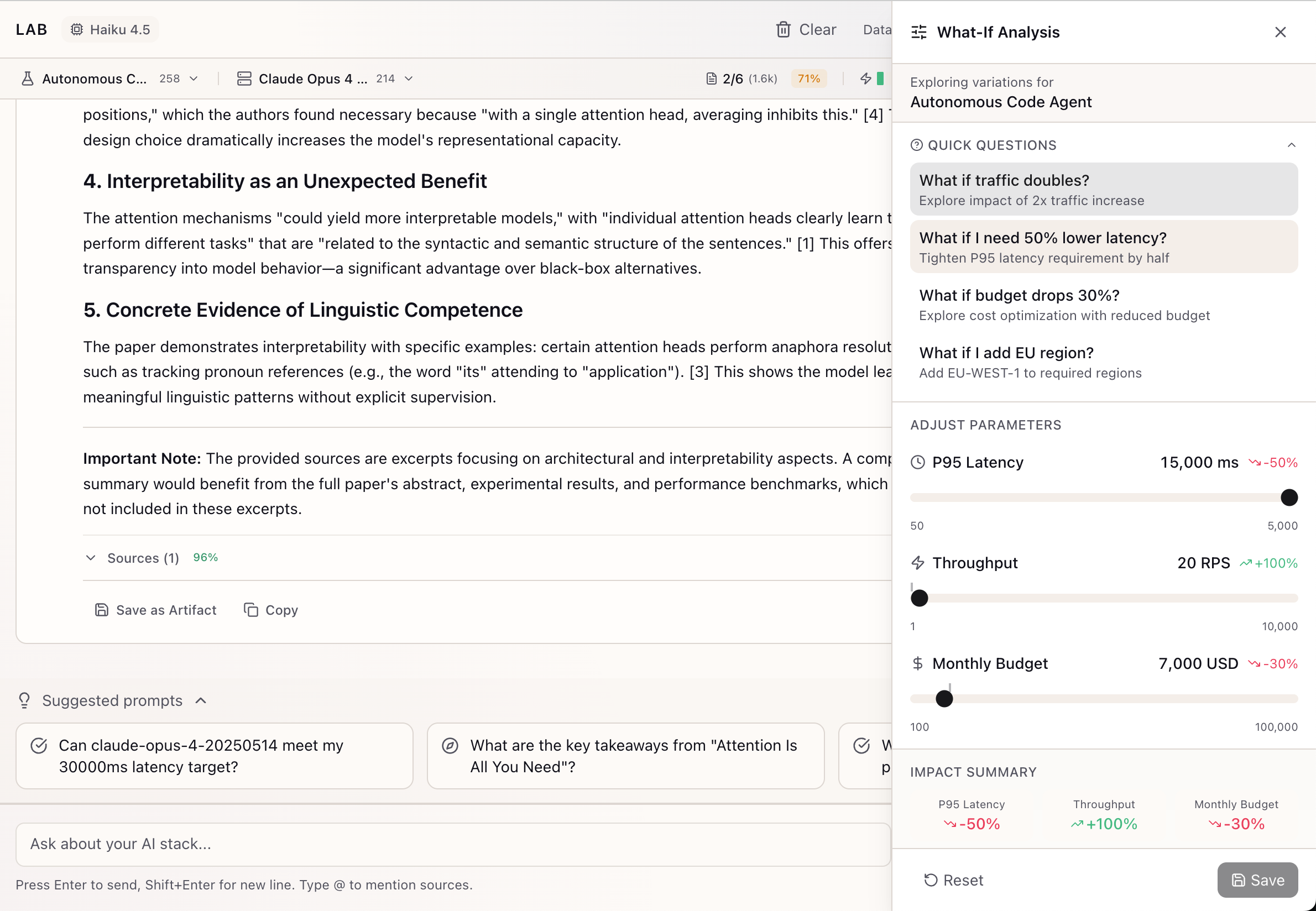
From Educated Guesses to Data-Driven Trade-offs: The What-If Exploration Journey
Systematically explore infrastructure alternatives before committing to decisions with interactive sliders and impact previews.
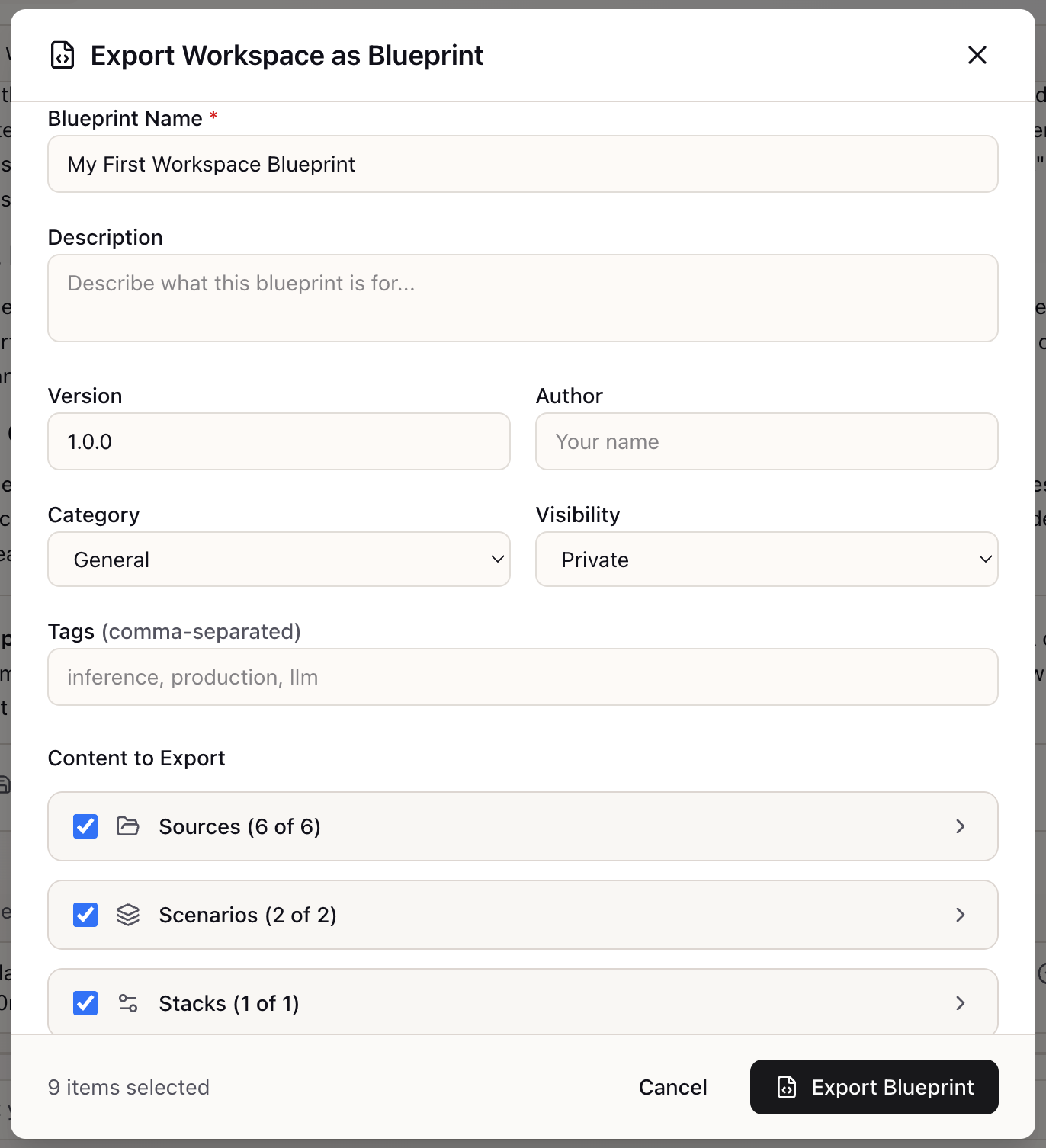
The Export-Blueprint Journey: Package Your Infrastructure Decisions for Reuse
Turn weeks of configuration work into a shareable, version-controlled YAML artifact with selective export.
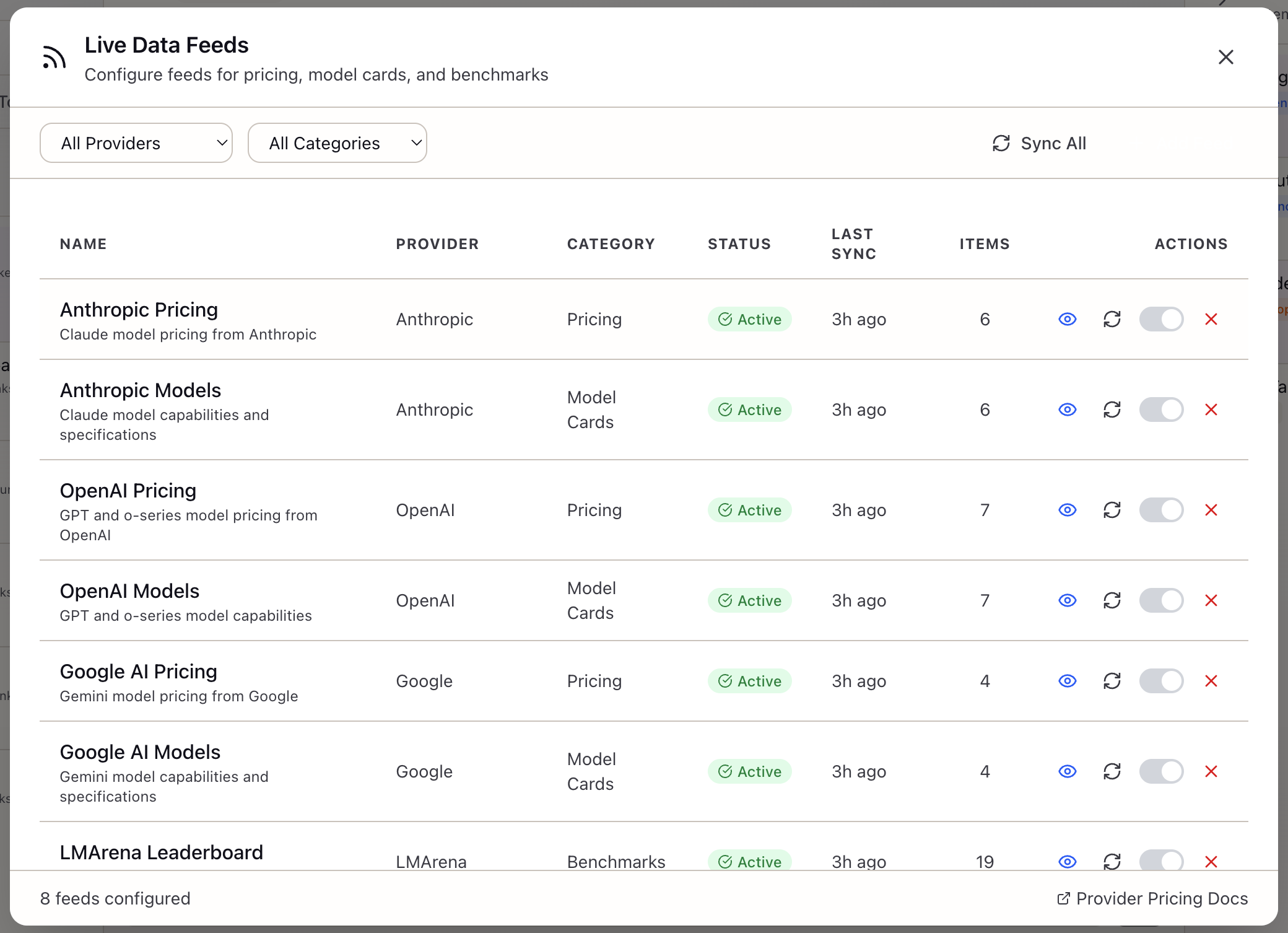
When Stale Data Costs You Real Money: Live Data Feeds for AI Infrastructure
Keep pricing, benchmarks, and model capabilities current without manual updates through automated feed syncing.
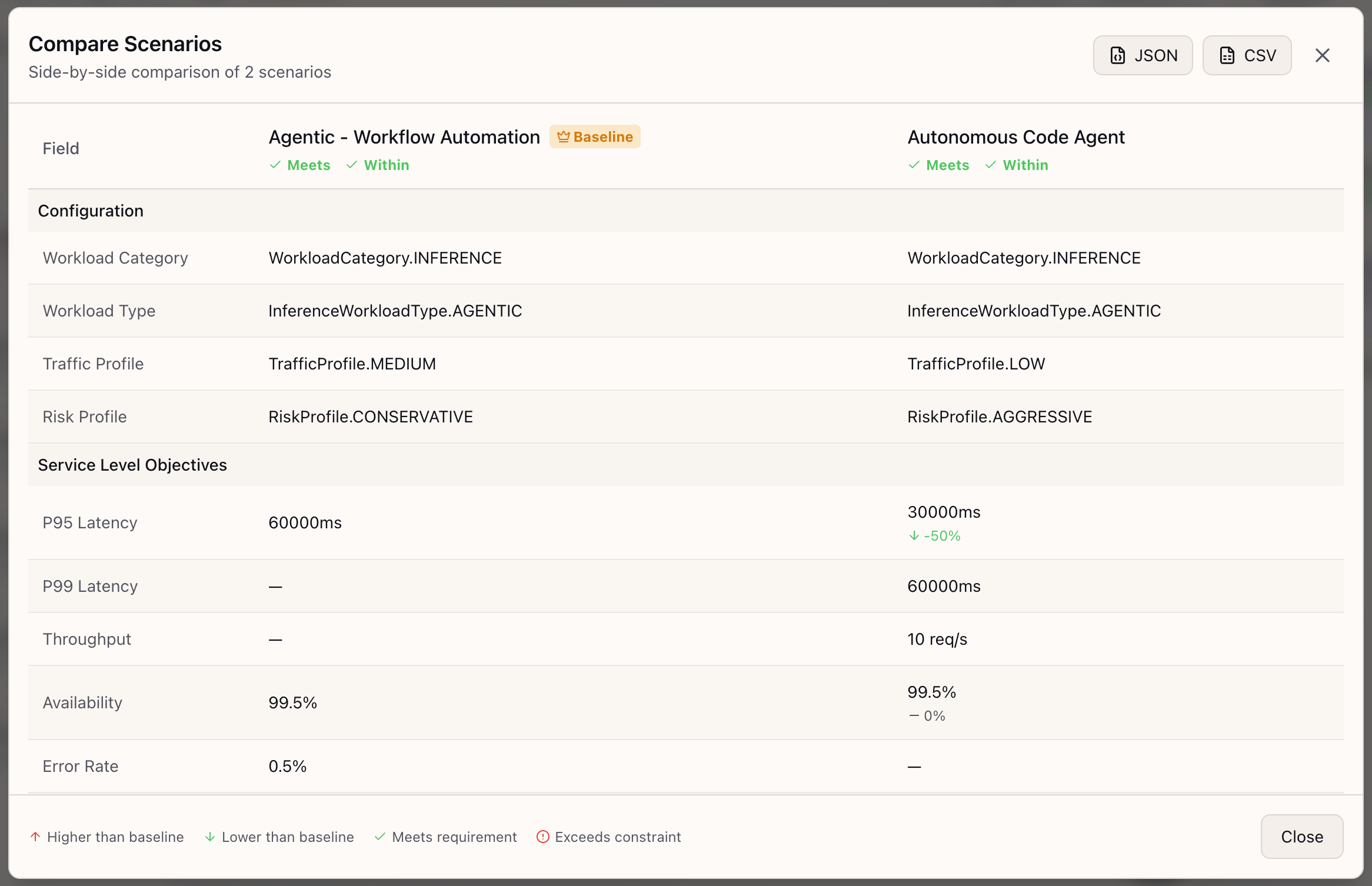
Stop Defending Infrastructure Decisions with Handwaving
Side-by-side scenario comparison with delta highlighting and export for stakeholder-ready decision artifacts.
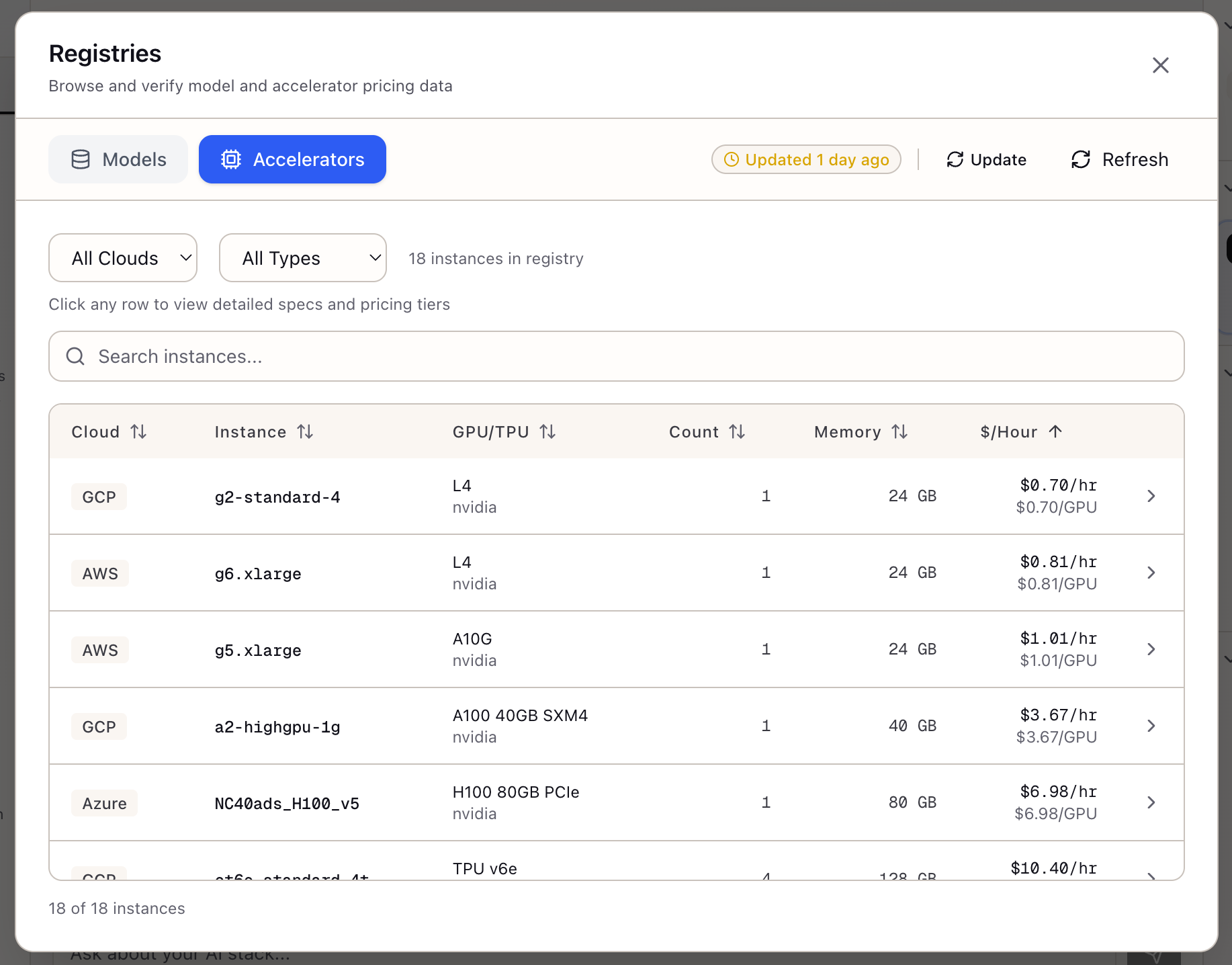
Accelerator Registry
Browse and compare GPU instances across AWS, GCP, and Azure with unified specs, pricing tiers, and spot availability in one interface.
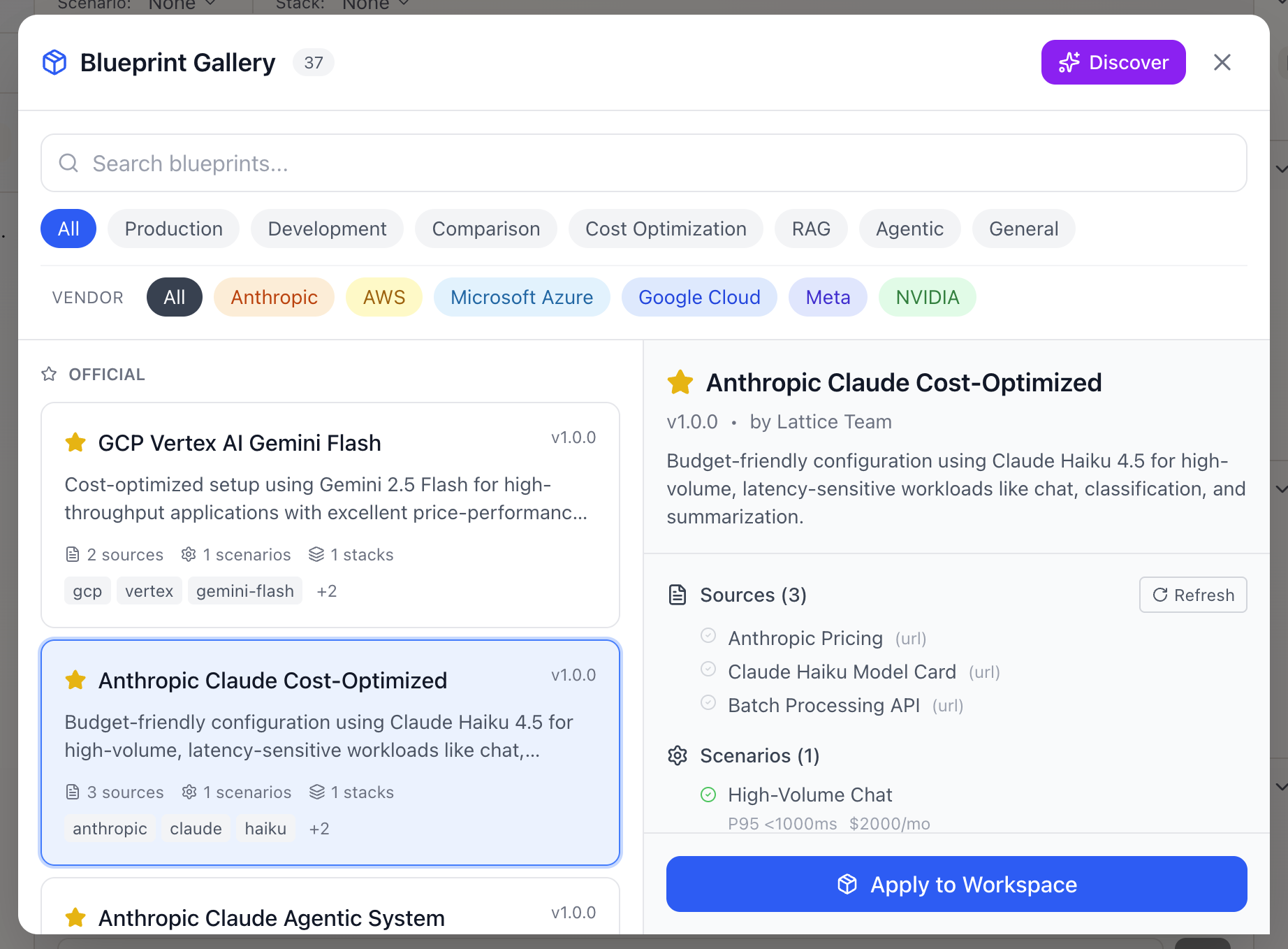
Exploring the Blueprint Gallery
Skip the setup with pre-built knowledge bundles that package sources, scenarios, and stack configurations for instant productivity.
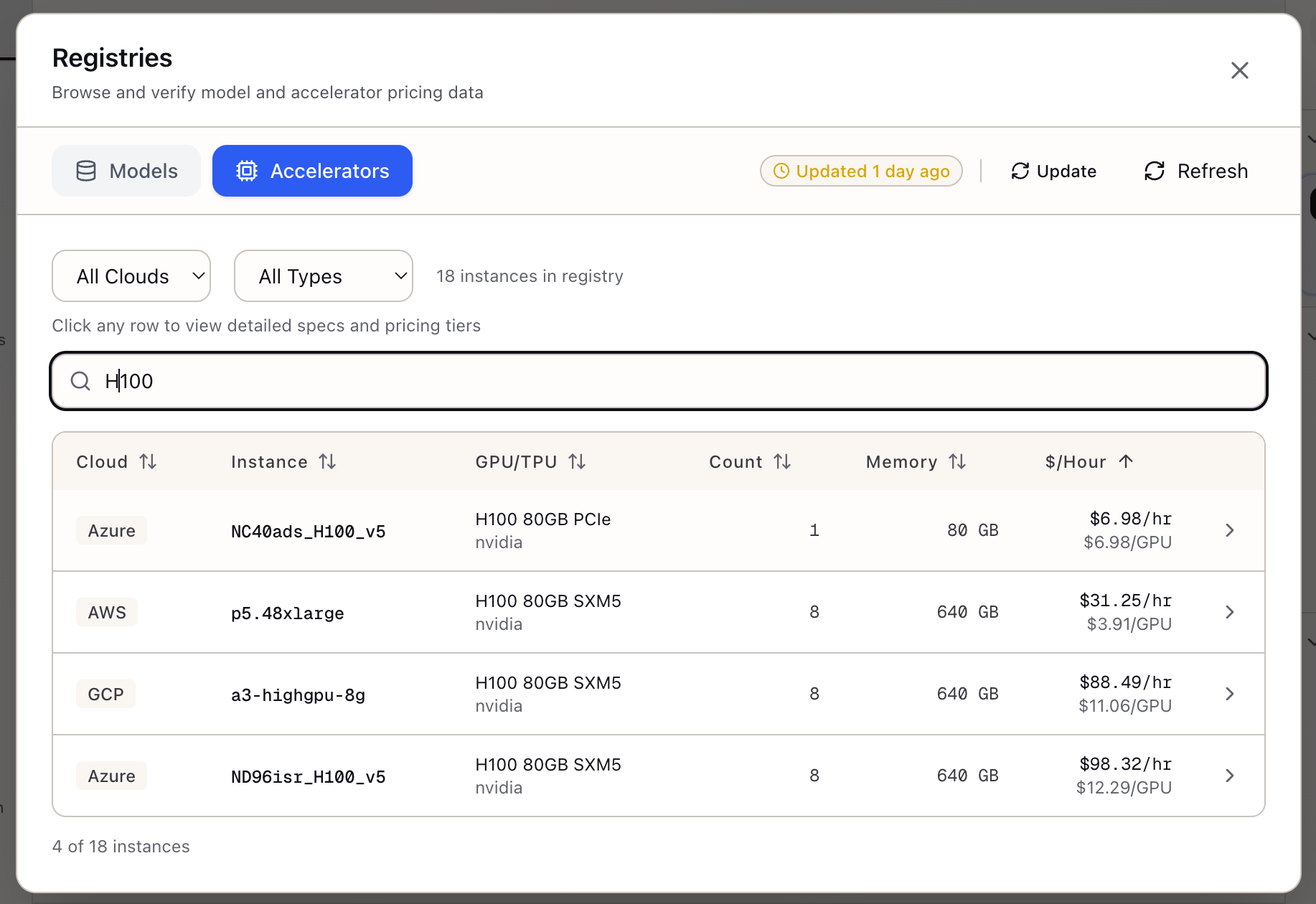
Selecting Cloud GPU Instances
A step-by-step guide to using the Accelerator Registry to compare GPUs and make informed infrastructure decisions.
Creating Your First Model Evaluation
A step-by-step guide to setting up rigorous evaluations with LLM-as-Judge scoring for your specific use case.
Evaluation Comparison
Compare evaluation results across models with confidence intervals, statistical significance, and export-ready reports.
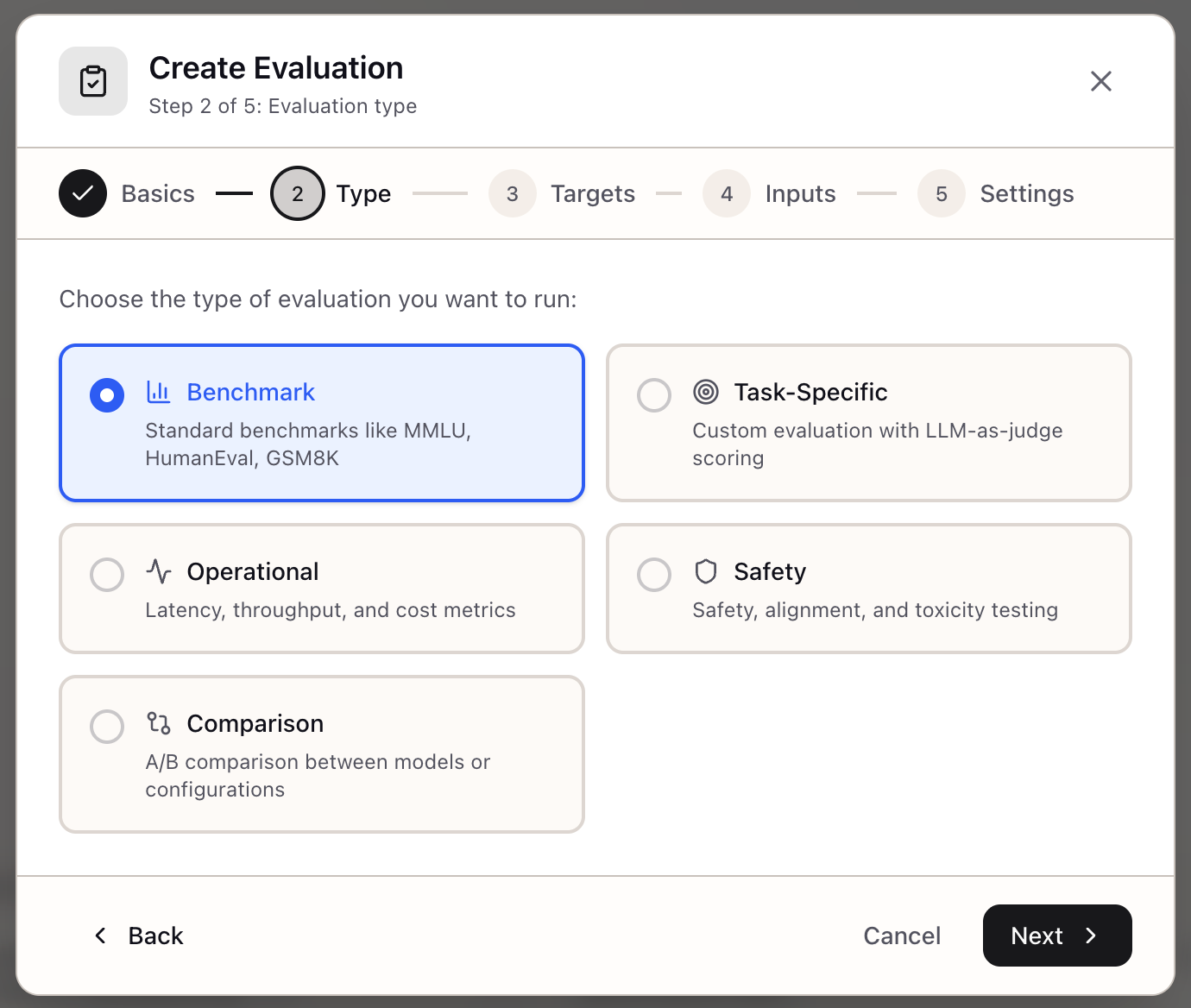
Evaluation Framework
Create structured evaluations with benchmarks, custom test sets, and LLM-as-Judge scoring to measure model quality systematically.
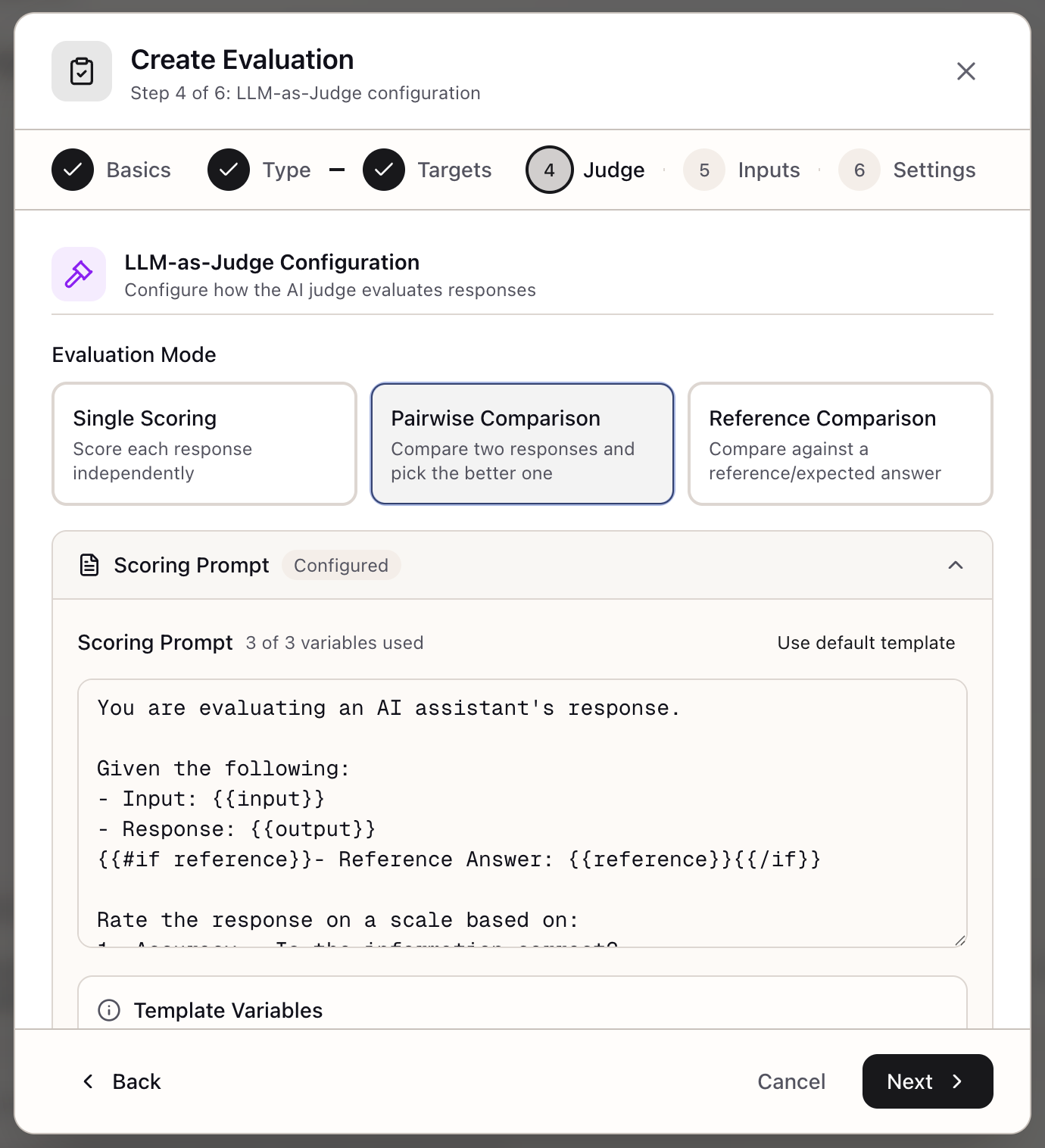
LLM-as-Judge Evaluation
Build nuanced, domain-specific evaluation with custom scoring prompts and rubrics that capture what matters for your use case.
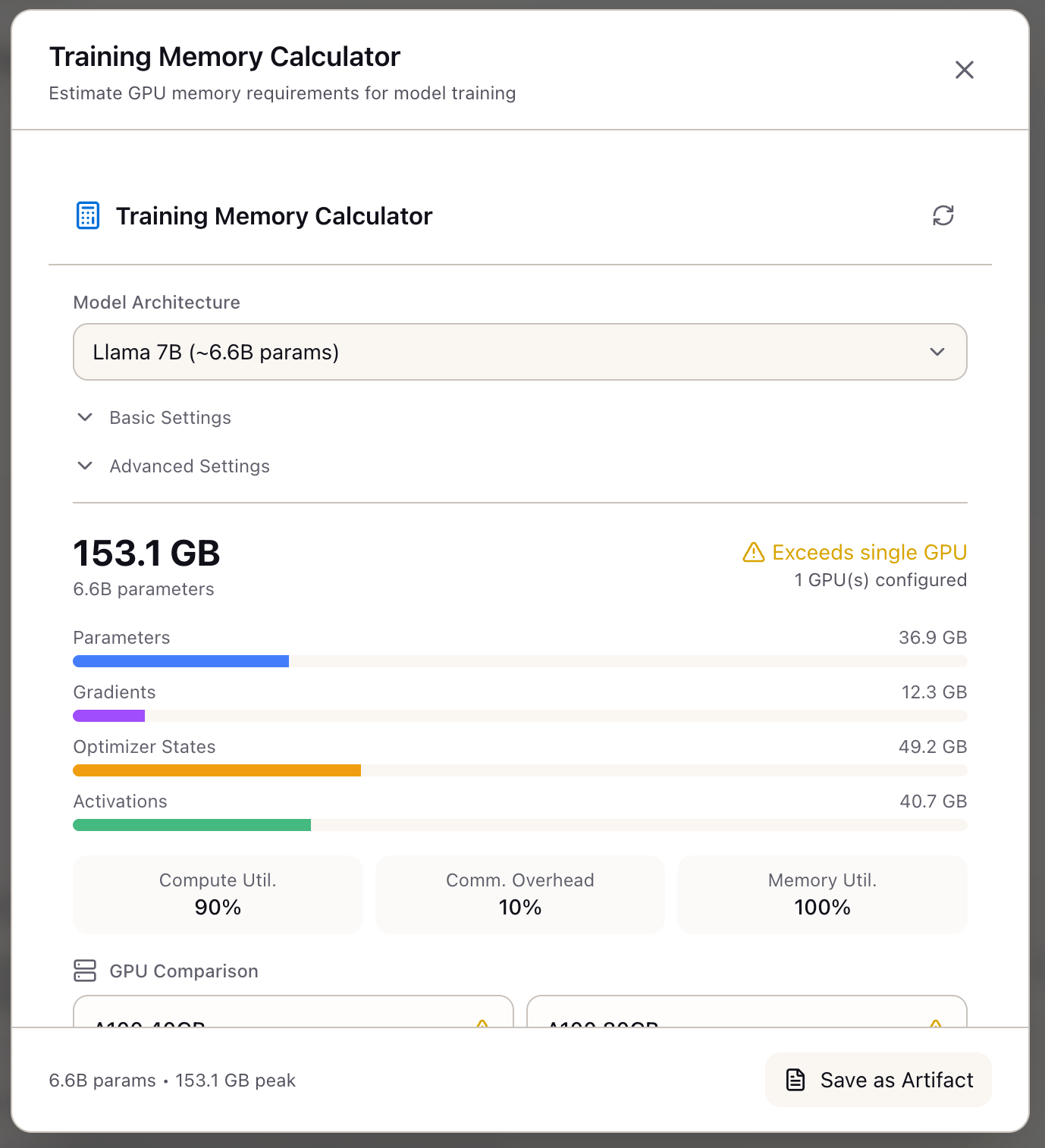
Using the Memory Calculator
Estimate GPU memory requirements for model training before committing to infrastructure using formulas from the HuggingFace Ultrascaling Playbook.
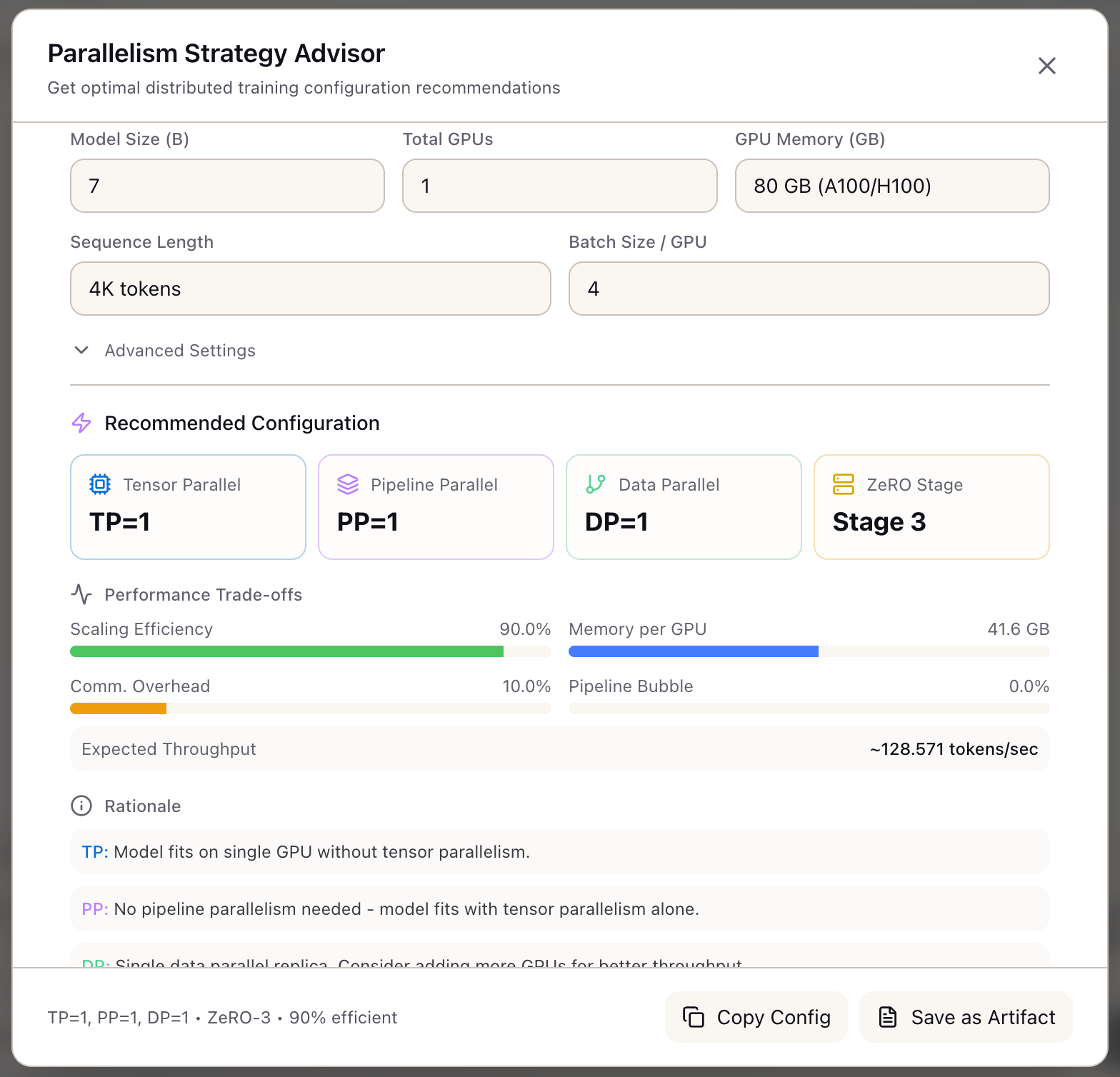
Parallelism Strategy Advisor
Get expert-level TP/PP/DP/ZeRO recommendations for distributed training using the HuggingFace Ultrascaling Playbook decision tree.
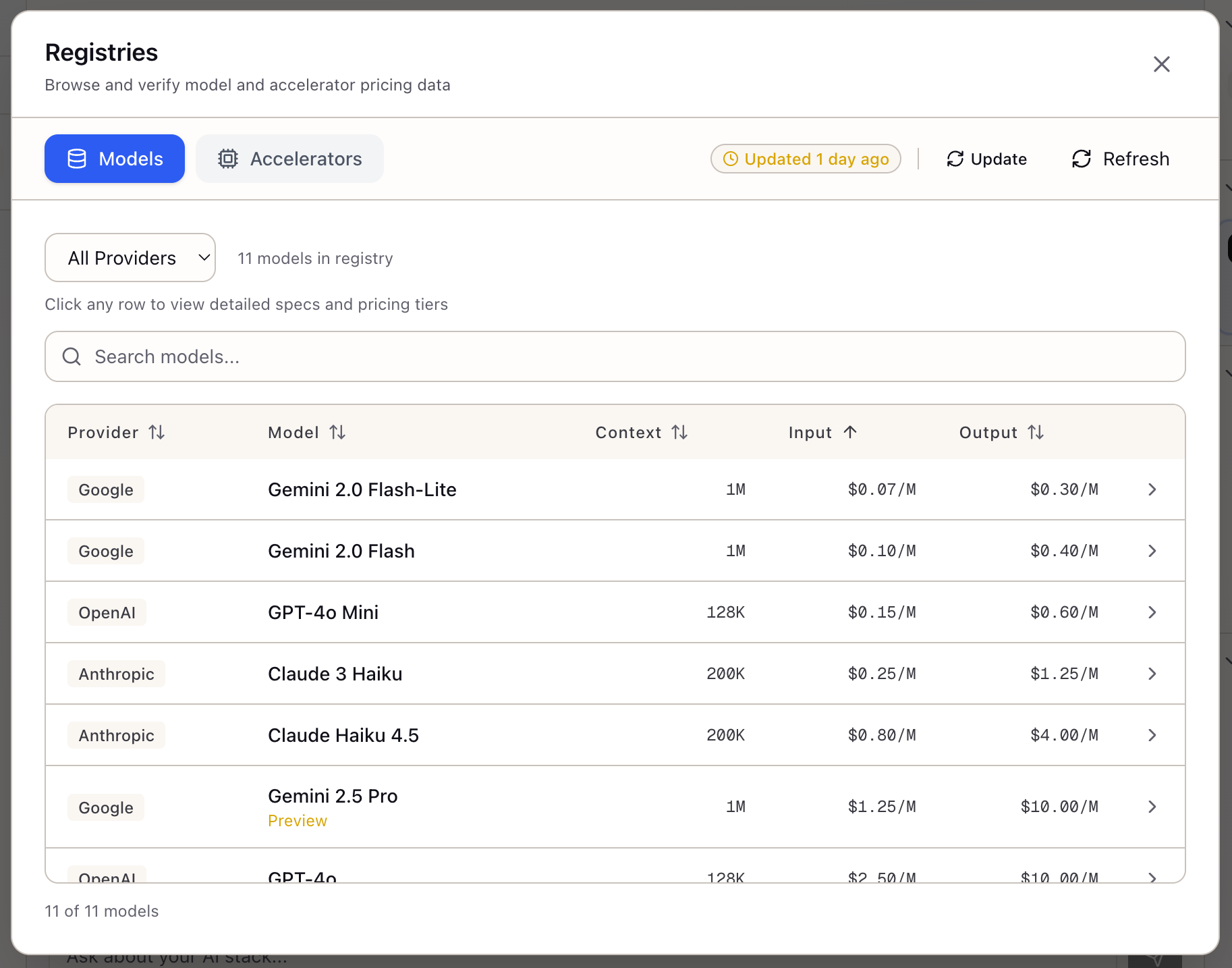
Browsing the Model Registry
Compare capabilities, pricing, and constraints across models from Anthropic, OpenAI, and Google in a centralized, searchable registry.
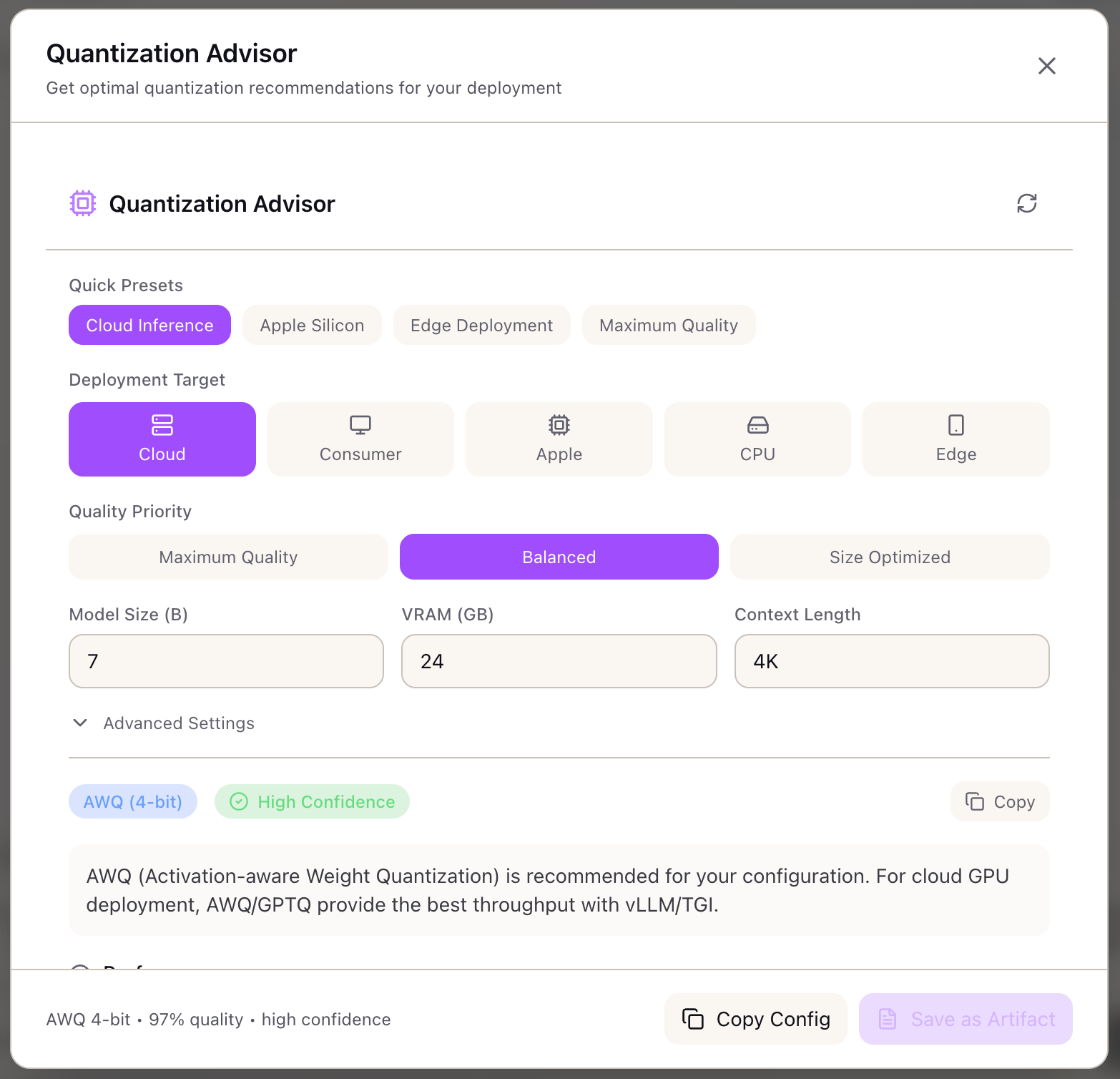
Quantization Advisor
Get optimal quantization recommendations for AWQ, GPTQ, GGUF, and FP8 based on your deployment target and quality requirements.
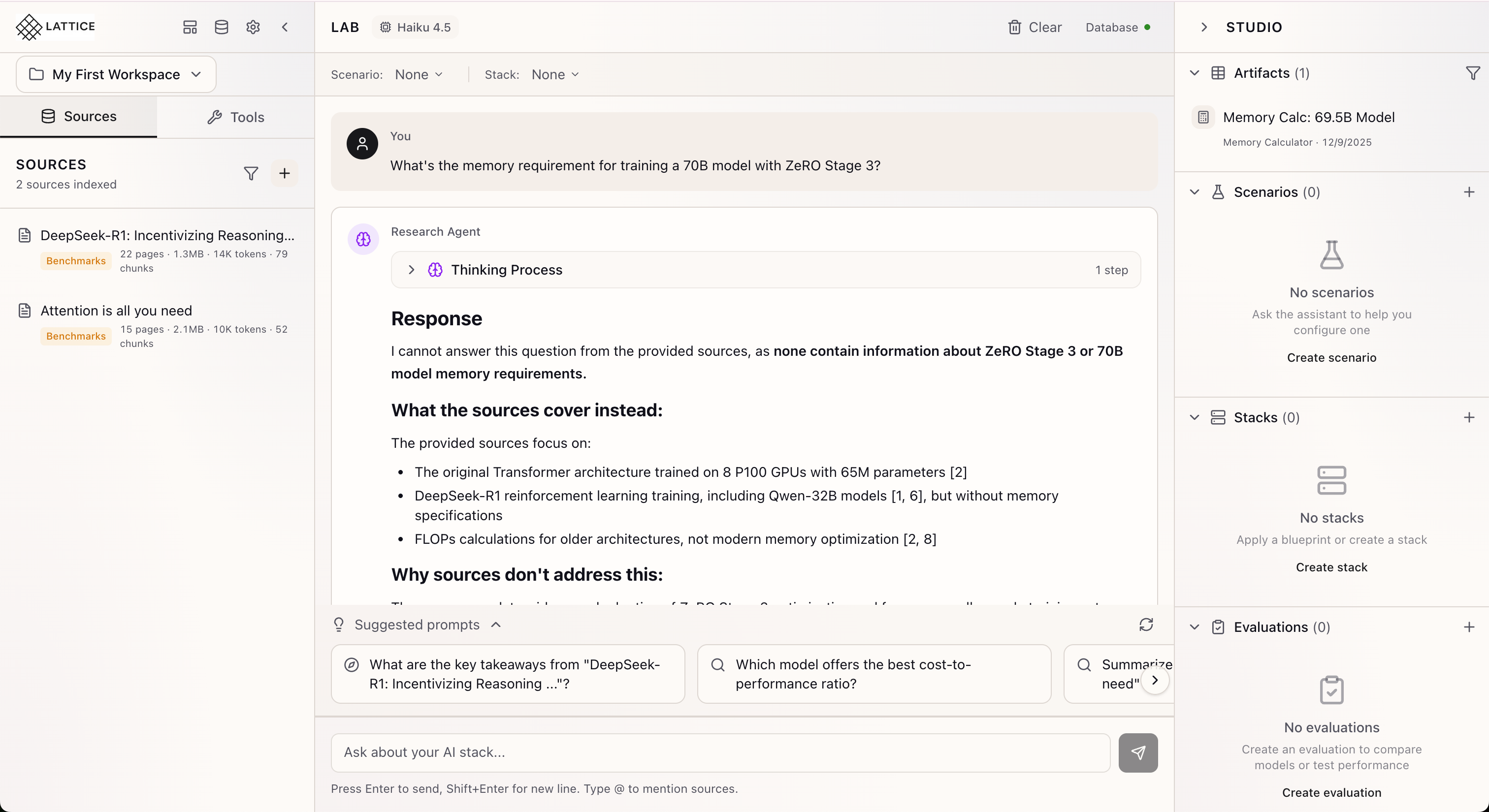
How the Research Agent Works
See the reasoning behind every recommendation with Lattice's transparent AI agent that shows its work and cites your sources.
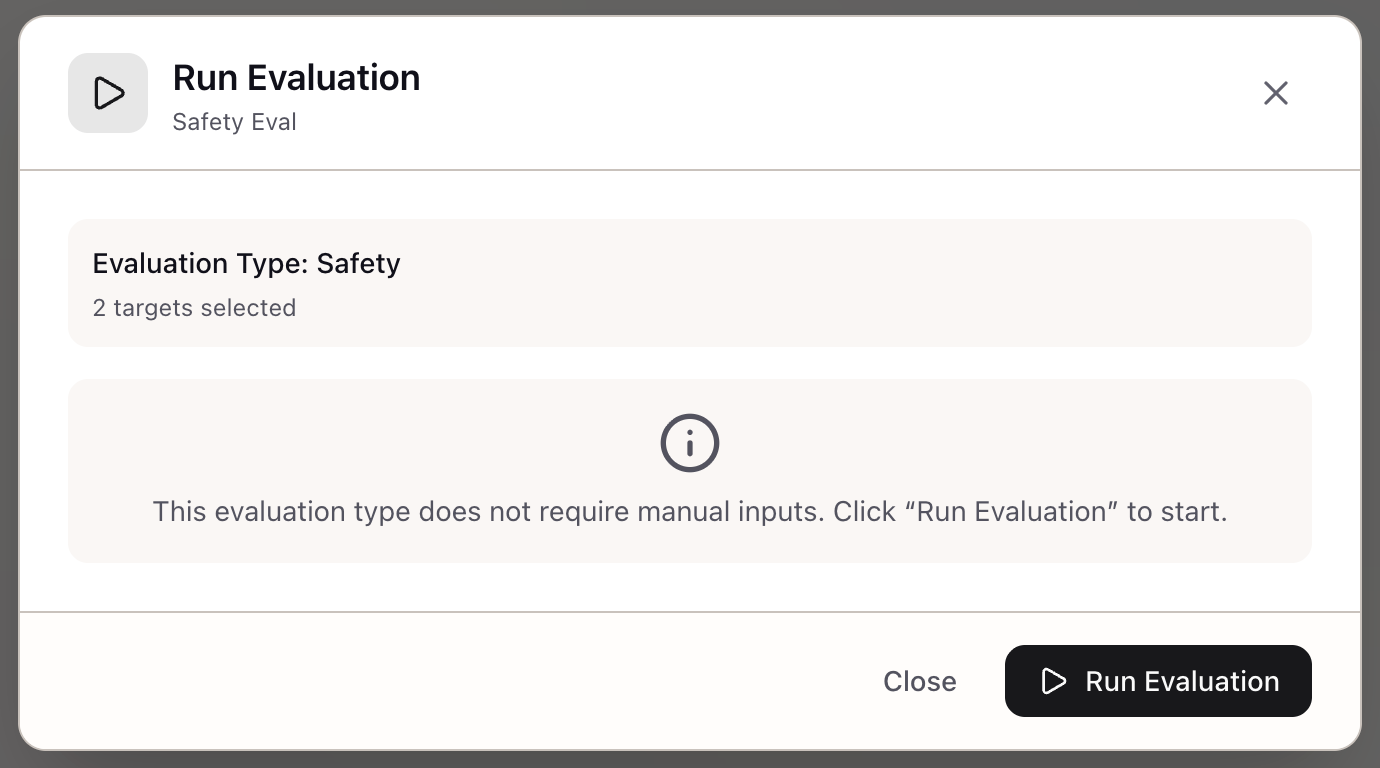
Running Model Evaluations
Execute evaluations with real-time progress monitoring, error handling, and actionable results with confidence intervals.
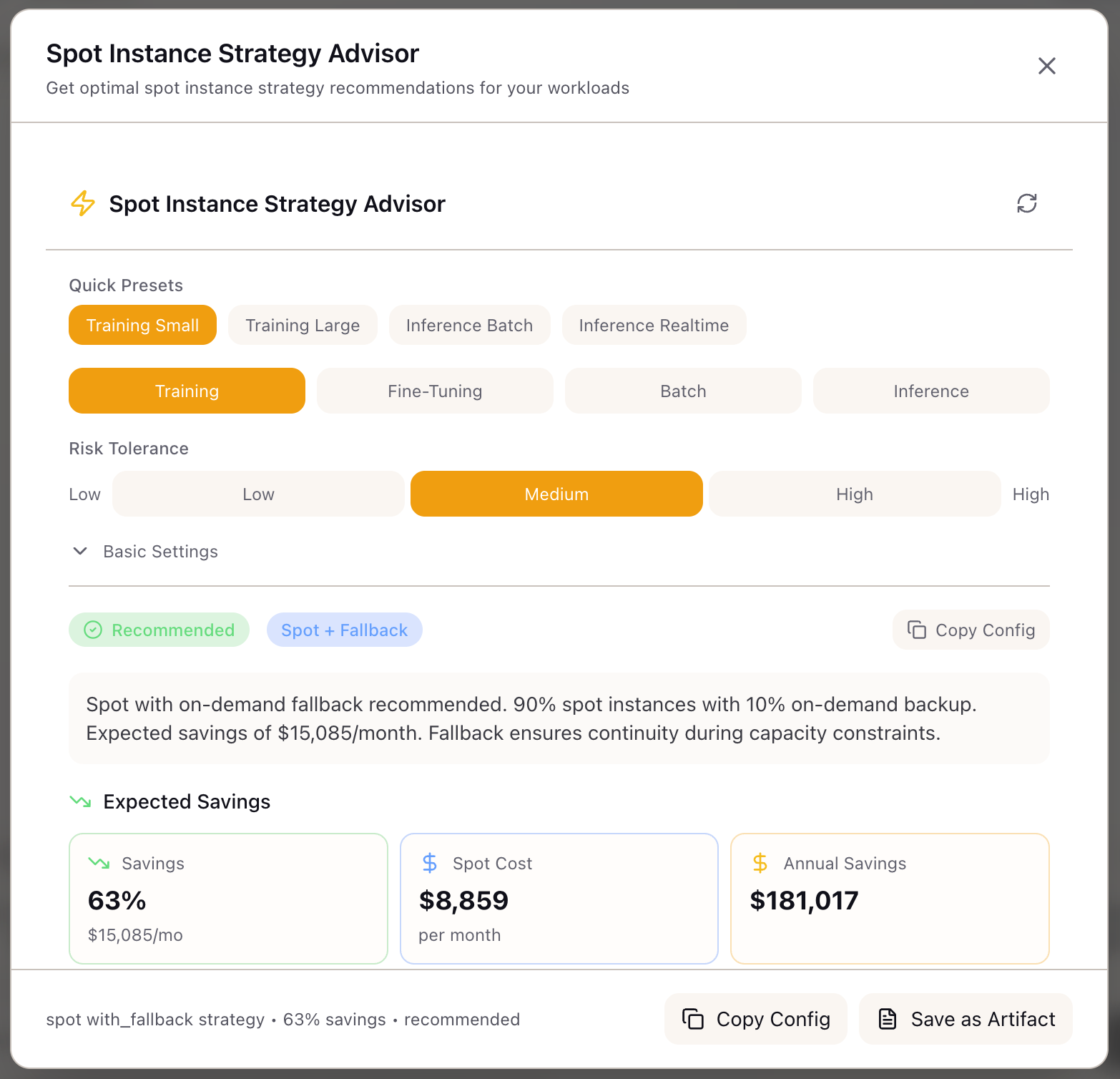
Spot Instance Advisor
Get risk-aware spot recommendations with checkpointing guidance and fleet configuration for ML workloads that can cut GPU costs by 60-70%.
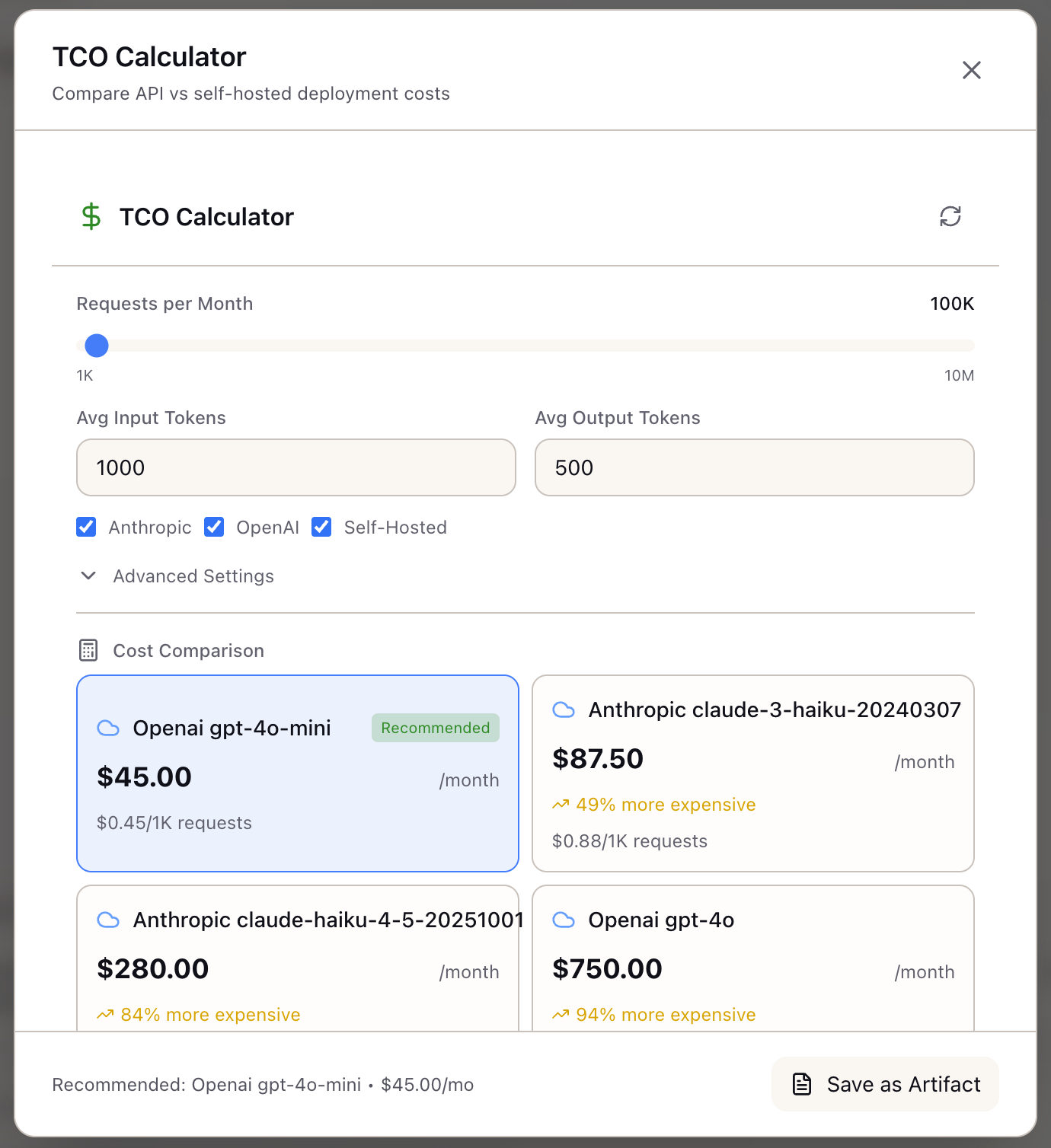
TCO Calculator
Break-even analysis and cost modeling for API vs self-hosted LLM deployment decisions with fully-loaded cost comparison.
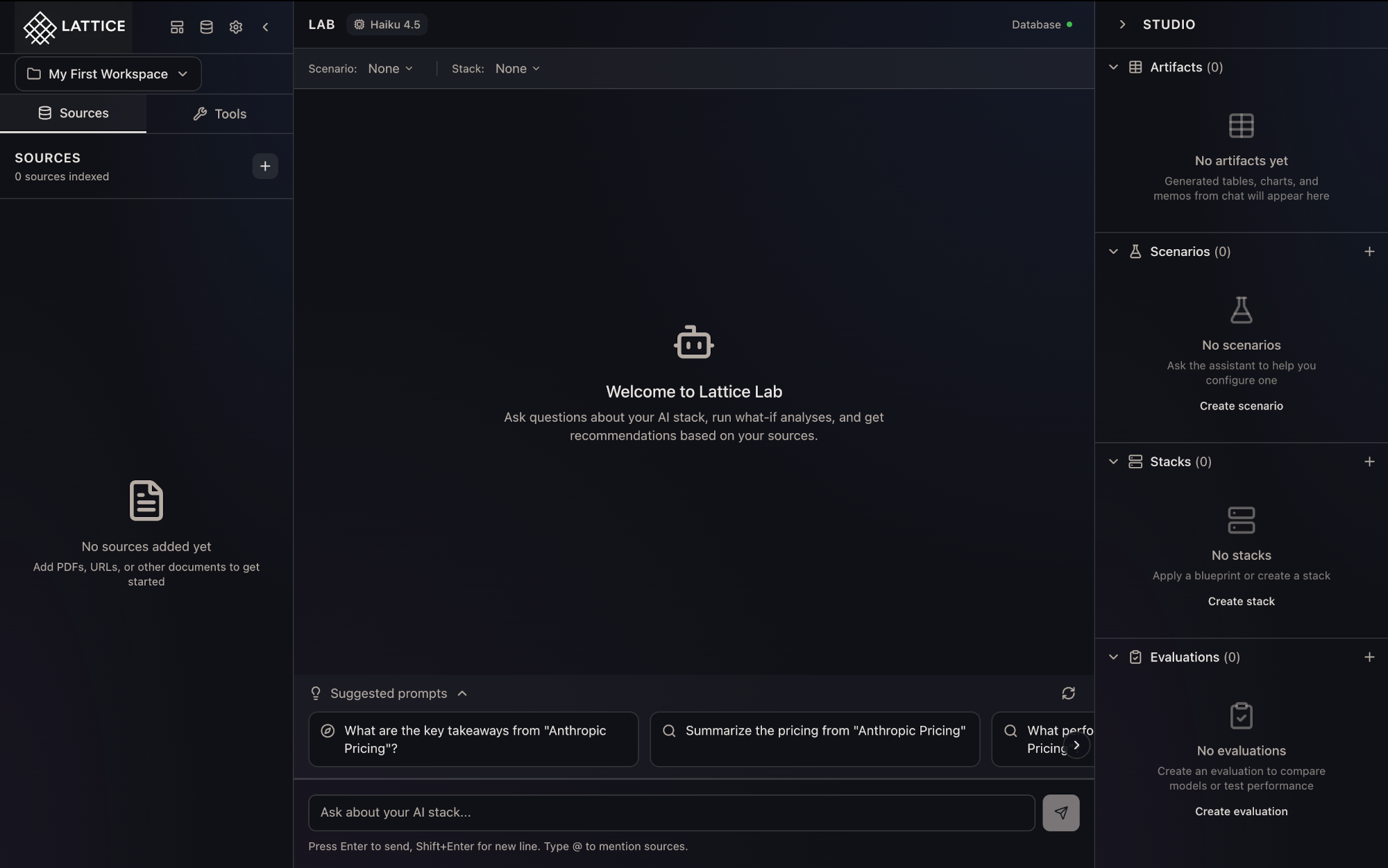
Understanding the Three-Panel Layout
Discover how Lattice's Sources, Lab, and Studio panels work together to streamline your AI infrastructure research workflow.
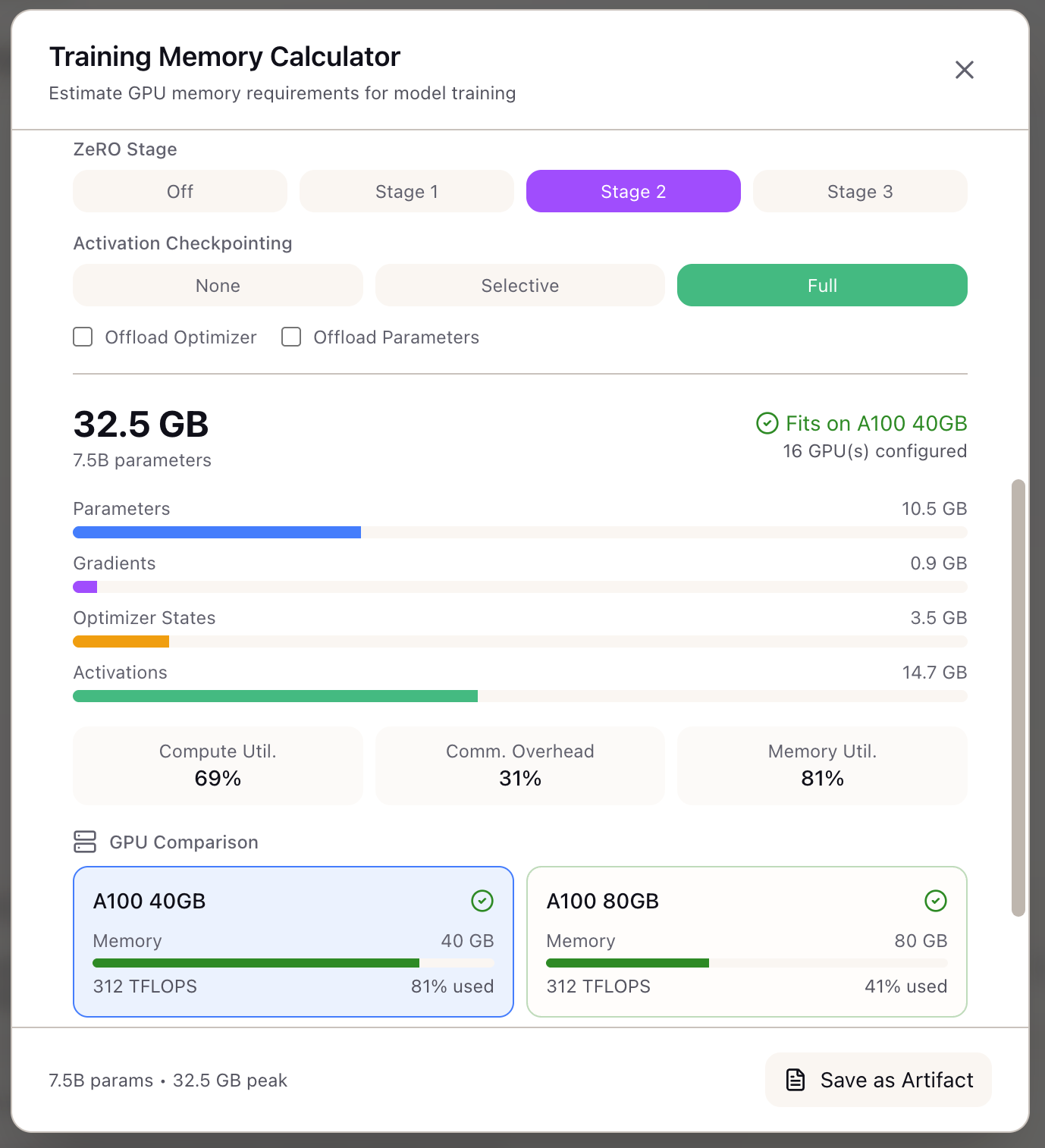
GPU Memory Planning Walkthrough
A step-by-step guide to using the Memory Calculator to right-size your training infrastructure and avoid OOM errors.
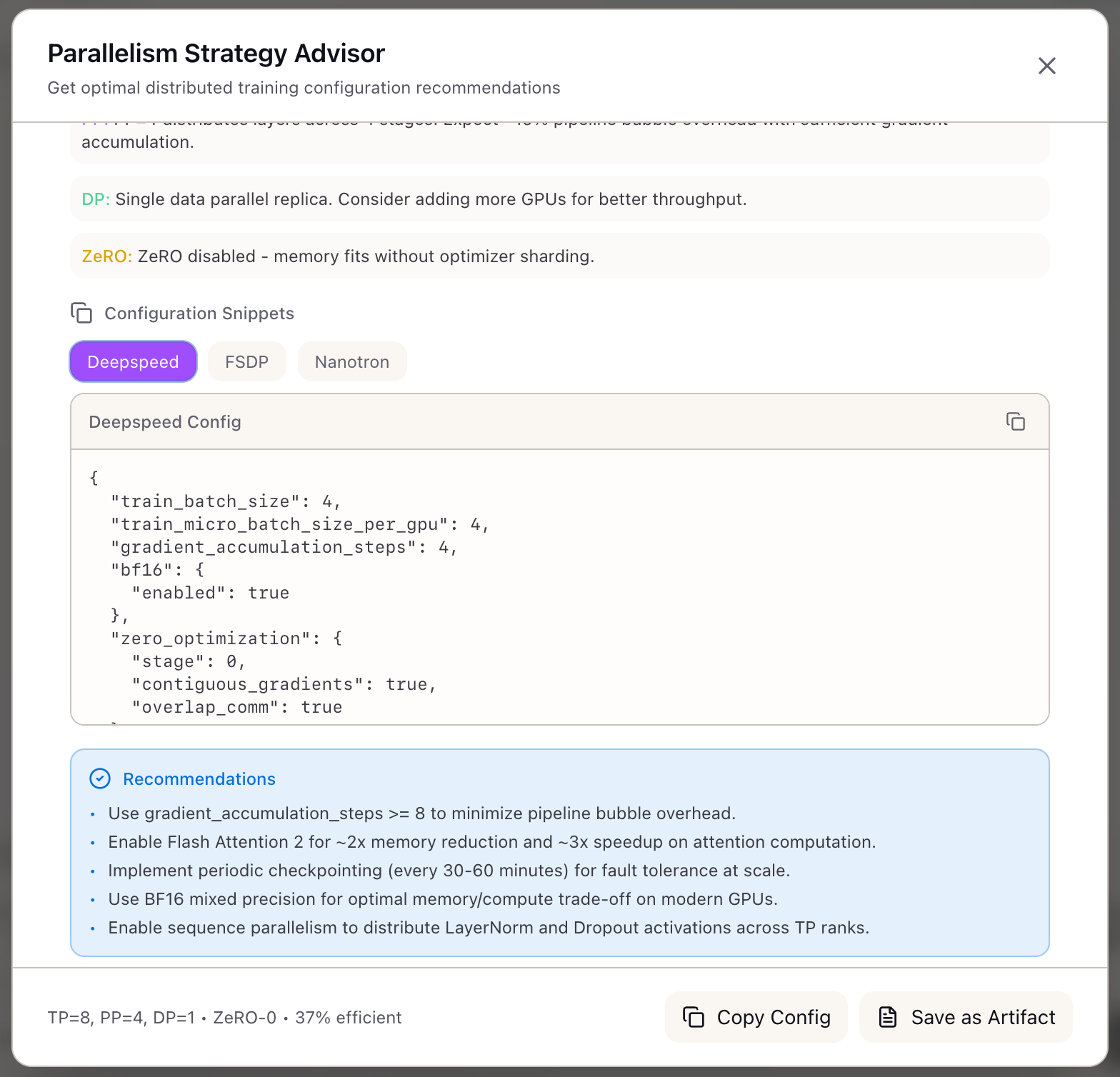
Configuring Multi-Node Training
A step-by-step walkthrough of getting optimal TP/PP/DP recommendations for your GPU cluster using the Parallelism Advisor.
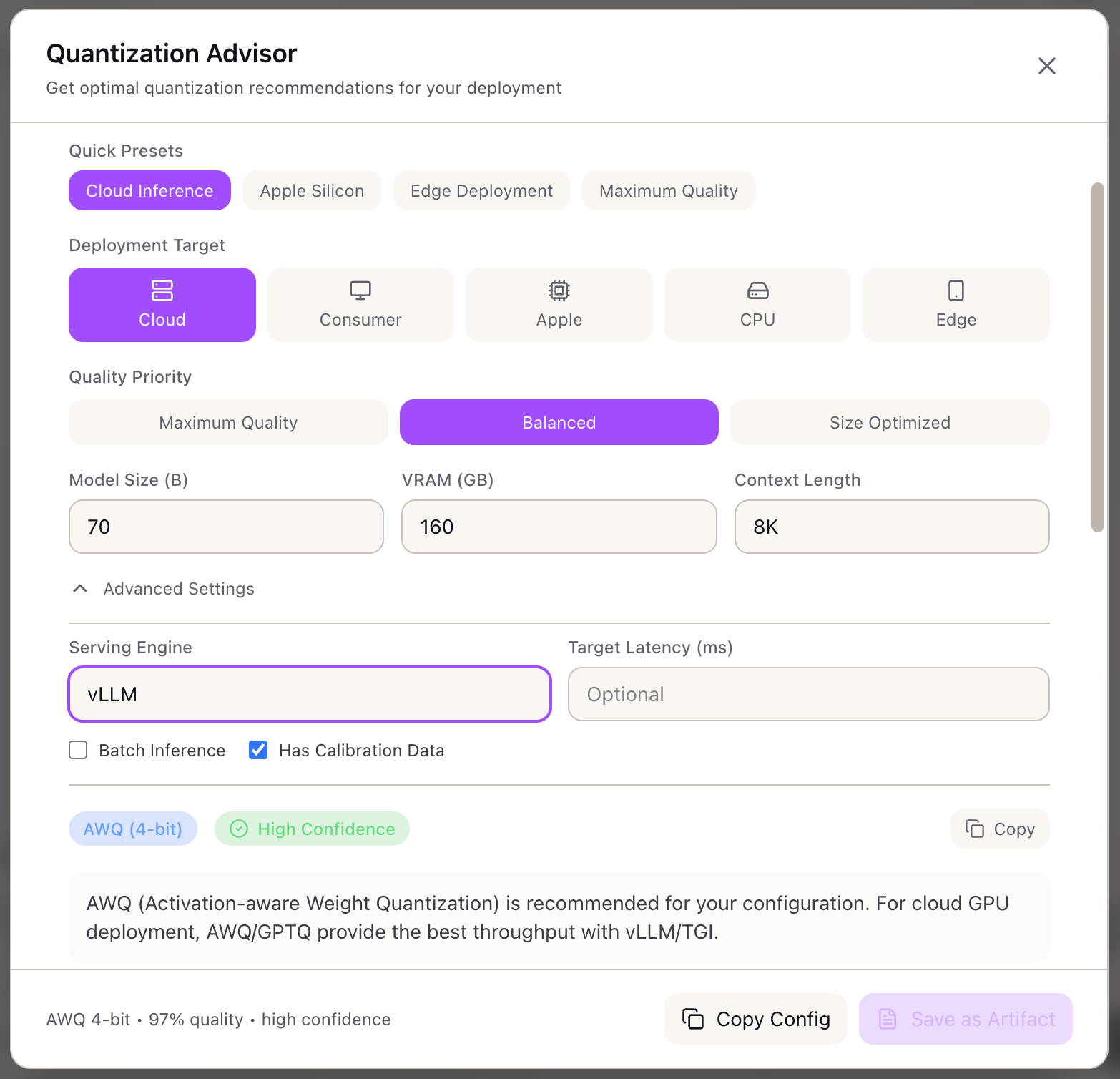
Quantizing Llama 70B for Production
A step-by-step guide to selecting and configuring the optimal quantization method for your inference stack.
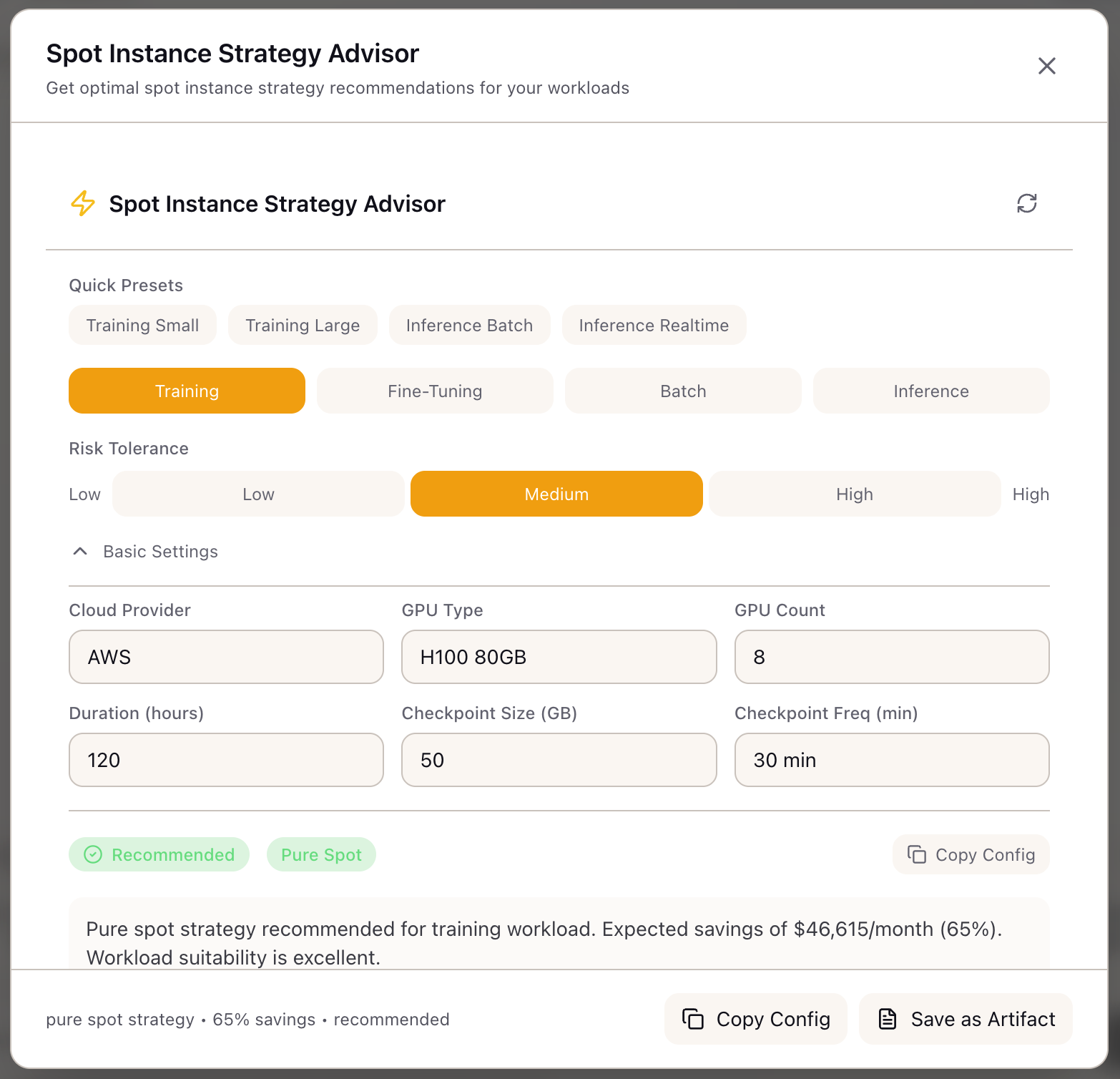
Configuring Spot Instance Strategy
A step-by-step guide to configuring spot instances for ML training without losing checkpoints, cutting your training bill in half.
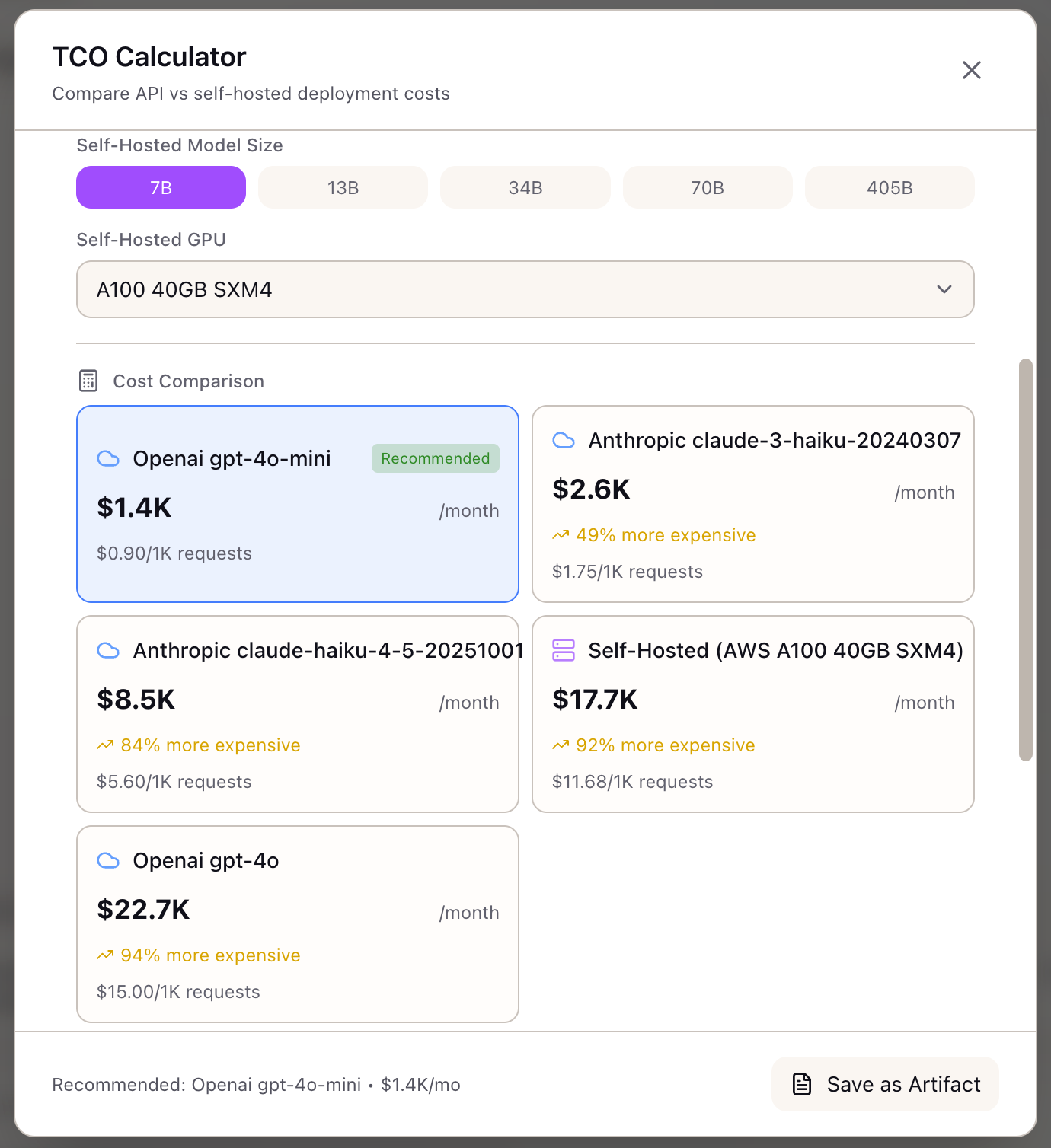
API vs Self-Hosted Cost Analysis
A step-by-step guide to building a defensible TCO comparison for your next LLM infrastructure decision.
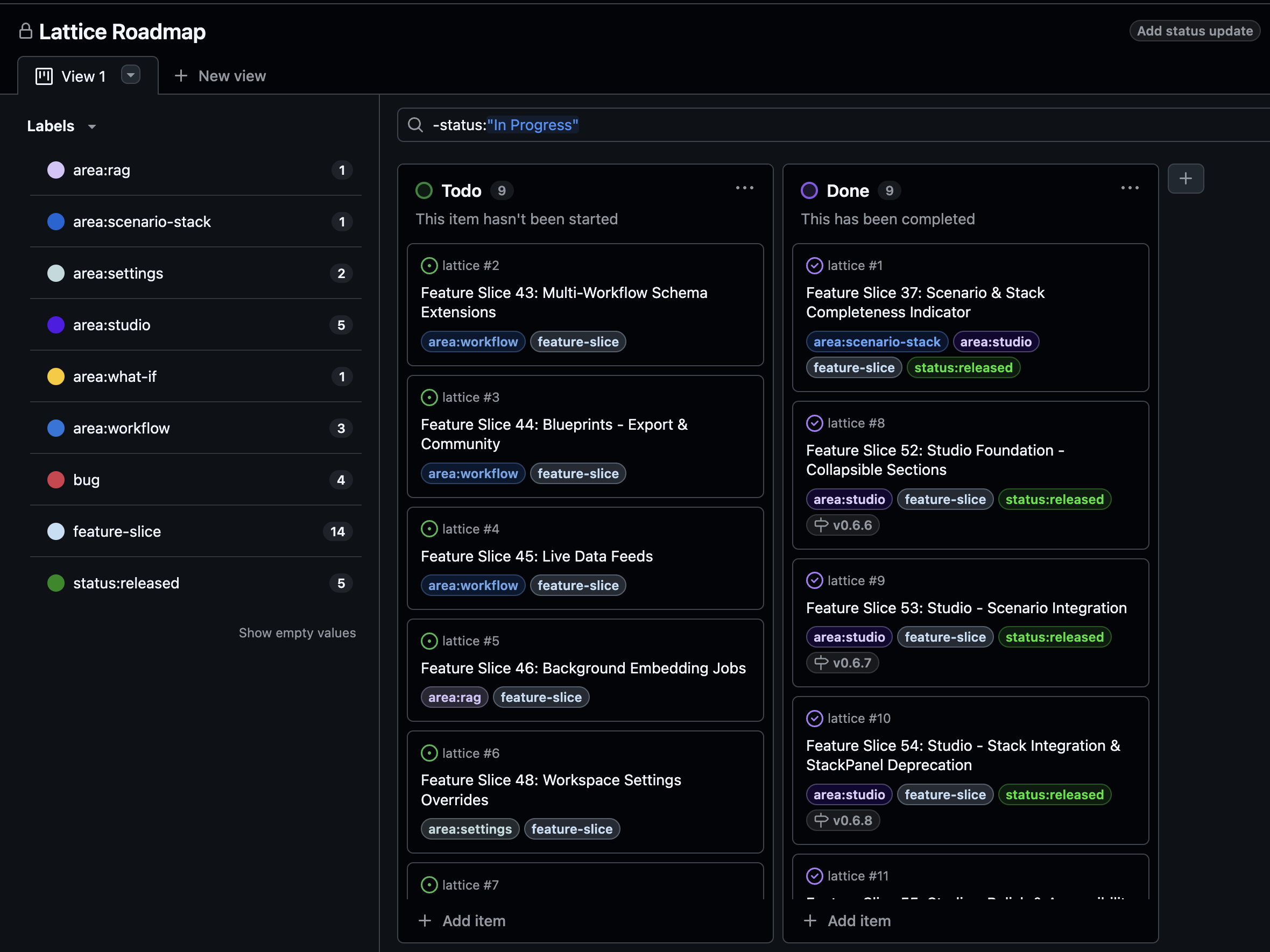
Accessing the Private GitHub Repository
Learn how paying Lattice customers get access to the private GitHub repository to follow the roadmap, track features in development, and report issues.

Adding Knowledge Sources
Learn how to import PDFs, URLs, GitHub repos, YouTube transcripts, and Google Docs into your Lattice workspace for AI-grounded research.
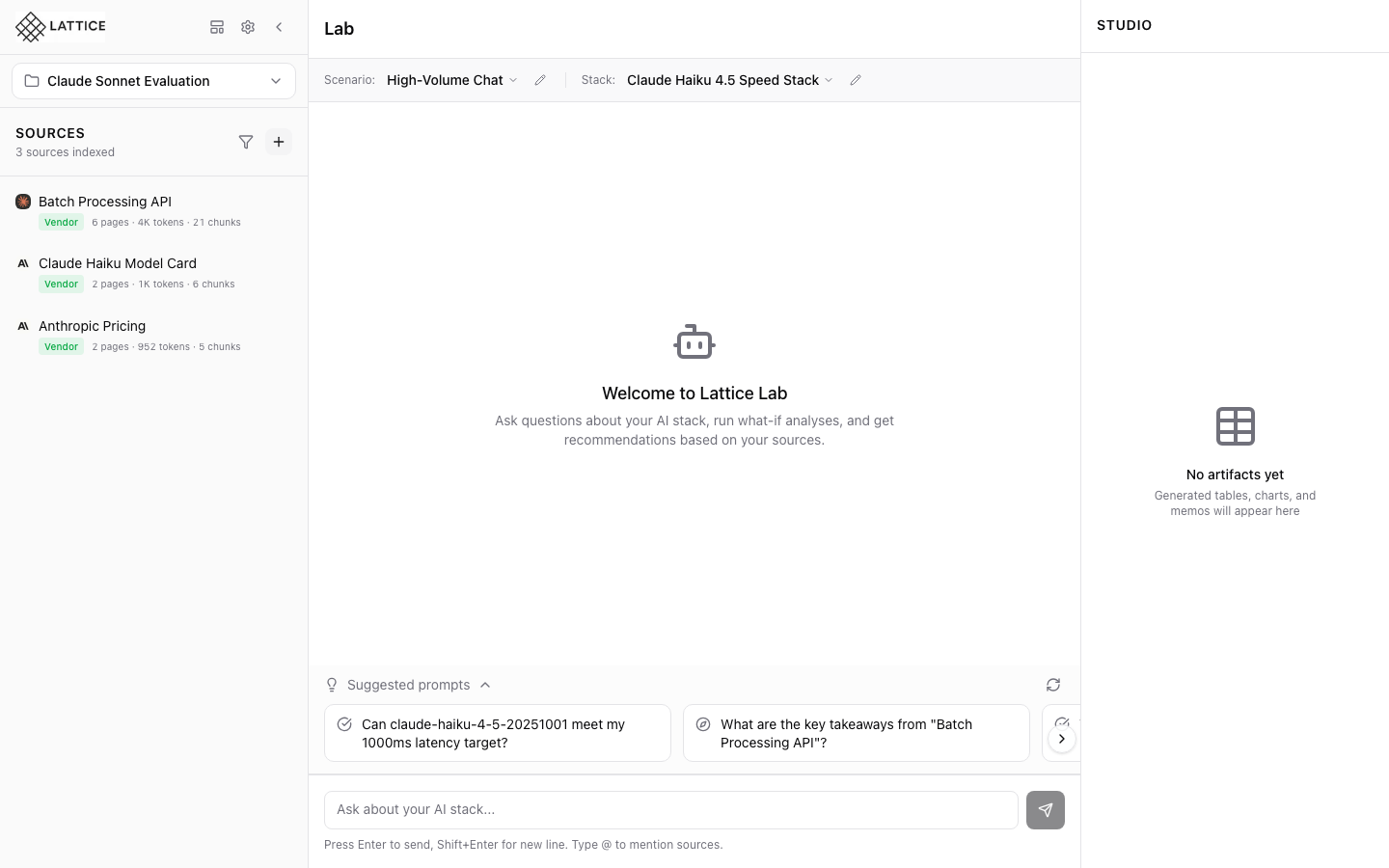
Applying a Blueprint to Your Workspace
One-click workspace population with curated sources, scenarios, and stacks from vendor blueprints.
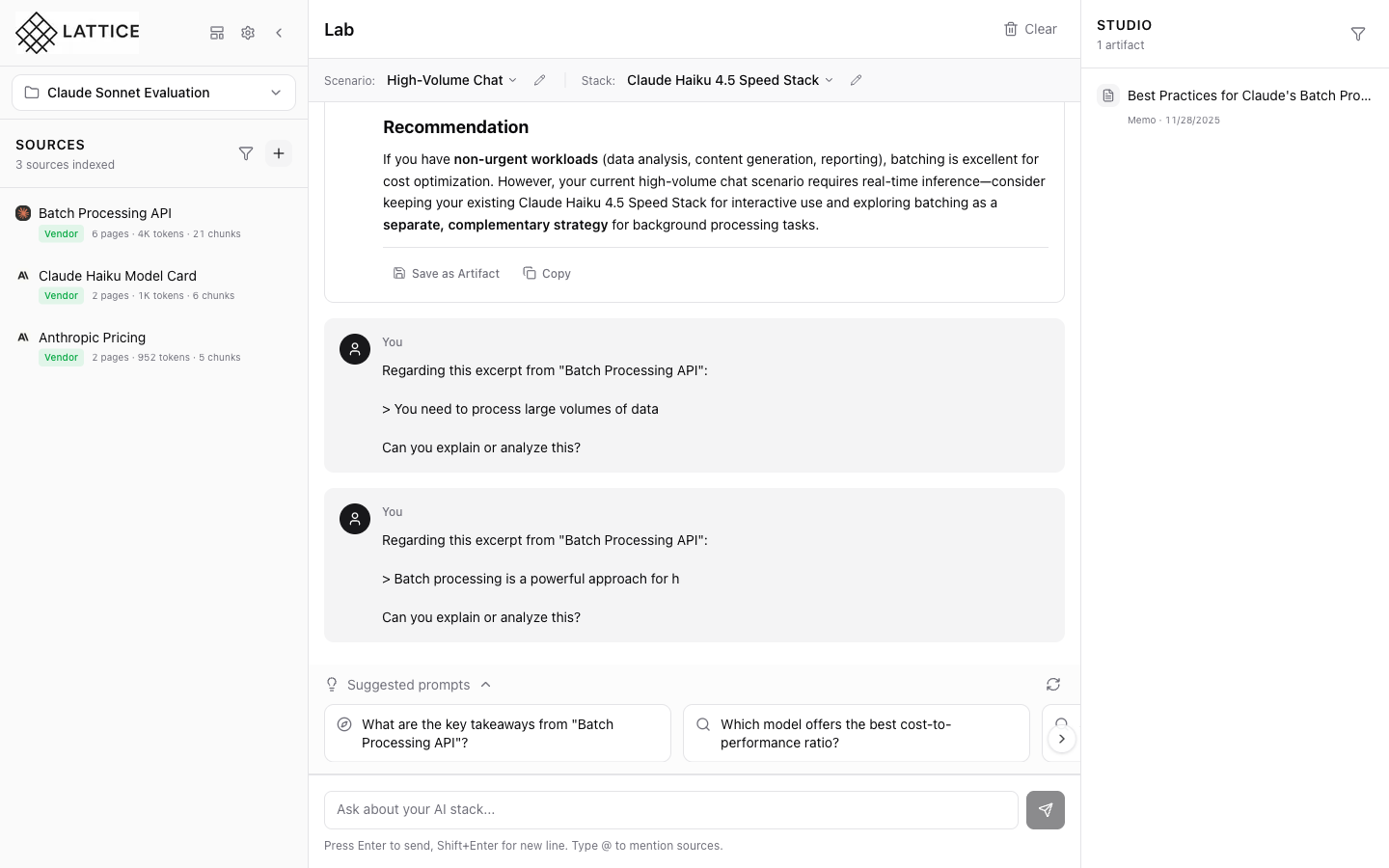
Ask About Selected Text: Deep Dive into Source Content
Select specific passages in your source documents and get instant AI explanations without losing your place or retyping the content.
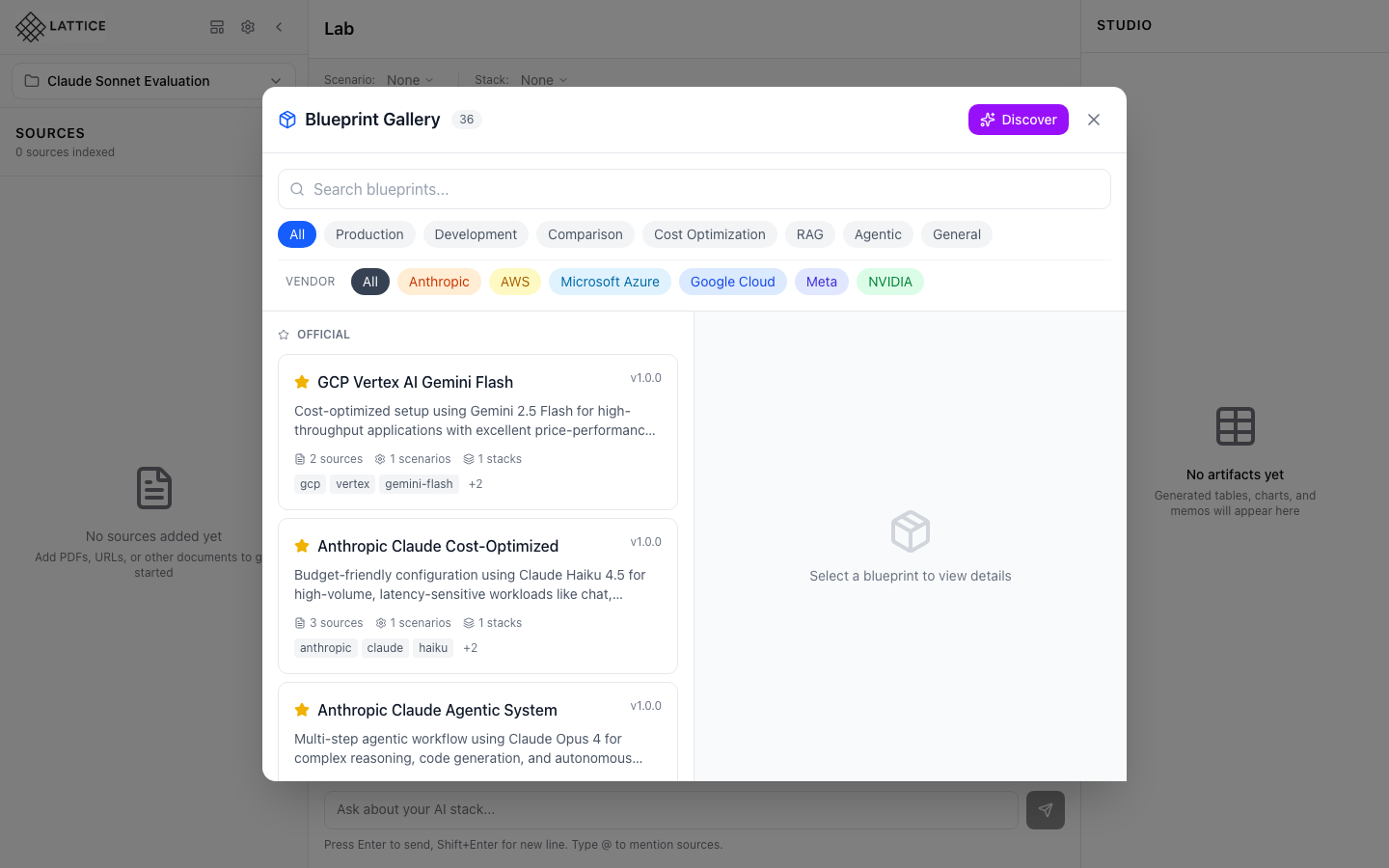
Browsing the Blueprint Gallery
Explore Lattice's 36 curated knowledge bundles from leading AI vendors. Learn how to find and preview blueprints for your research needs.
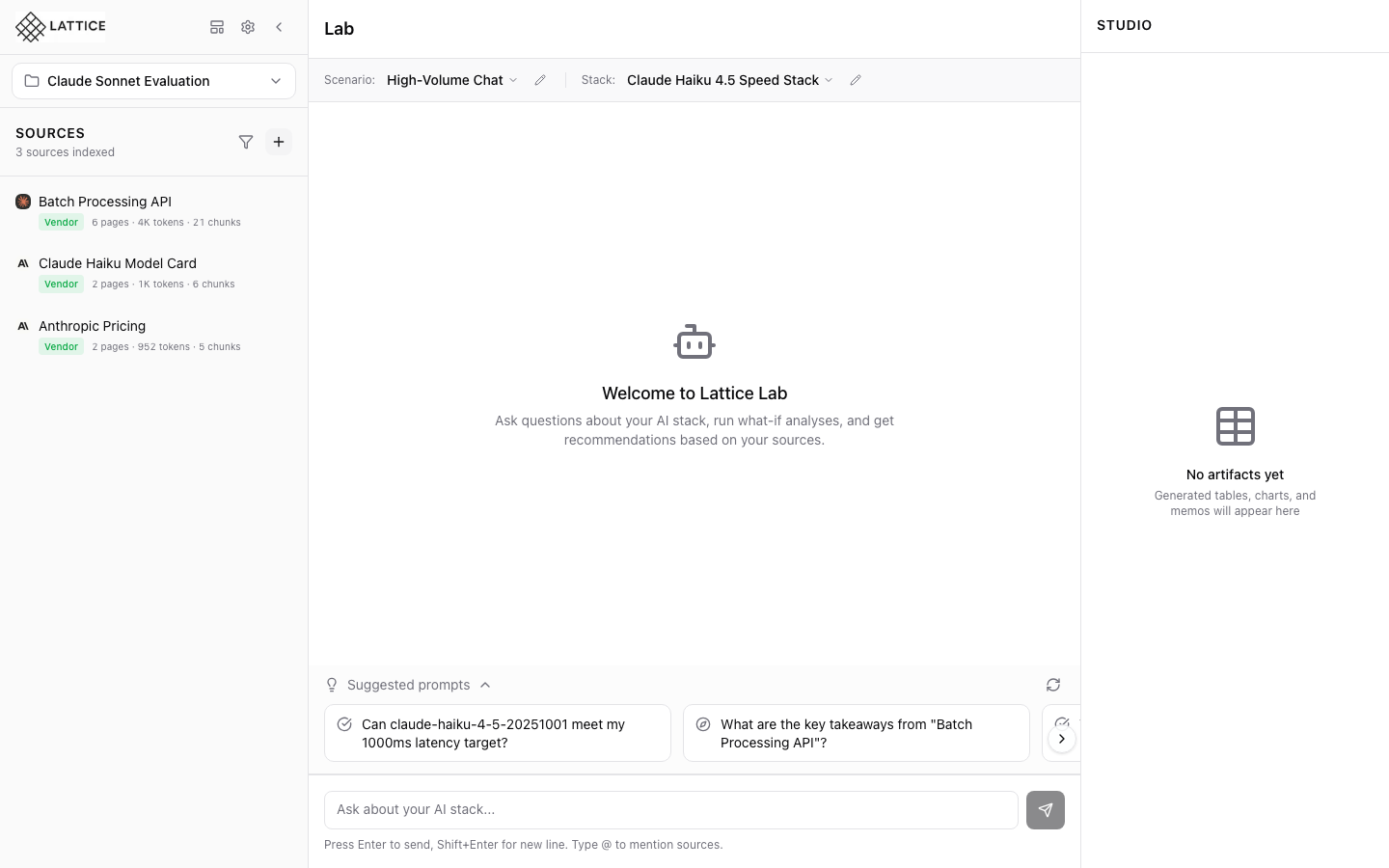
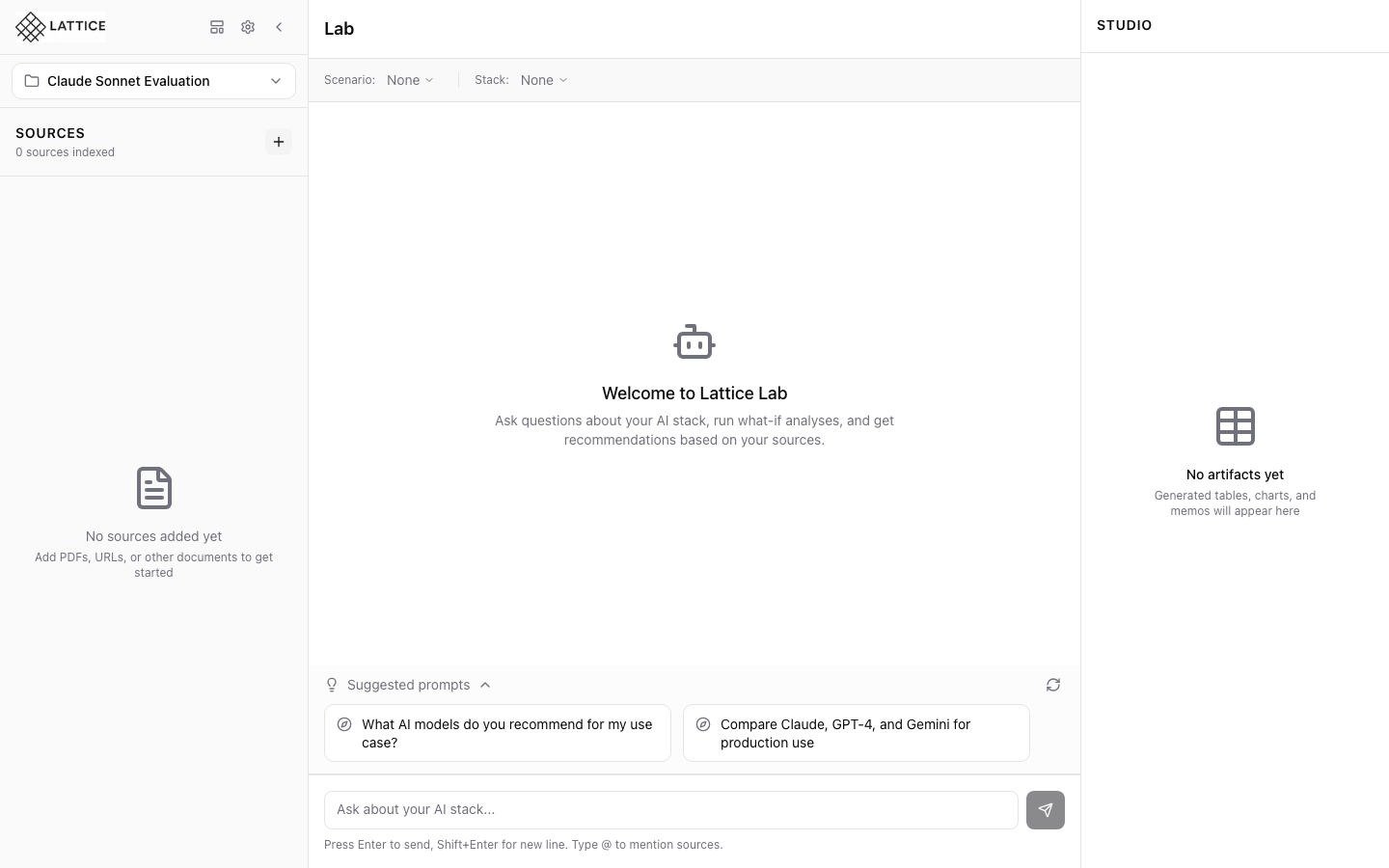
Chatting with the AI Research Agent
Get grounded recommendations with citations from your sources. Learn how to use the Lab panel for AI-powered analysis.
Configuring Lattice Settings
Customize your Lattice experience with API keys, model selection, search tuning, and agent behavior configuration.
Configuring Stack Framework Settings
Configure orchestration frameworks like LangGraph or LangChain, and set up observability with LangSmith or Langfuse for your AI workload.
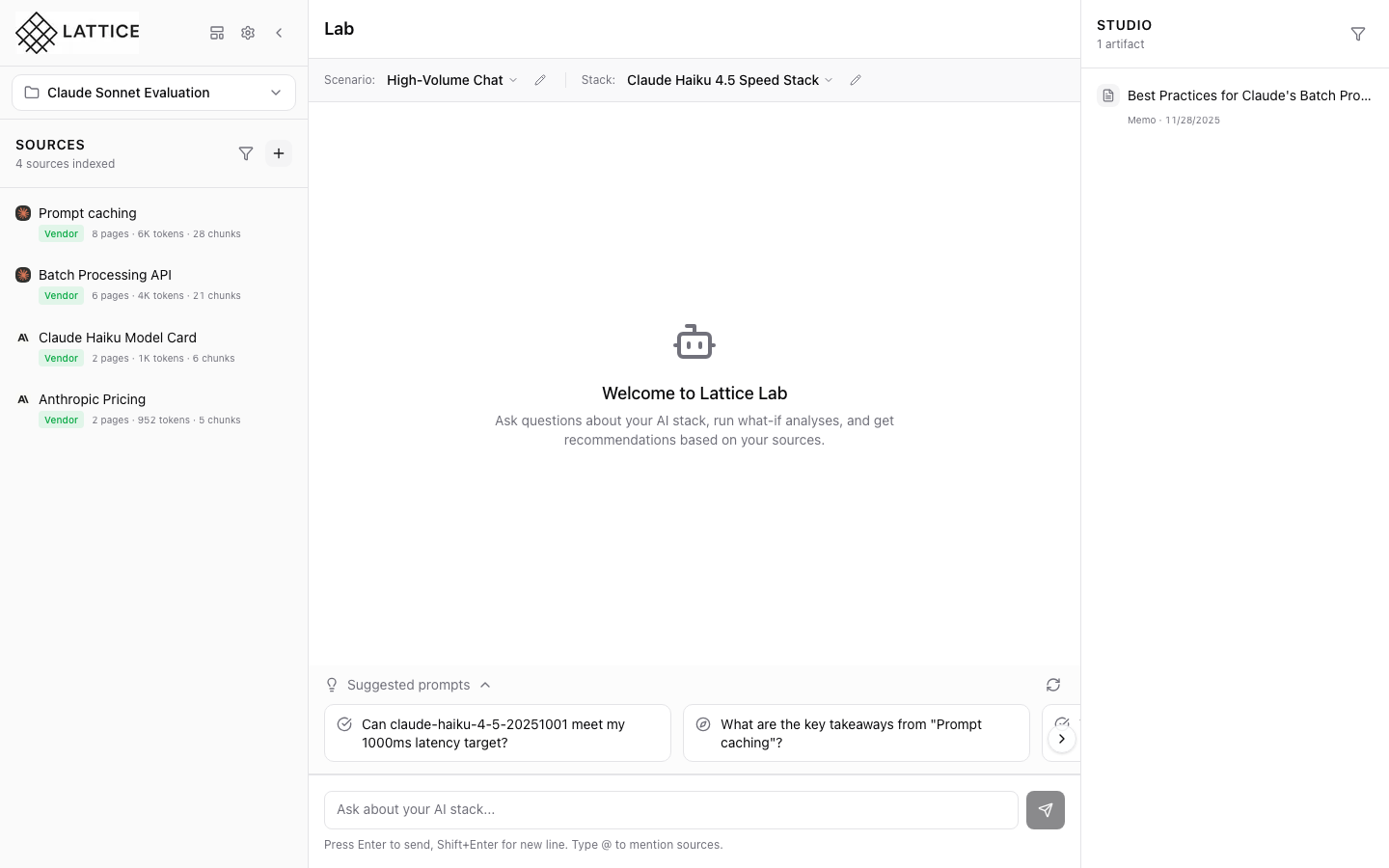
Configuring Stack Hardware Settings
Configure cloud provider, GPU type, instance size, and region settings for your AI infrastructure stack.
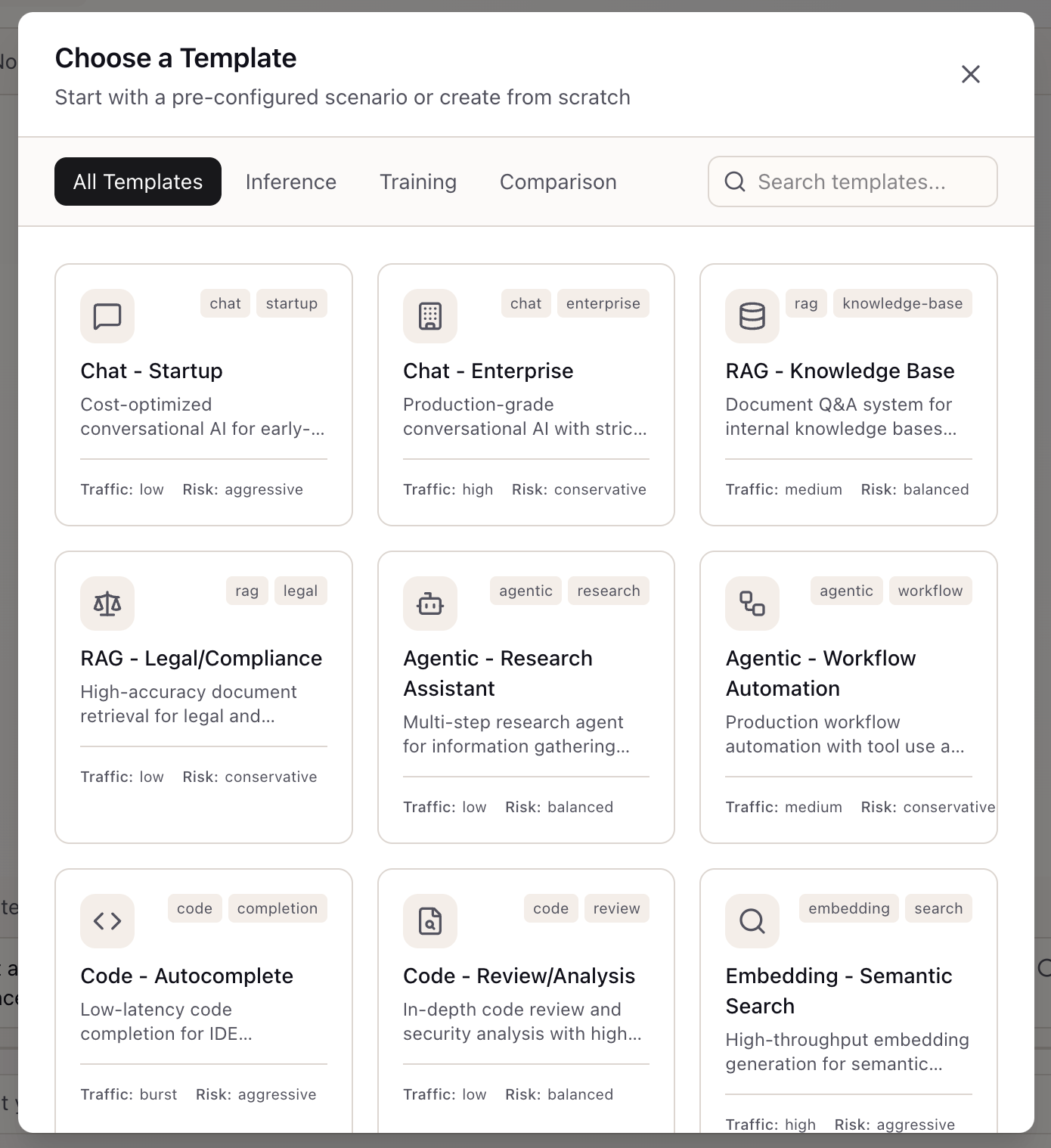
Creating a Scenario
Define your workload requirements with SLOs, budget, and compliance constraints to get tailored stack recommendations.
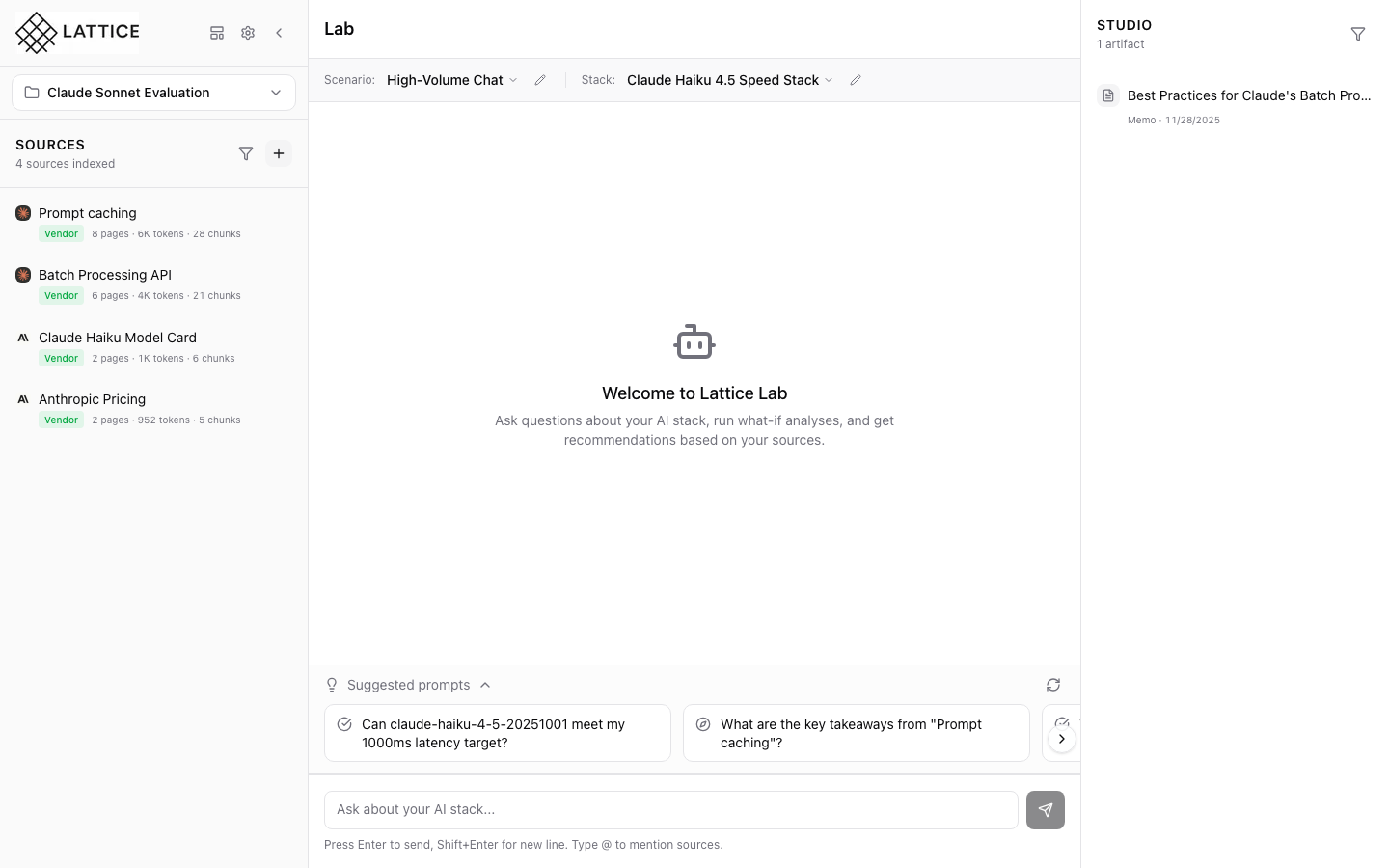
Creating a Stack
Define your AI infrastructure configuration with model, framework, and hardware settings that match your scenario requirements.

Creating a New Workspace
Learn how to create isolated workspaces in Lattice to keep your AI evaluation research organized and separate from other initiatives.
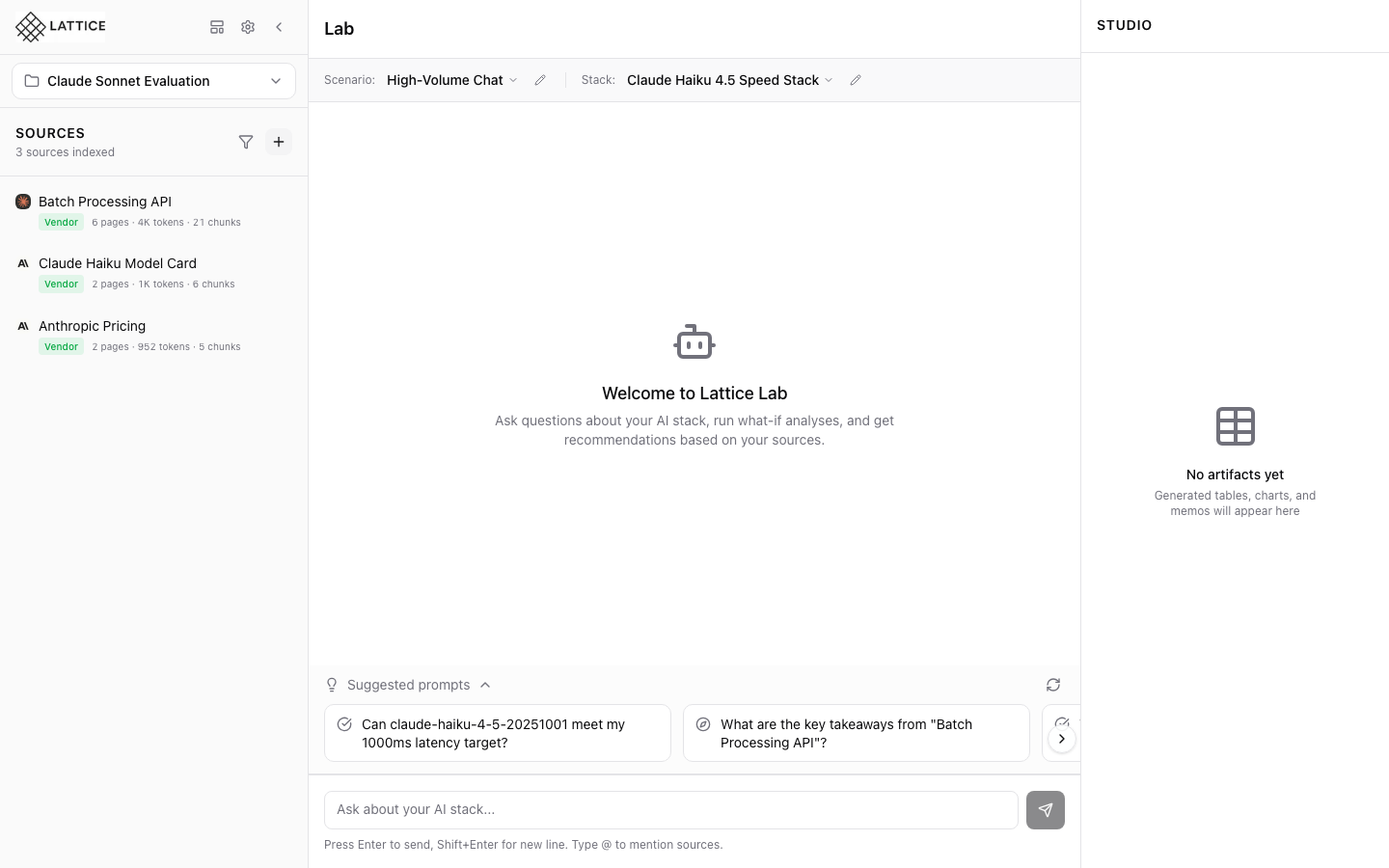
Discovering Custom Blueprints
Use AI-powered blueprint discovery to generate custom knowledge bundles for any topic.
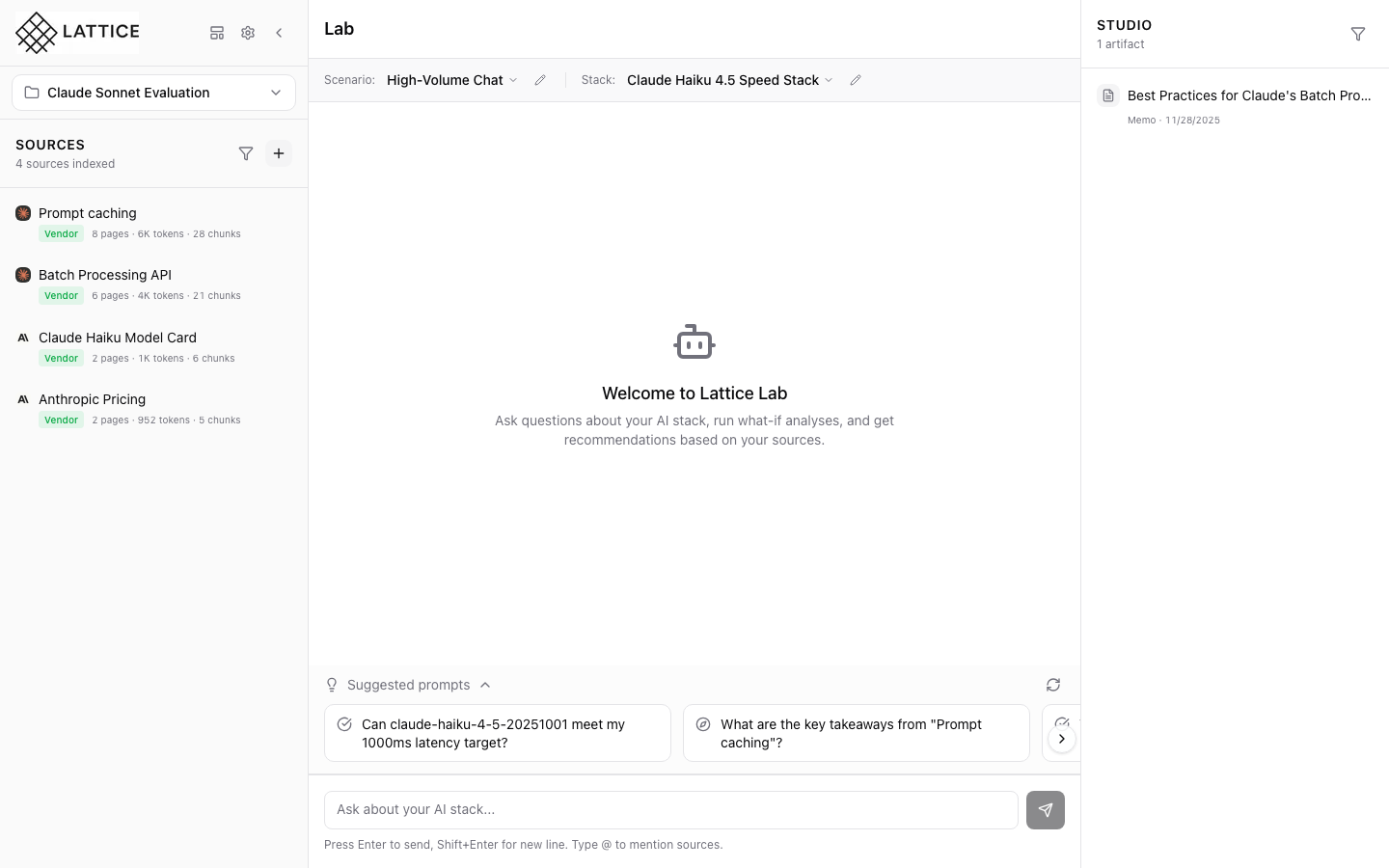
Editing a Scenario
Adjust your workload requirements by editing scenario configurations as your project needs evolve.
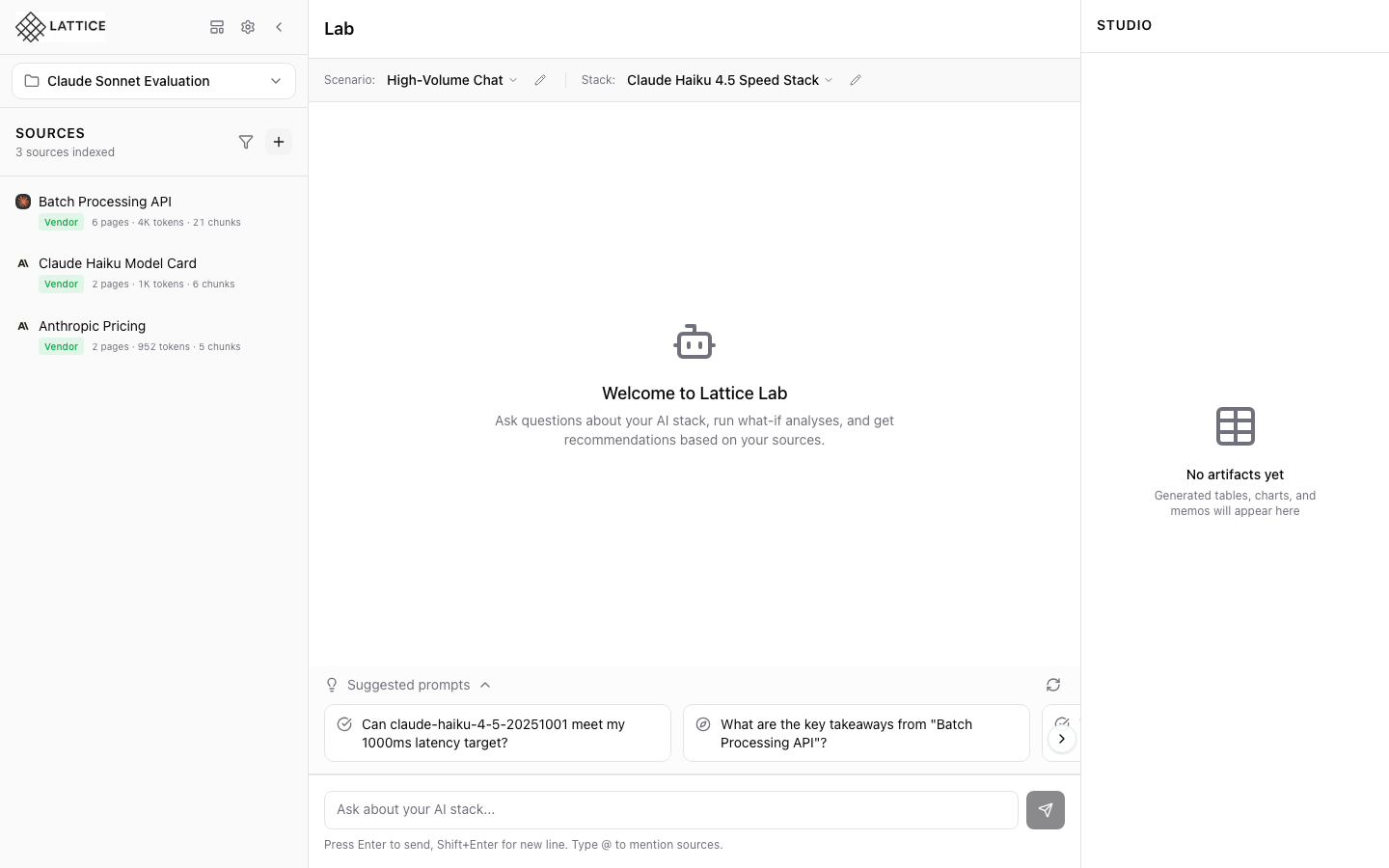
Filtering Blueprints by Vendor and Category
Quickly find relevant blueprints using category and vendor filters in the Blueprint Gallery.
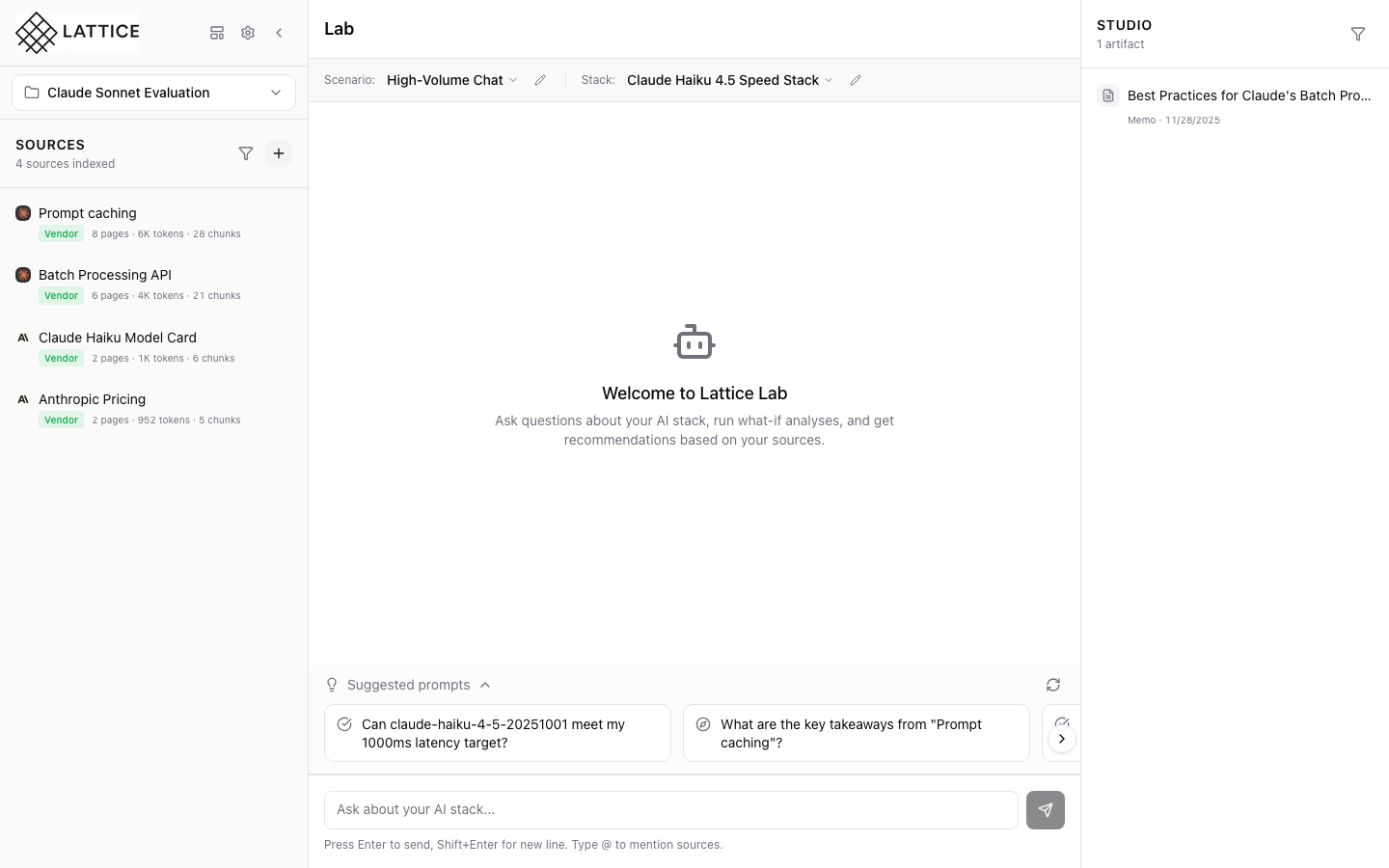
Getting Stack Suggestions
Let AI recommend the optimal model, framework, and infrastructure based on your scenario requirements.
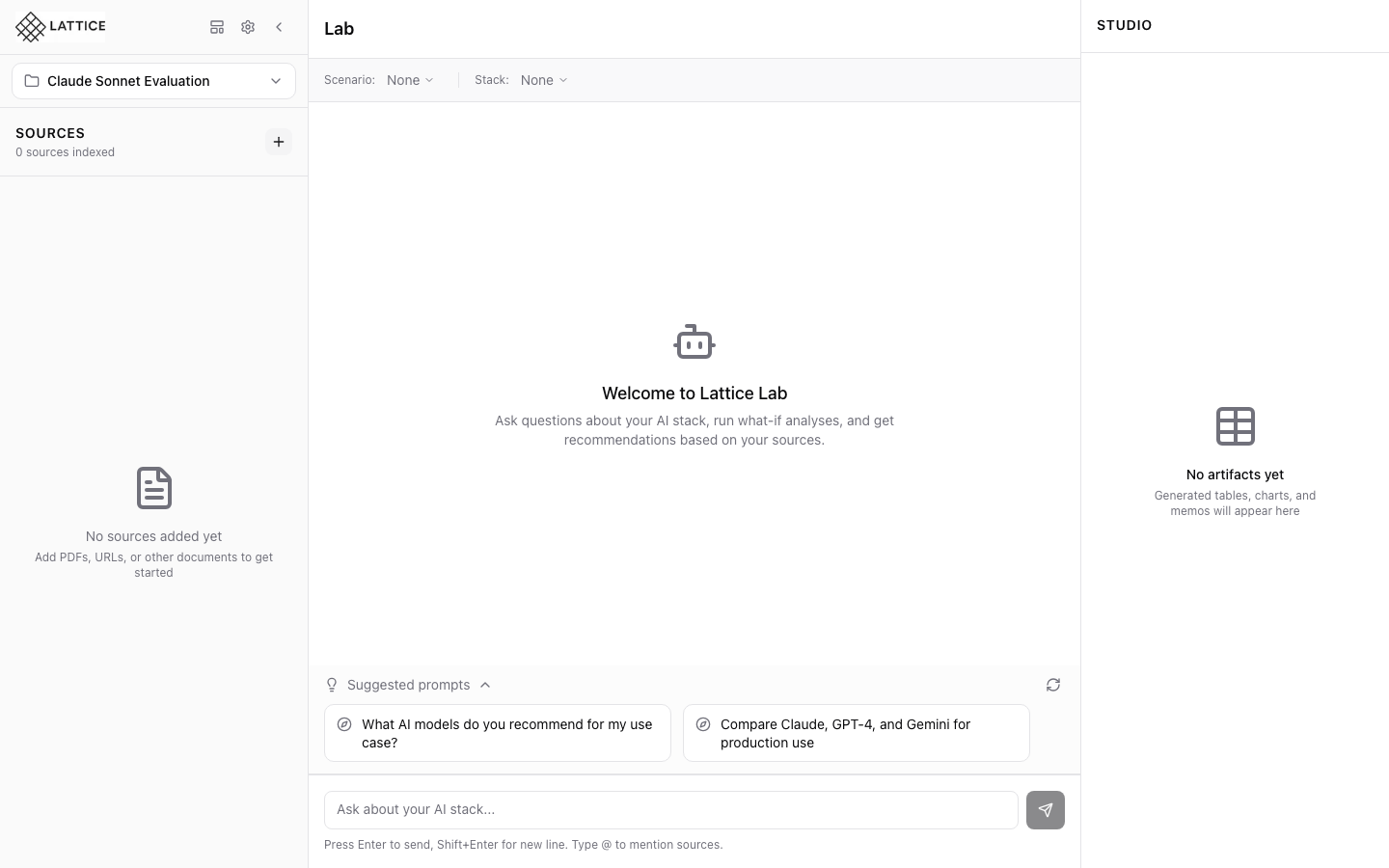
Managing API Keys
Connect Lattice to Claude, GPT, and Gemini by configuring your API keys for LLM providers.
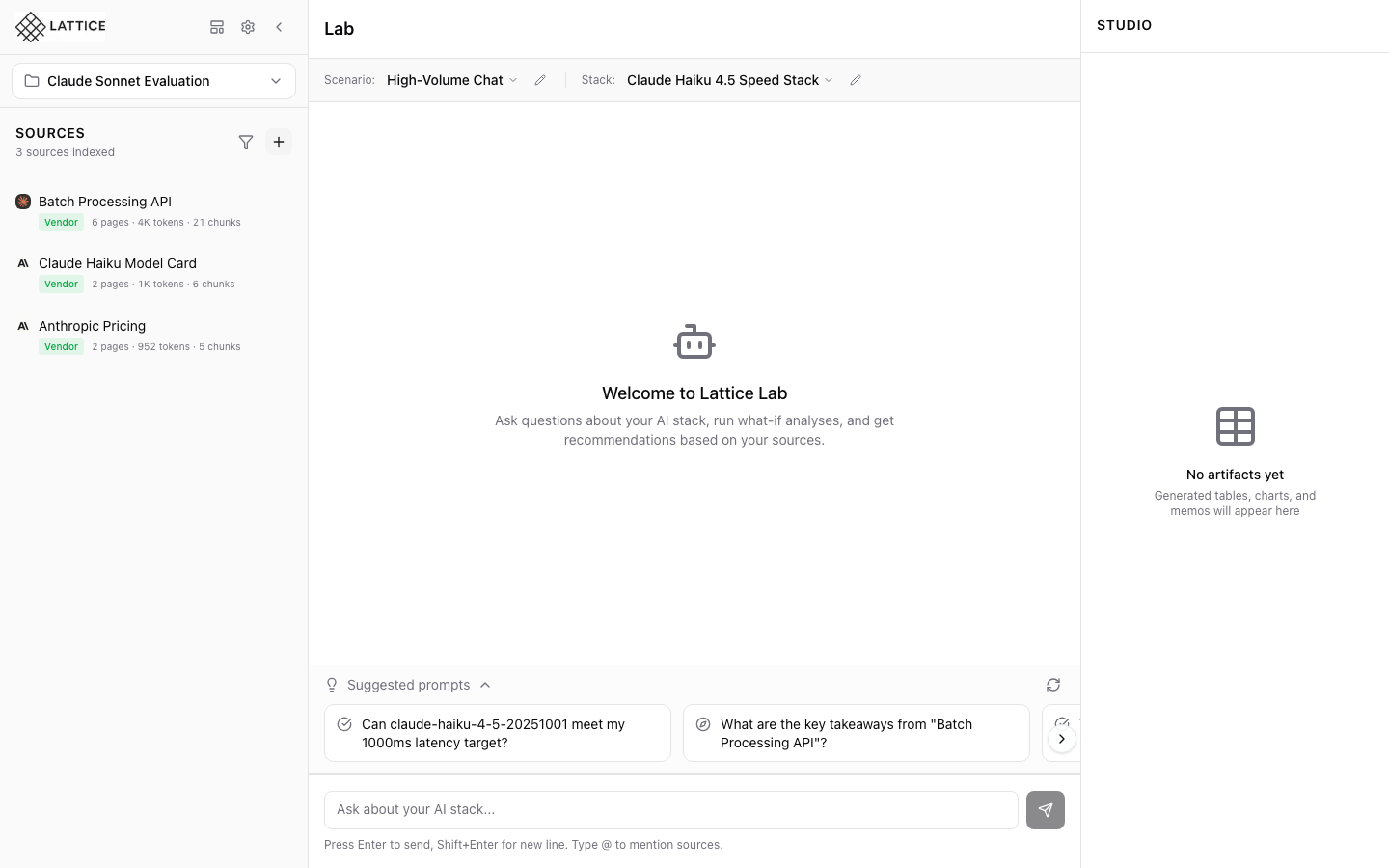
Validating Blueprint URLs with Refresh
Verify that all source URLs in a blueprint are still accessible before applying it to your workspace.
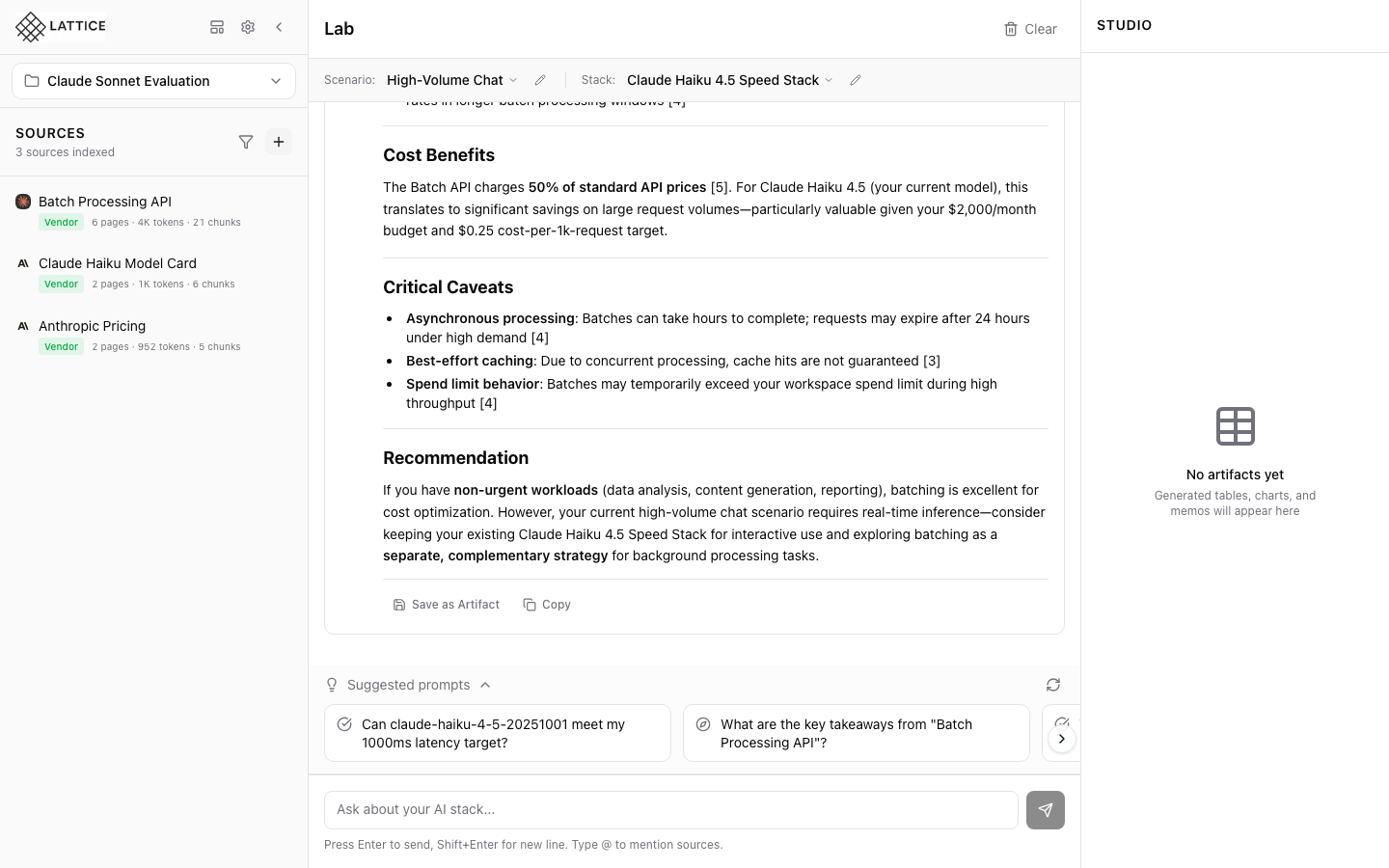
Saving Artifacts
Preserve valuable AI responses as reusable artifacts for future reference and stakeholder sharing.
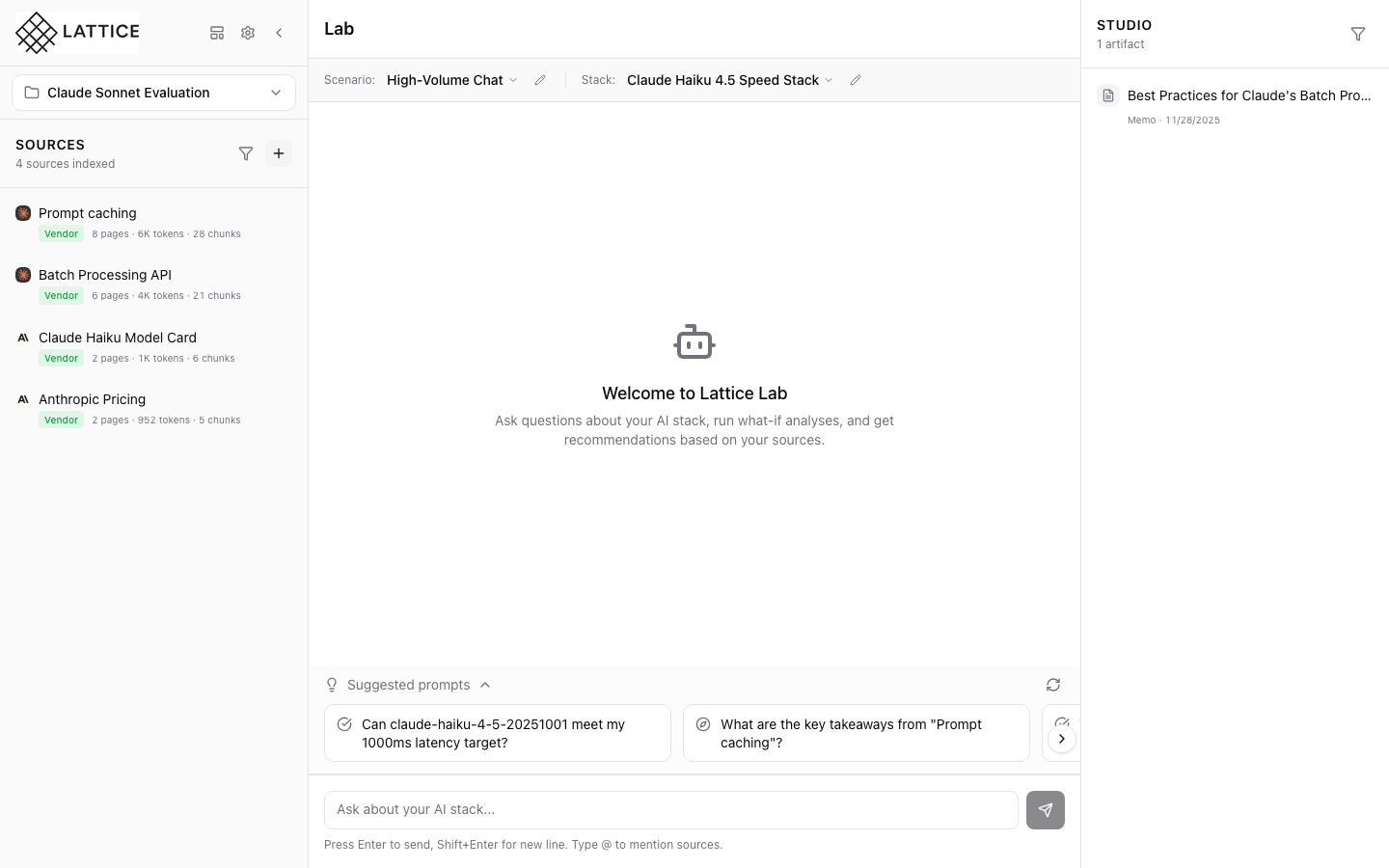
Selecting a Scenario
Switch between workload configurations to compare how different scenarios affect your infrastructure recommendations.
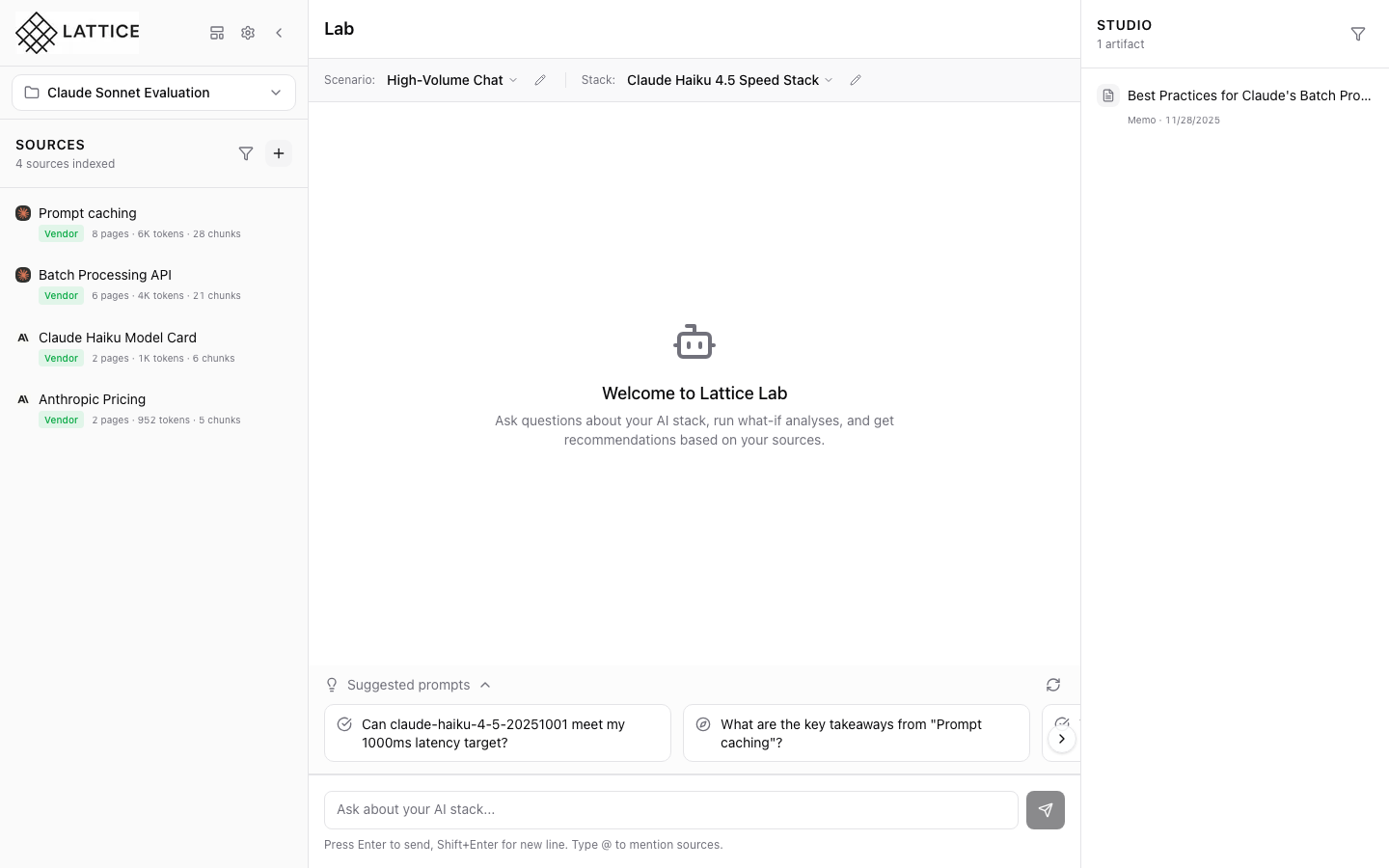
Selecting a Stack
Switch between infrastructure configurations to compare how different model, framework, and hardware choices affect your AI workload.
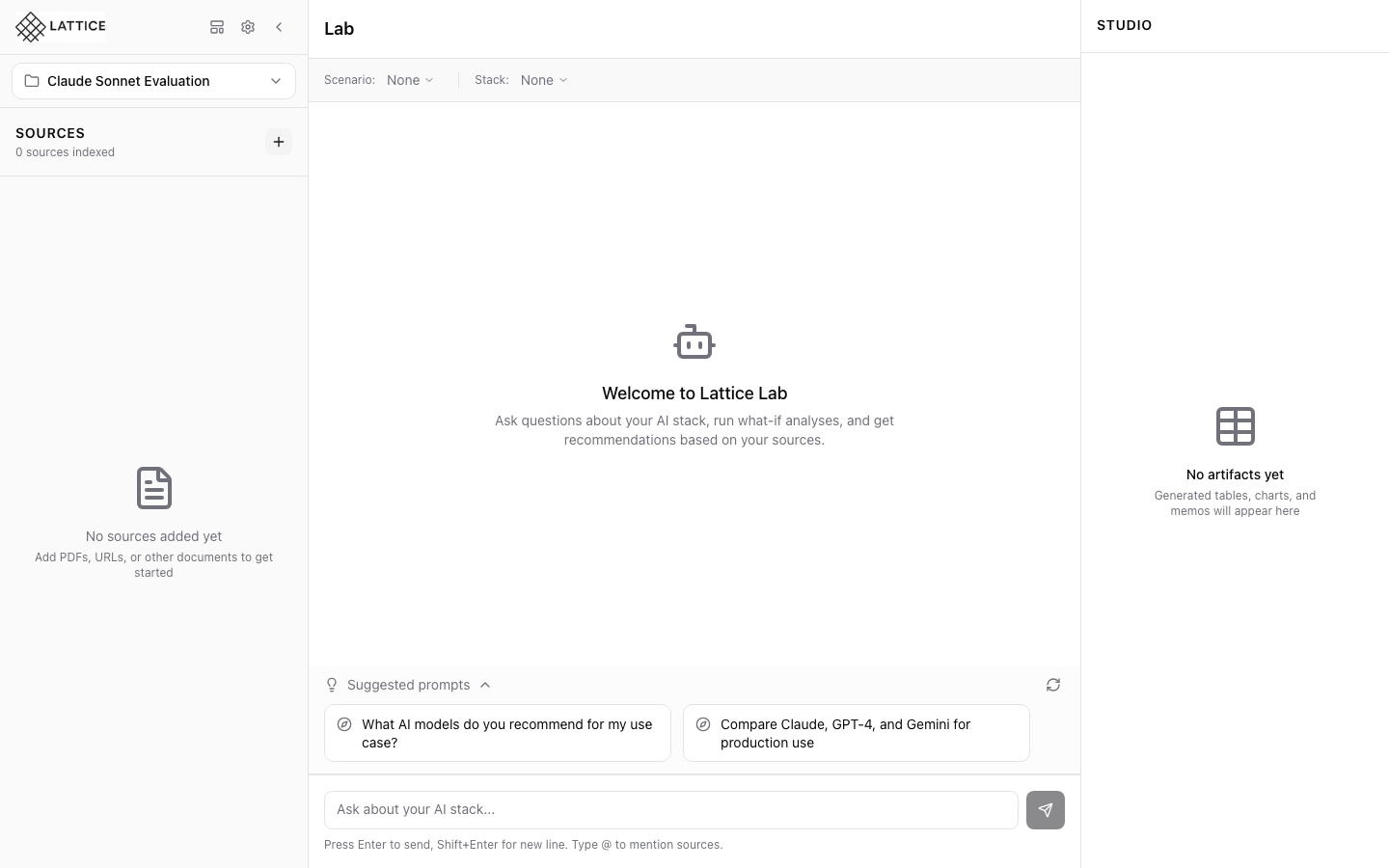
Switching Between Workspaces
Navigate between different research projects while keeping context separate.
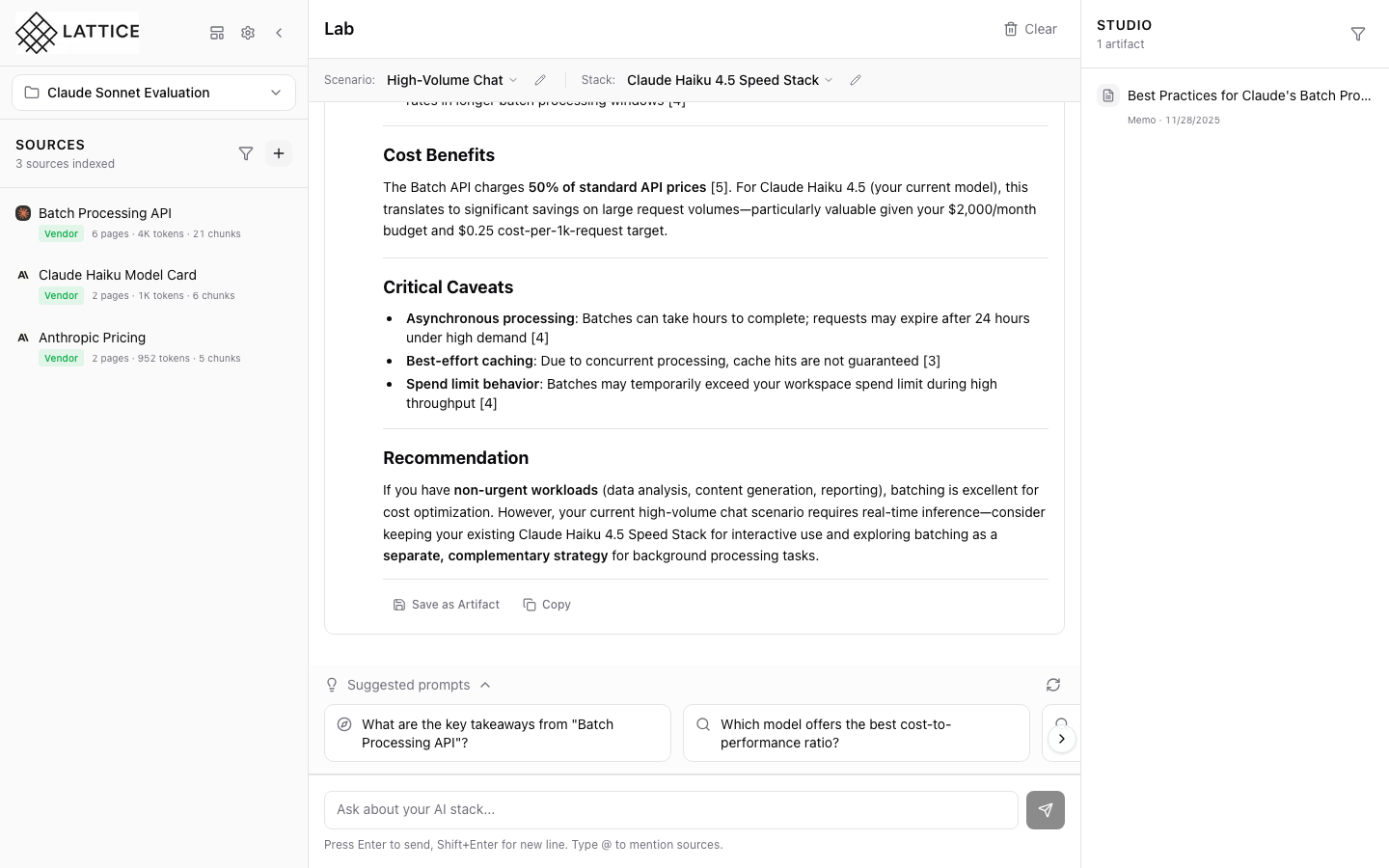
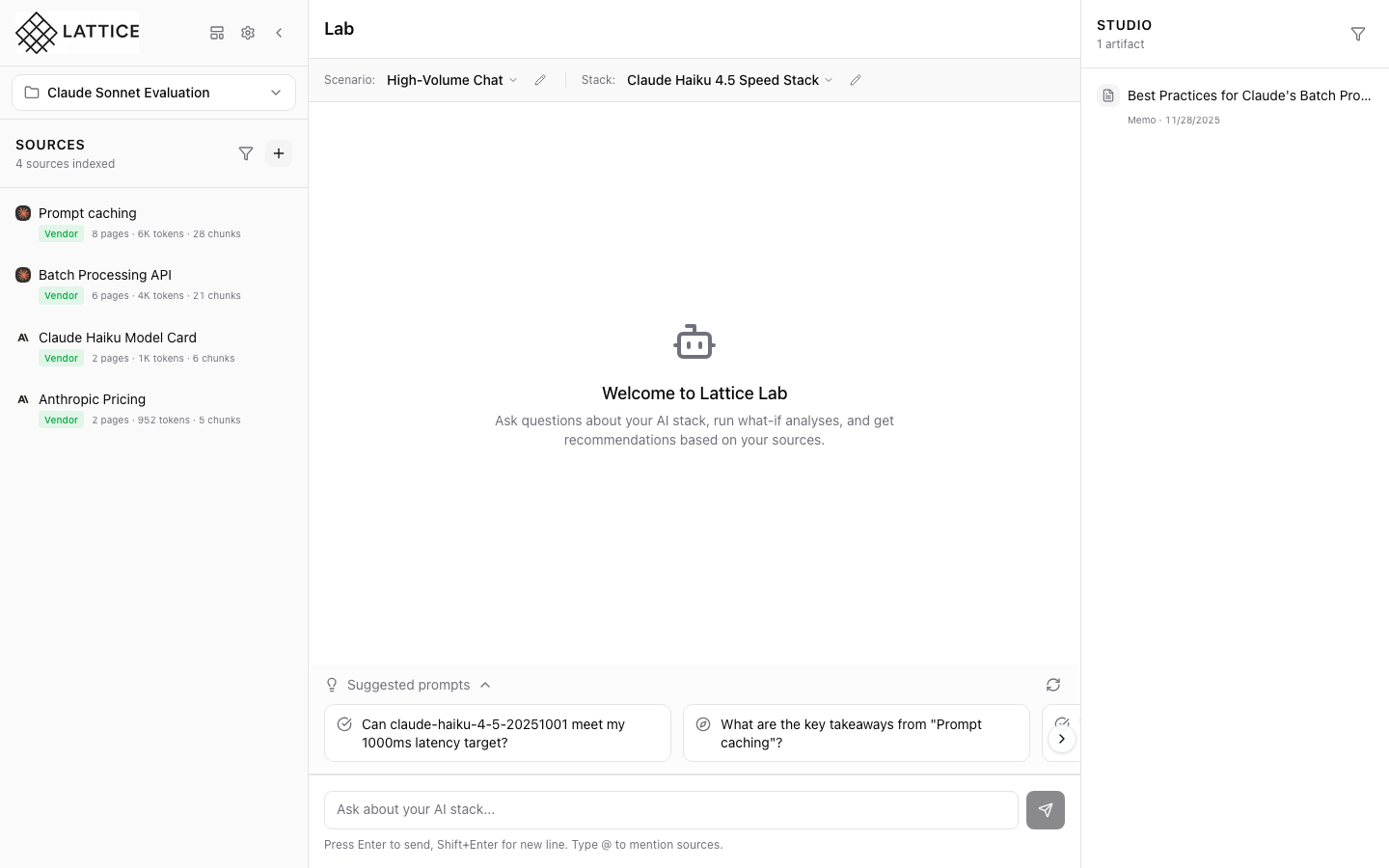
Viewing and Managing Artifacts
Browse your saved artifacts, view full content, and manage your research library.
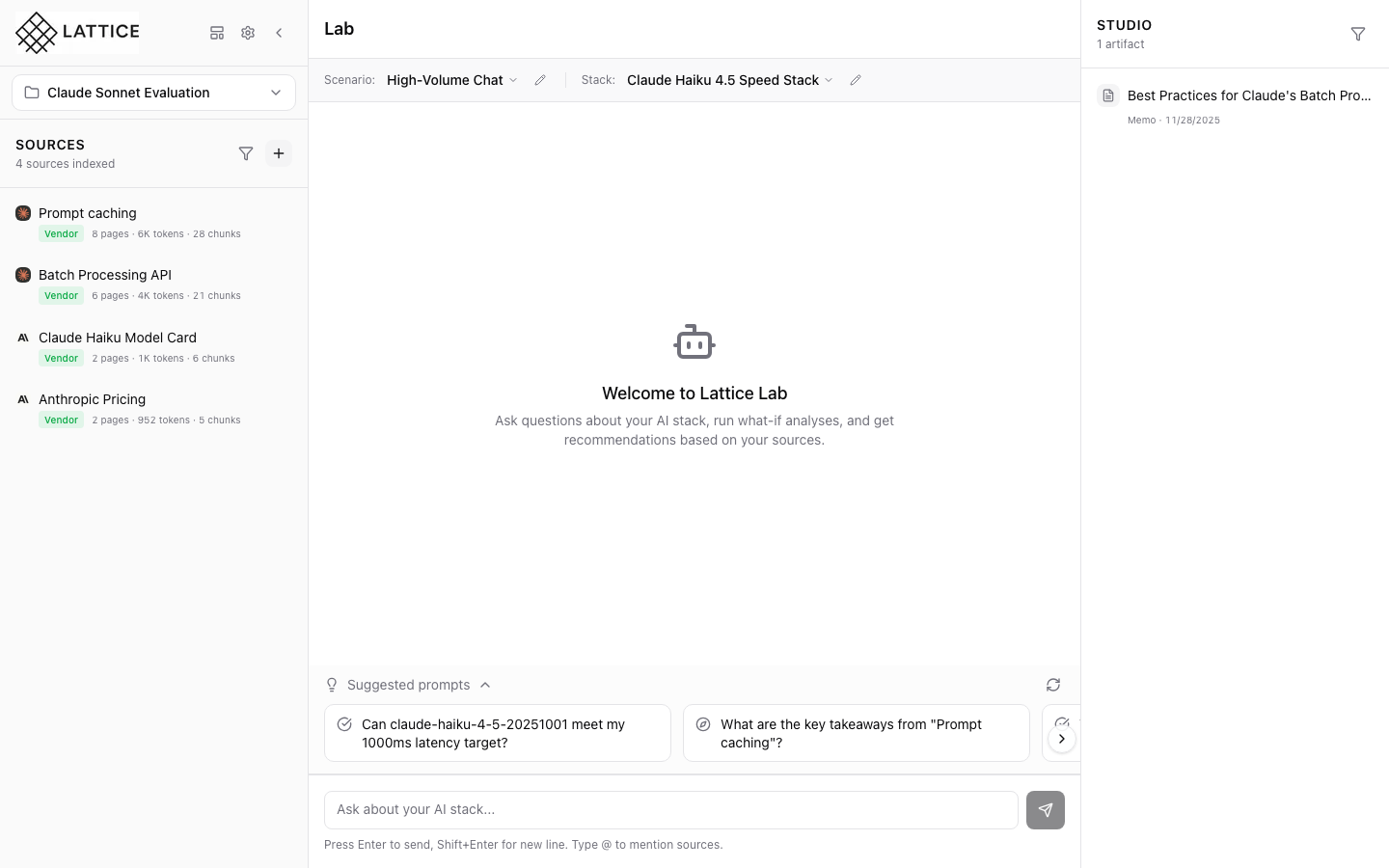
Viewing Source Content
Read and navigate your indexed documents with highlighting and AI-powered explanations.
Ready for Smart AI System Decisions?
Get lifetime access to Lattice and start making confident AI infrastructure decisions today.
Get Lattice for $99