
blueprints filtering navigation
Filtering Blueprints by Vendor and Category
Lattice Lab •
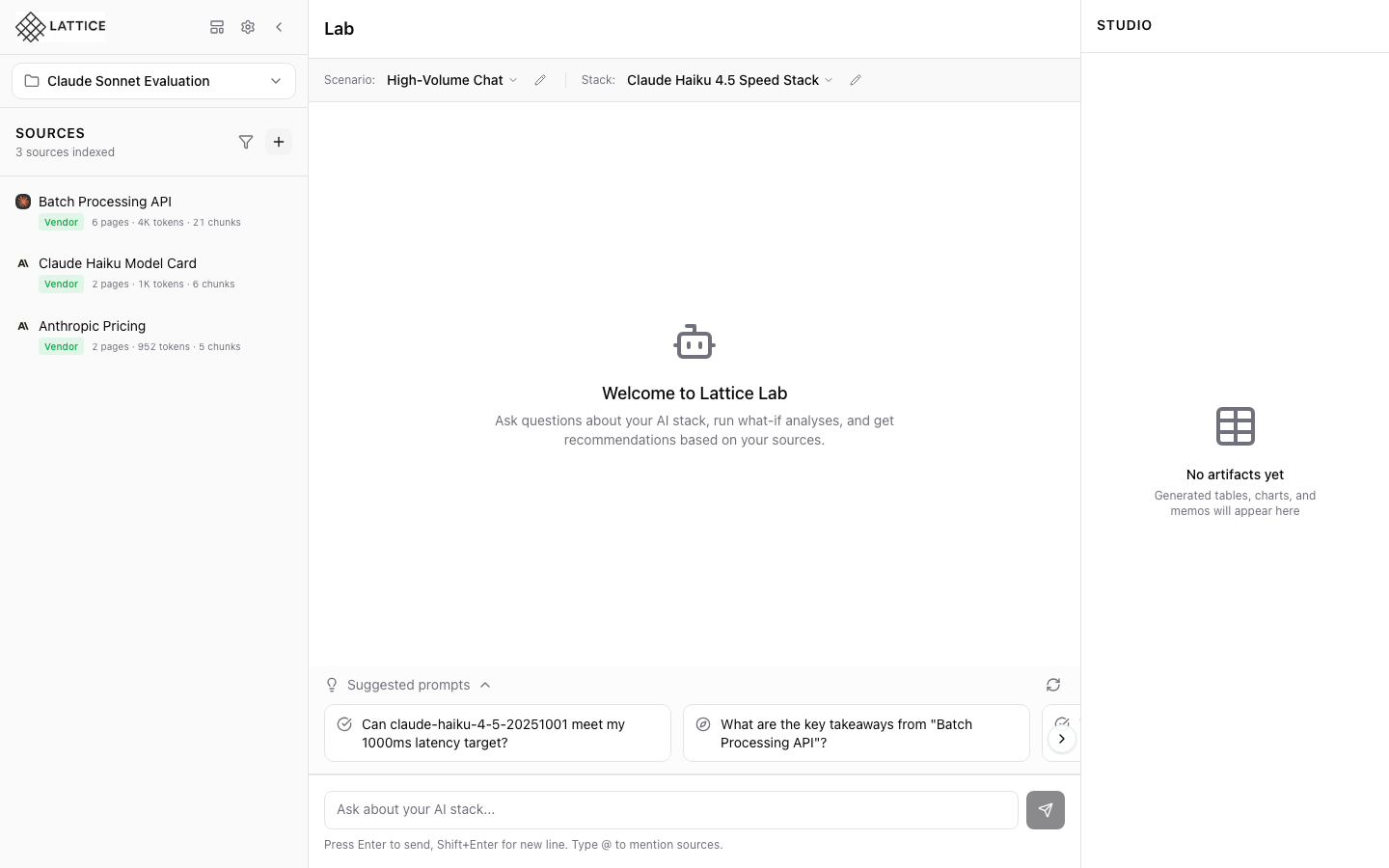
When I know what vendor or use case I need, I want to filter blueprints, so I can quickly find relevant options.
Introduction
With 36 blueprints available, filters help you find exactly what you need. Filter by category, vendor, or both to narrow down your options.
Category Filters
Click category pills to filter:
- Production — Battle-tested configurations
- Development — Experimental setups
- Comparison — Multi-vendor comparisons
- Cost Optimization — Budget-focused options
- RAG — Retrieval-augmented generation
- Agentic — Multi-step agent workflows
Vendor Filters
Color-coded vendor chips:
- Anthropic (orange) — Claude models
- AWS (yellow) — Bedrock services
- Google Cloud (blue) — Vertex AI
- NVIDIA (green) — NIM inference
- Meta (indigo) — Llama models
- Mistral (red) — Mistral AI
Combining Filters
Apply multiple filters simultaneously:
- Category + Vendor narrows results
- Clear filters to see all blueprints
- Results update instantly
Quick Navigation
Filtered views show:
- Blueprint count for current filter
- Matching blueprints only
- Clear all button to reset
Next steps: Preview blueprint details before applying.
Ready to Try Lattice?
Get lifetime access to Lattice for confident AI infrastructure decisions.
Get Lattice for $99