
stacks recommendations ai-powered
Getting Stack Suggestions
Lattice Lab •
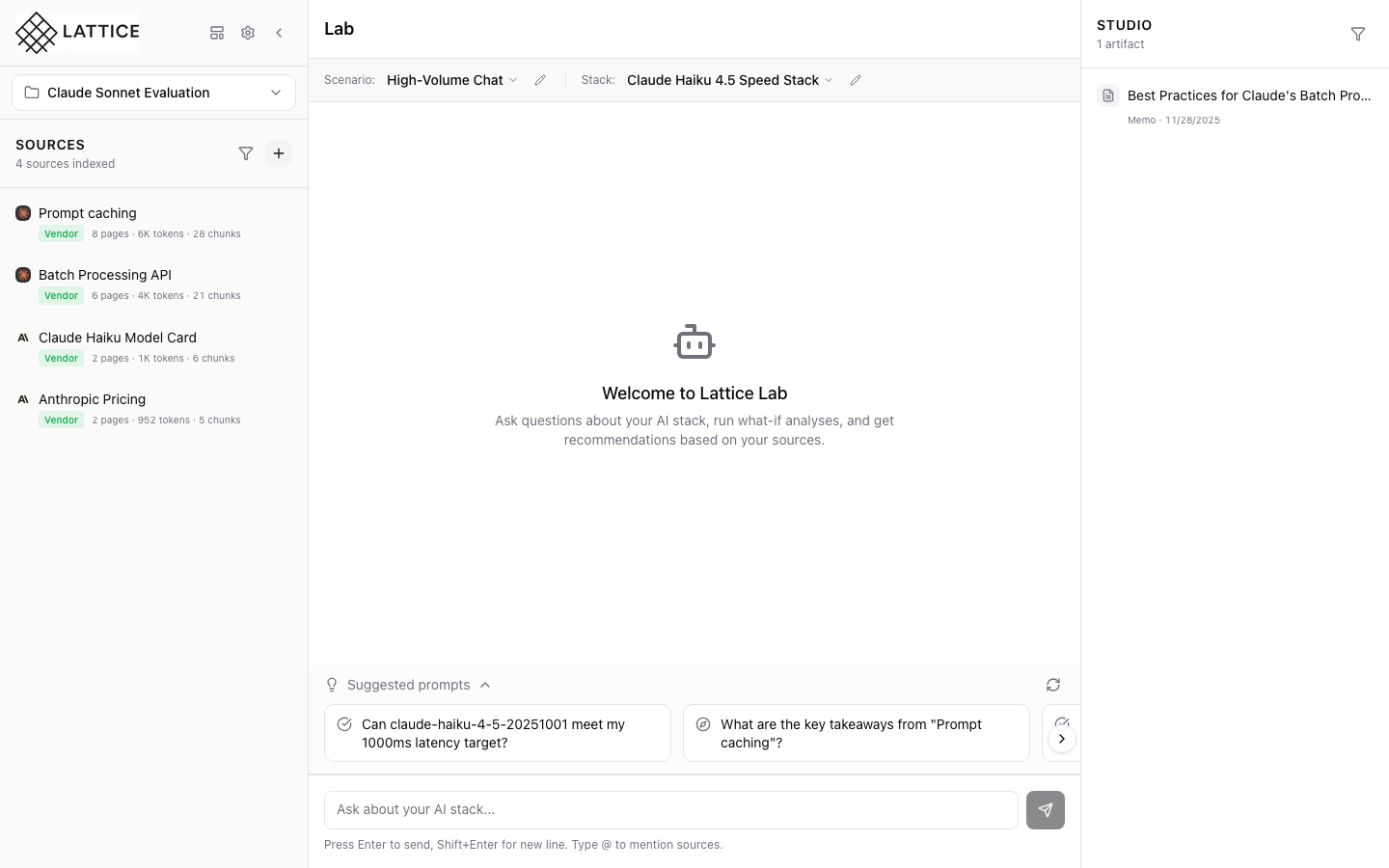
When I have defined my scenario requirements, I want to get stack suggestions, so I can find configurations that meet my constraints.
Introduction
Once you’ve defined a scenario with SLOs, budget, and compliance requirements, Lattice can suggest optimal stack configurations. The AI considers all your constraints to recommend viable options.
How Suggestions Work
Stack suggestions analyze:
- Scenario requirements — Your defined SLOs and constraints
- Source knowledge — Vendor documentation and benchmarks
- Stack compatibility — Which models work with which frameworks
Triggering Suggestions
- Ensure you have an active scenario selected
- Navigate to the Stacks section
- Click Get Suggestion or ask in chat
- Review the recommended configuration
What You Get
Suggestions include:
- Model selection — Provider and specific model
- Framework recommendation — LangGraph, LangChain, etc.
- Hardware configuration — Cloud provider, region, instance type
- Cost estimate — Projected monthly costs
- Rationale — Why this stack meets your needs
Validating Suggestions
Each suggestion includes citations to source documentation explaining:
- Performance characteristics
- Pricing details
- Compliance certifications
Next steps: Create a stack from the suggestion.
Ready to Try Lattice?
Get lifetime access to Lattice for confident AI infrastructure decisions.
Get Lattice for $99