
settings api-keys configuration
Managing API Keys
Lattice Lab •
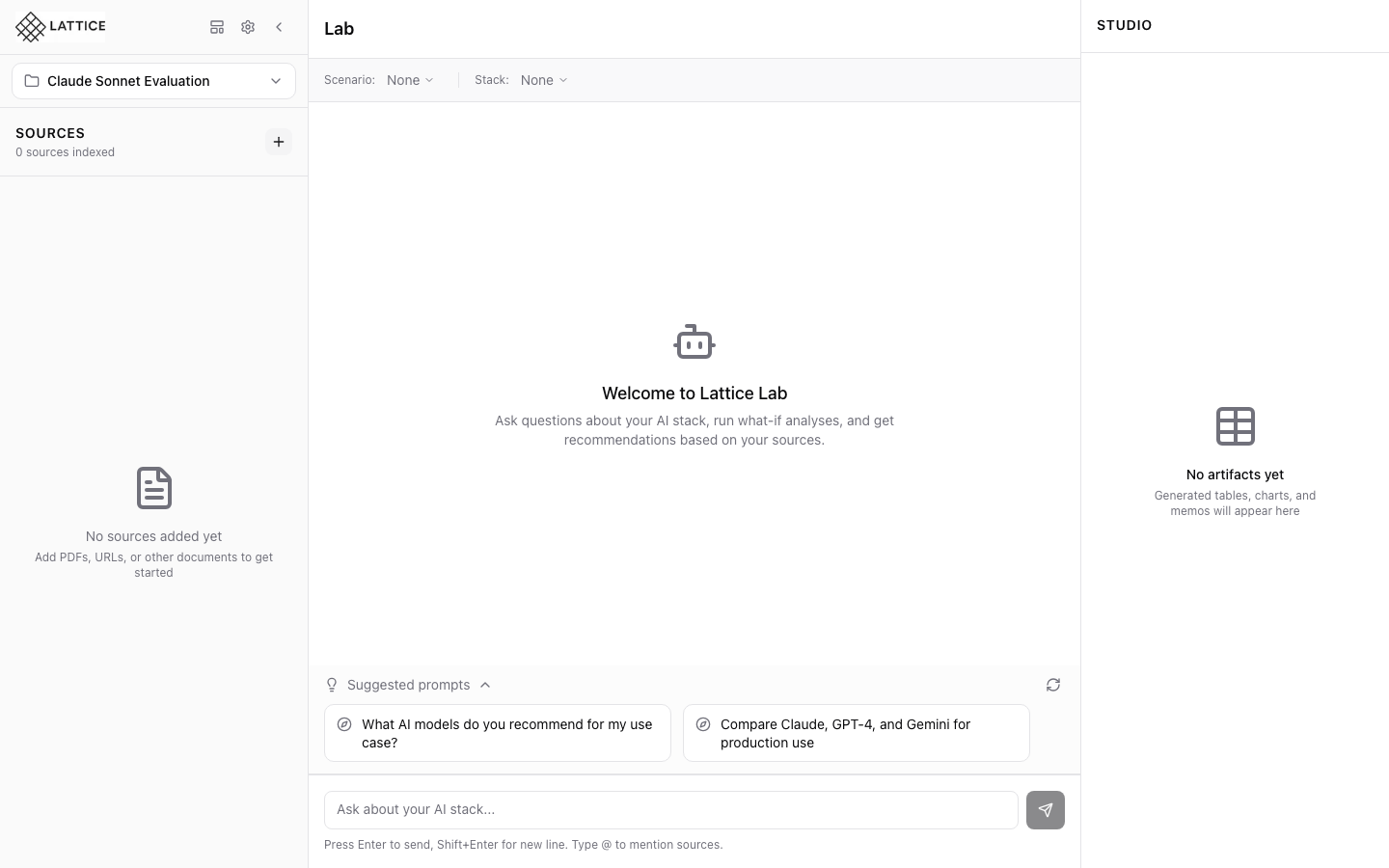
When I want to use different LLM providers, I want to configure my API keys, so I can access Claude, GPT, Gemini, and other models.
Introduction
Lattice uses your own API keys for LLM providers. This keeps your data private and gives you full control over usage costs. Setting up keys is straightforward and secure.
Supported Providers
- Anthropic — Claude Sonnet, Opus, and Haiku models
- OpenAI — GPT-4 and GPT-4 Turbo
- Google — Gemini Pro and Gemini Flash
Adding an API Key
- Open Settings via the gear icon
- Navigate to the API Keys section
- Enter your key for each provider
- Click Save to store securely
Key Security
- Keys are stored encrypted in your local database
- Never transmitted to Lattice servers
- Only used for direct API calls to providers
Getting API Keys
- Anthropic: console.anthropic.com
- OpenAI: platform.openai.com
- Google: makersuite.google.com
Cost Expectations
Typical monthly costs depend on usage:
- Light research: $3-5/month
- Active research: $10-15/month
- Heavy usage: $20-30/month
Next steps: Select your preferred model in Settings.
Ready to Try Lattice?
Get lifetime access to Lattice for confident AI infrastructure decisions.
Get Lattice for $99