
studio artifacts management
Viewing and Managing Artifacts
Lattice Lab •
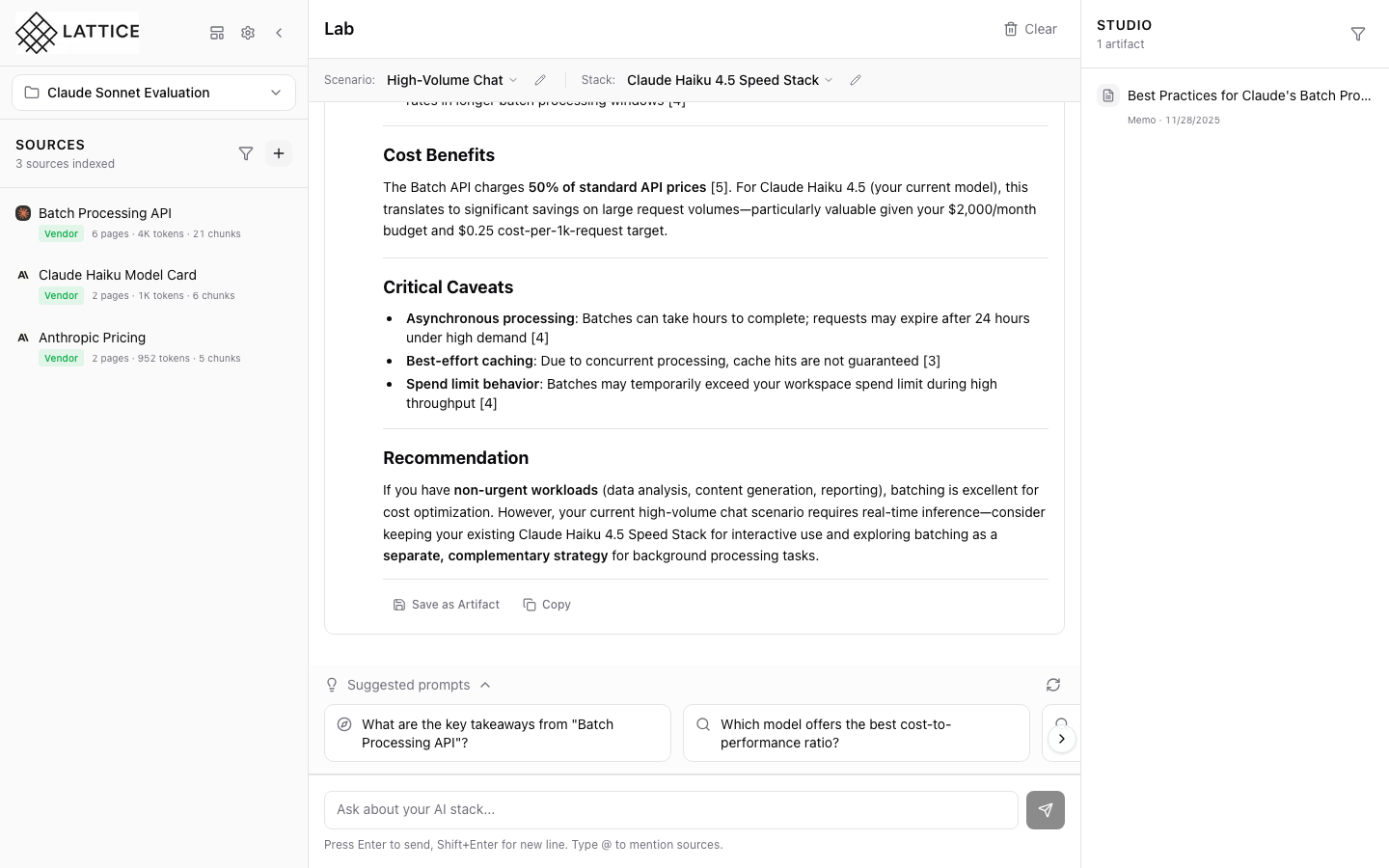
When I want to review past research, I want to view my artifacts, so I can access saved recommendations and analyses.
Introduction
The Studio panel maintains your artifact library. Every saved response becomes a searchable, exportable record of your research findings.
Browsing Artifacts
Artifacts appear chronologically with:
- Title — The name you assigned
- Timestamp — When it was saved
- Preview — First few lines of content
Viewing Full Content
Click any artifact to open the full view:
- Complete markdown content
- Preserved citations and formatting
- Original context information
Managing Artifacts
From the artifact view:
- Copy — Copy to clipboard
- Export — Download in CSV, JSON, or Markdown
- Delete — Remove from library
Searching Artifacts
Use the search bar to find artifacts by:
- Title keywords
- Content text
- Date range
Build a comprehensive research library over time.
Next steps: Export artifacts for stakeholder review.
Ready to Try Lattice?
Get lifetime access to Lattice for confident AI infrastructure decisions.
Get Lattice for $99