
Viewing Source Content
When I want to read a source document, I want to view its content, so I can understand the material my AI recommendations are based on.
Introduction
While Lattice summarizes and cites your sources automatically, sometimes you want to read the original content. The source viewer lets you navigate your indexed documents with full text access.
Opening a Source
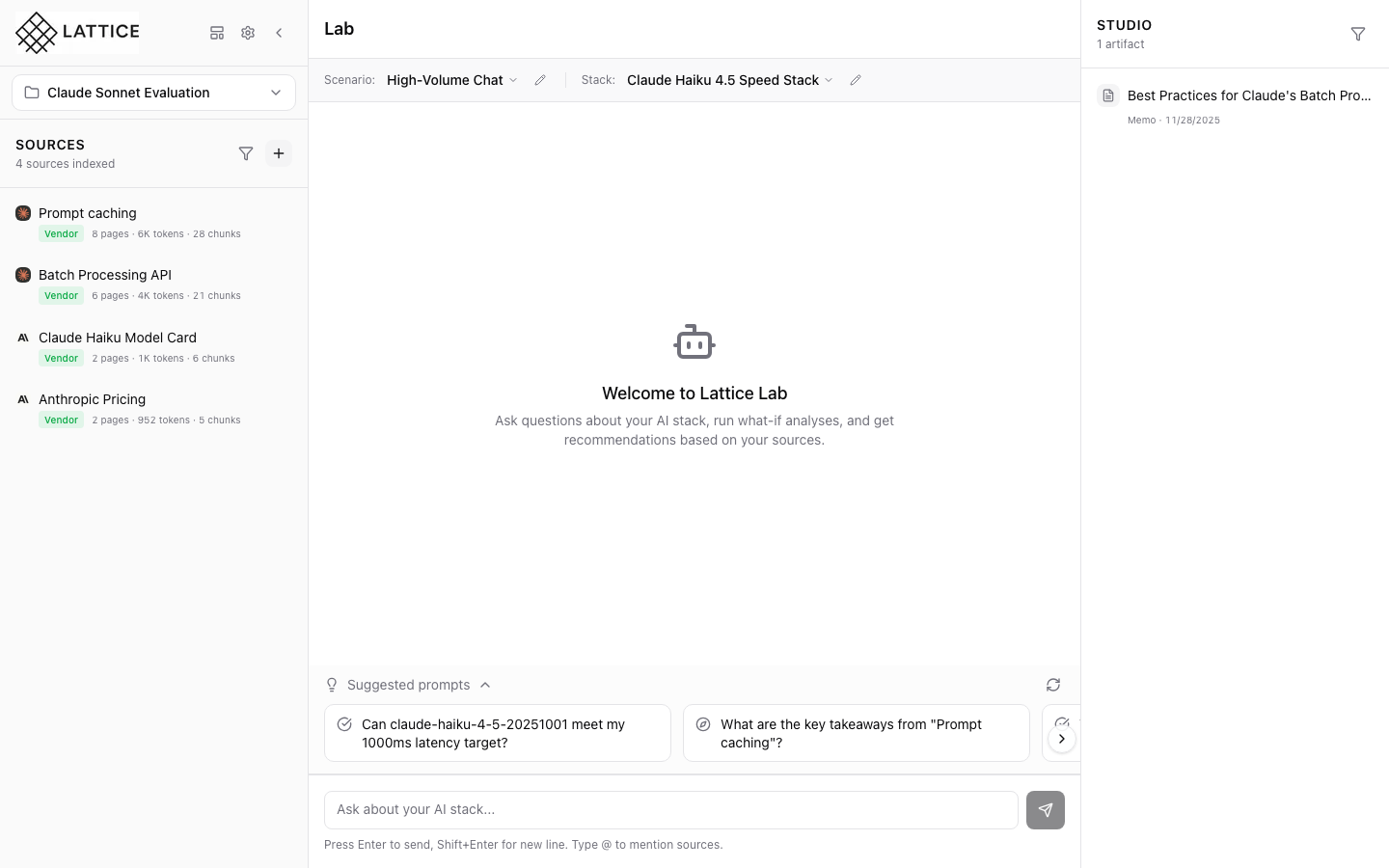
Click any source in the Sources panel to open the viewer. The content displays with:
- Full text — Complete extracted content
- Chunk boundaries — Visual indicators of how content was split
- Search highlighting — Terms that match recent queries
Reading Features
- Scroll navigation — Browse through long documents
- Section headers — Jump to specific parts
- Copy text — Select and copy passages
Ask About Selection
Select any text passage and click “Ask about this” to get AI-powered explanations. The agent will:
- Explain the selected content
- Connect it to other sources
- Answer follow-up questions
Verifying Citations
When reviewing AI responses in the Lab, click citation numbers to jump directly to the relevant source chunk. This lets you verify claims and understand context.
Next steps: Use selection asking for deeper understanding.
Ready to Try Lattice?
Get lifetime access to Lattice for confident AI infrastructure decisions.
Get Lattice for $99