
Beyond Basic Inference: Workflow Templates for Self-Hosting, Distillation, Quantization, and Edge
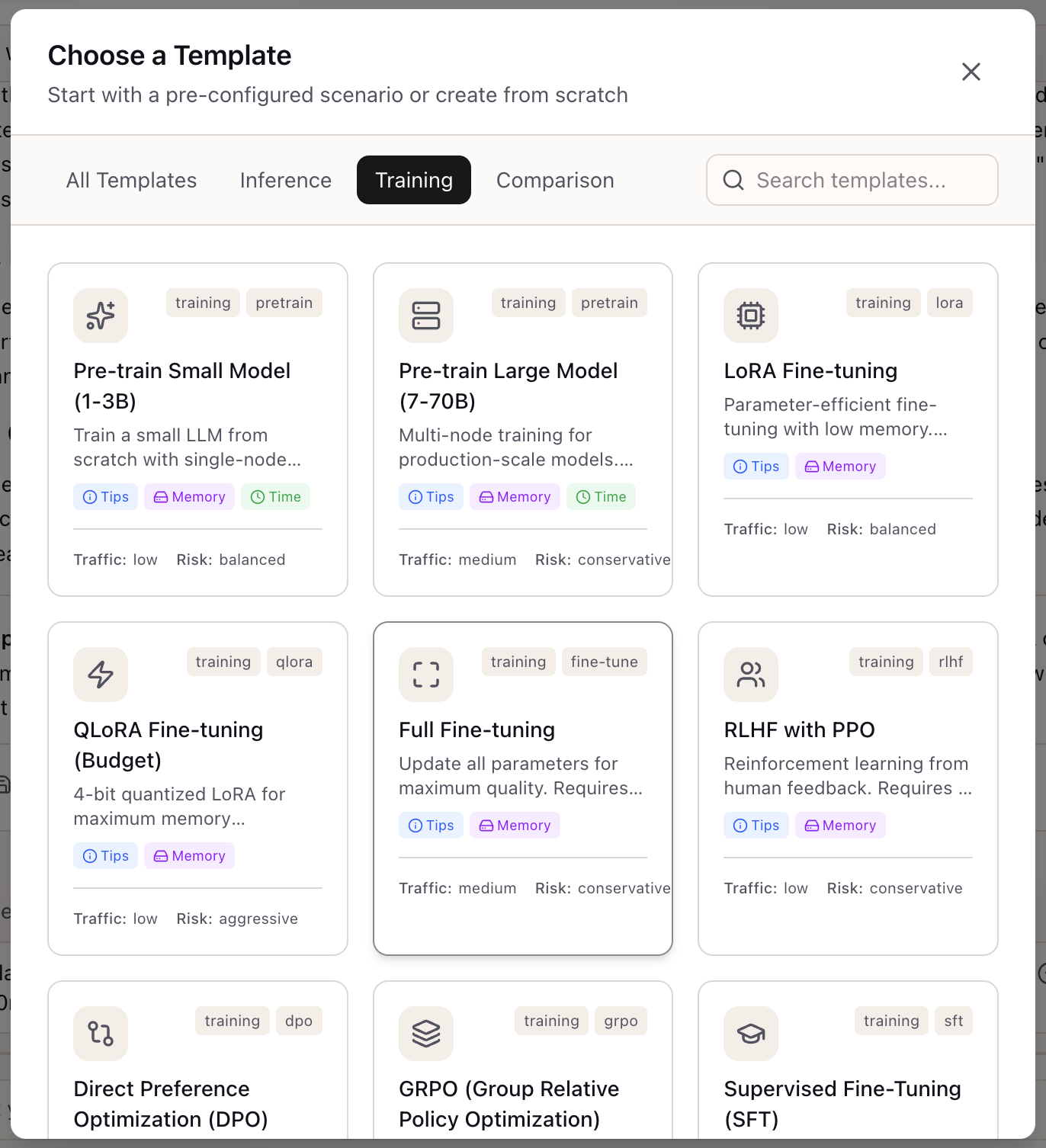
When I need to plan self-hosting, knowledge distillation, quantization, or edge deployment, I want to start from a well-configured template, so I can avoid weeks of trial-and-error with complex configuration parameters.
Introduction
Your team needs to self-host a model in an air-gapped environment. You’ve read the vLLM docs, the security requirements, and the hardware specs. But translating “run Llama 70B on 4x A100s with INT4 quantization behind our firewall” into actual configuration requires expertise that took years to develop—and a week of trial and error even with that expertise.
This scenario multiplies across the advanced AI workflow landscape. Knowledge distillation requires configuring teacher-student relationships, dataset generation budgets, and quality retention targets. Quantization workflows demand calibration dataset selection, bit-depth decisions, and accuracy-vs-speed trade-offs. Edge deployment adds memory constraints, power budgets, and offline requirements.
For ML platform engineers and research leads, the complexity isn’t just technical—it’s organizational. When a stakeholder asks “what would it take to run this model on-premise?”, you can’t answer without hours of research.
How Lattice Helps
Workflow Templates provide pre-built starting points for advanced AI workflows. Each template captures the configuration knowledge that would otherwise require deep expertise: the right serving engine for self-hosting, the calibration dataset size for quantization, the teacher temperature for distillation, the memory constraints for edge deployment.
The templates aren’t just defaults—they’re opinionated configurations based on best practices. “Self-Host - vLLM Production” doesn’t just set the serving engine to vLLM; it configures replica counts, GPU allocation, and scaling parameters appropriate for production workloads.
Workflow Templates in Action
Template Categories
Lattice v0.9.0 includes 13 templates across four workflow categories:
Self-Hosting Templates (3):
- Self-Host - vLLM Production: Production-grade self-hosting with vLLM
- Self-Host - Air-Gapped Enterprise: Self-hosting without internet access
- Self-Host - Ollama Development: Local development with Ollama
Distillation Templates (2):
- Distillation - API to Local Model: Distill from API provider to local model
- Distillation - Large to Small Model: Distill between local models
Quantization Templates (2):
- Quantization - Production Deployment (GPTQ/AWQ): High-throughput quantization
- Quantization - GGUF for Edge: Edge-optimized quantization
Edge Deployment Templates (3):
- Edge - Apple Silicon Deployment: Mac-optimized deployment
- Edge - NVIDIA Consumer GPU: Consumer GPU deployment
- Edge - Mobile Deployment: Mobile-optimized deployment
Applying a Template
When creating a new scenario:
- Open the Scenario creation form
- Select the template from the dropdown
- Review the pre-filled configuration
- Customize any fields for your specific use case
- Save the scenario
Templates populate both scenario configuration and recommended stack settings.
Configuration Schemas
Each advanced workflow uses specialized configuration schemas:
SelfHostingConfig:
{ servingEngine: 'vllm' | 'tgi' | 'triton' | 'ollama' | 'tensorrt'; quantization: 'none' | 'int8' | 'int4' | 'awq' | 'gptq' | 'gguf'; gpuType: string; gpuCount: number; replicas: number; airGapped: boolean;}DistillationConfig:
{ teacherModel: string; teacherProvider: 'openai' | 'anthropic' | 'local'; teacherTemperature: number; studentModel: string; datasetSize: number; datasetGenerationBudget: number; distillationMethod: 'soft_labels' | 'hard_labels' | 'feature_matching'; targetQualityRetention: number;}EdgeDeploymentConfig:
{ targetDevice: 'apple_silicon' | 'nvidia_consumer' | 'cpu_only' | 'mobile'; maxMemoryGb: number; maxContextLength: number; powerBudgetWatts: number; requiresOffline: boolean;}Real-World Scenarios
Self-Hosting for Compliance
A financial services firm needs to run inference without sending data to external APIs. Using the “Self-Host - Air-Gapped Enterprise” template:
- Select the template when creating a new scenario
- Review pre-configured air-gapped settings
- Customize GPU type to match available hardware (H100 instead of A100)
- Adjust replica count for expected traffic
- The template captures security-conscious defaults
Time to first configuration: minutes instead of days.
Distillation Planning
A startup wants to reduce API costs by distilling GPT-4 into a smaller model. Using the “Distillation - API to Local Model” template:
- Select the distillation template
- Review teacher configuration (GPT-4o at temperature 1.0)
- Review student configuration (Llama 8B with soft labels)
- Adjust dataset generation budget to match available funds
- Set quality retention target (90% of teacher quality)
Budget planning: immediate, with clear cost drivers identified.
Edge Deployment Constraints
A robotics team needs to run inference on NVIDIA Jetson devices. Using the “Edge - Mobile Deployment” template:
- Select the edge deployment template
- Change target device from mobile to embedded
- Set memory constraint to 8GB (Jetson Orin Nano)
- Enable offline requirement (intermittent connectivity)
- The template suggests appropriate quantization (GGUF) and serving engine
What You’ve Accomplished
By using Workflow Templates, you can now:
- Start advanced AI workflows from production-ready templates
- Configure self-hosting, distillation, quantization, and edge deployment
- Understand the key parameters that affect each workflow
- Skip weeks of trial-and-error with expert-curated defaults
What’s Next
Related capabilities extend the system:
- Memory Calculator: Validate GPU memory requirements for template configurations
- TCO Calculator: Estimate costs for self-hosting vs. API scenarios
- Scenario Comparison: Compare different template-based configurations
- What-If Panel: Explore variations on template parameters
Workflow Templates are available in Lattice v0.9.0+. Select a template when creating a new scenario to start with best-practice configuration.
Ready to Try Lattice?
Get lifetime access to Lattice for confident AI infrastructure decisions.
Get Lattice for $99